AI Graffiti Logo Generator
Graffiti Logo Maker OnlineTurn Your Name Into a Custom Logo Idea
Enter a brand, artist, crew, or project name. Generate graffiti logo concepts, choose a style and readability level, then refine and download your favorite as PNG, JPG, or WebP.
Works in your browser · Paid AI credits · No subscription
How to Make a Graffiti Logo Online
Start with a name or sketch, choose your style, and generate a graffiti logo concept you can refine and download.
Enter a Name
Type the name you want on the logo. Short names usually produce clearer lettering.
Choose a Style and Readability
Choose a use case, graffiti style, color mood, and aspect ratio. Then set the lettering to Readable, Balanced, or Wild.
Generate Logo Concepts
Generate concepts from your text and settings. Add a prompt or source image when you want more control.
Refine and Download
Compare the results. Create a variation or edit part of an image, then download it as PNG, JPG, or WebP.
Tip: AI may not spell every word correctly. Use short text, start with Readable, and check every letter before downloading.
Create Your First Logo ConceptAI Graffiti Logo MakervsOnline Graffiti Generator
Use the AI maker for styled logo concepts, mockups, and variations. Use the online generator for exact text, manual editing, and transparent PNGs.
AI Graffiti Logo Maker
Best for visual concepts and mockups
- Explore logo concepts, profile badges, stickers, banners, and merch mockups.
- Choose the graffiti style, readability, lighting, colors, and aspect ratio.
- Turn a name, logo, tag, sketch, or wordmark into a new visual concept.
- Create variations or edit part of a generated image.
- Download PNG, JPG, or WebP. AI generation uses paid credits with no subscription.
Online Graffiti Generator
Best for exact, editable text
- Keep every letter exact with manual font, fill, outline, shadow, and background controls.
- See changes instantly and export clean text with a transparent background.
- Create a readable wordmark to use on its own or upload to the AI maker as a source image.
- Use the basic text editor for free without an account.
Not sure which tool fits your project? Read our graffiti generator comparison guide.
Graffiti Logo MakerIdeas You Can Create
Explore nine graffiti logo concepts for brands, creators, shops, music, events, and merch. Open any example to view its prompt and create your own.

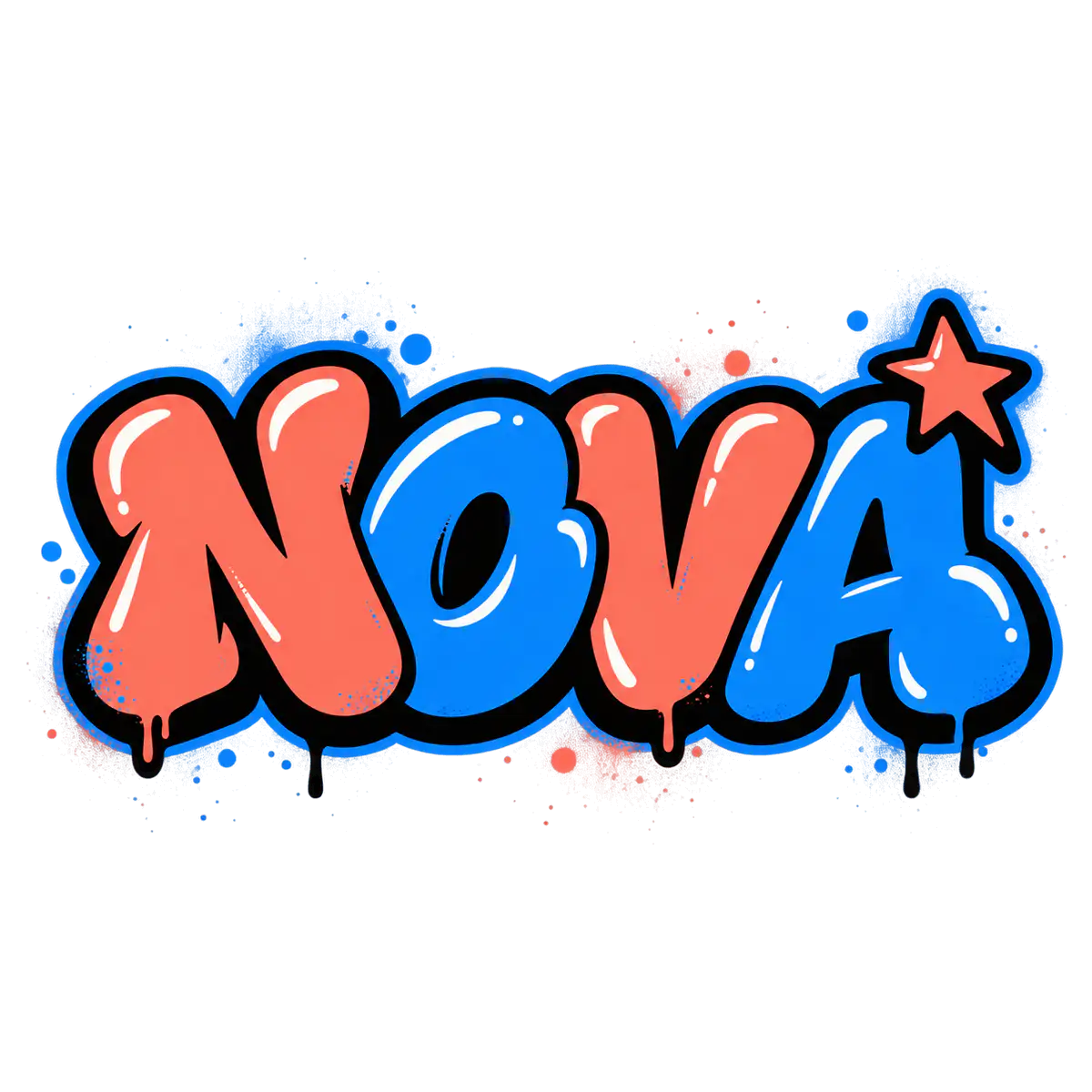
NOVA Bubble Brand Logo
A bright, readable bubble logo for creator brands, labels, and profile images.

VOLT Chrome Music Logo
A metallic 3D logo for DJs, producers, channels, and nightlife projects.

GRIND Block Streetwear Logo
A compact, high-contrast block logo for streetwear, skate shops, and apparel graphics.

SPARK Youth Brand Logo
Rounded letters and one simple accent create a friendly logo that stays easy to read.

ROAST Stencil Shop Logo
A bold stencil logo for cafés, shops, events, and apparel labels.

RUSH Semi-Wildstyle Logo
Connected, angular letters add motion while keeping the name readable.

INK Handstyle Creator Mark
A signature-style mark for artists, barbers, tattooers, photographers, and personal brands.

CREW Community Badge
A compact round badge for teams, collectives, stickers, labels, and profile images.

ECHO Neon Logo
A neon wordmark for music, gaming, streaming, nightlife, and digital campaigns.
Start with one of these styles or describe your own idea.
Create Your Graffiti Logo ConceptGraffiti Logo MakerFor Brands, Merch, and More
See how a graffiti logo works on clothing, storefronts, profiles, stickers, music graphics, and team materials. Compare each format before you publish or print.
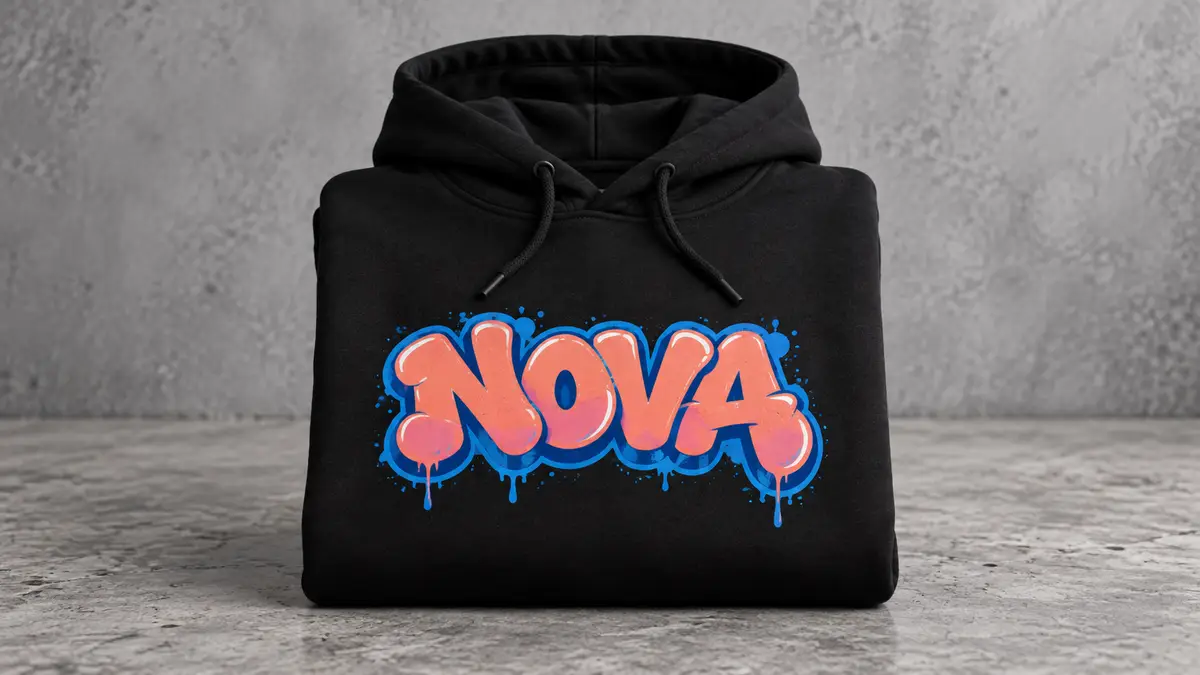
Streetwear and Merch
Test a bold logo on T-shirts, hoodies, neck labels, and packaging. Keep fine details simple at small print sizes.
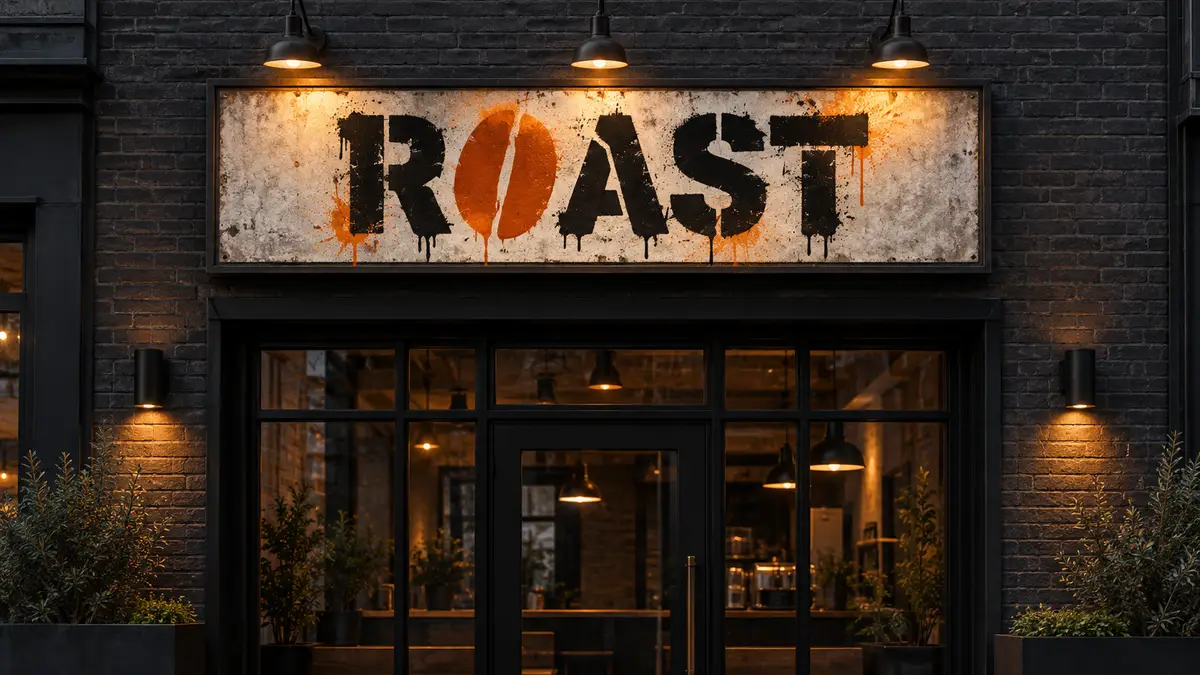
Shops and Local Brands
Preview a graffiti identity for cafés, barbershops, studios, record stores, and apparel shops. Check that the name stays clear on signs and small labels.
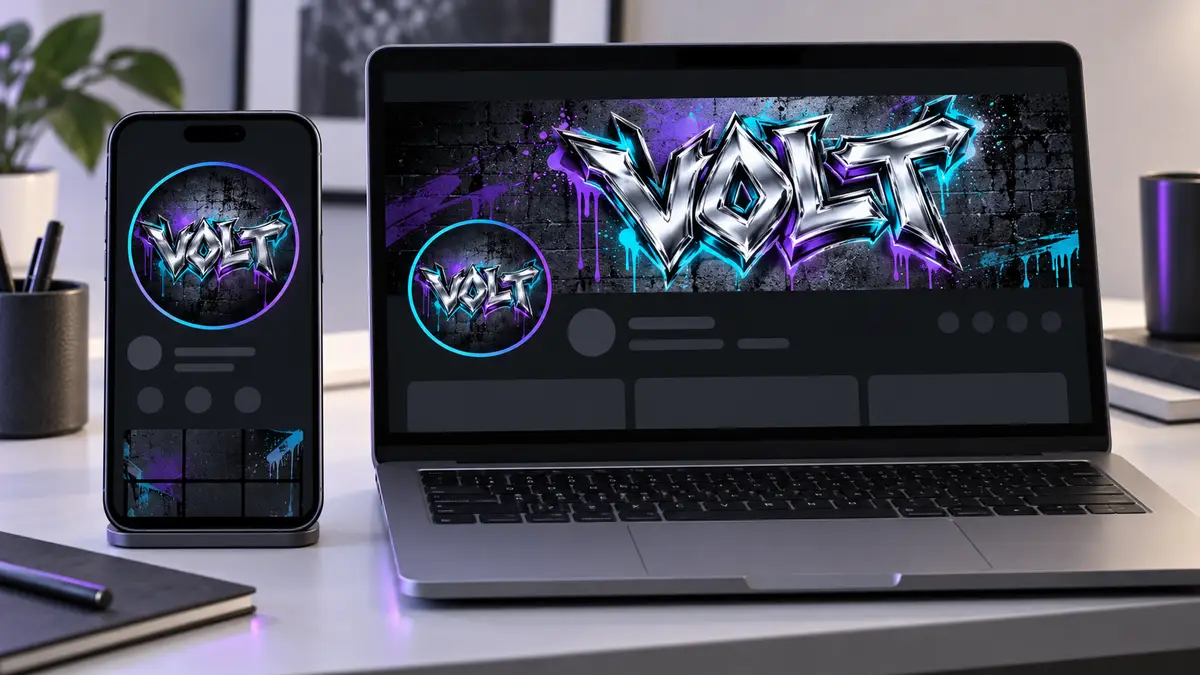
Profiles and Banners
Test a compact profile image and a wide banner for creator pages, streams, launch posts, and channel art.
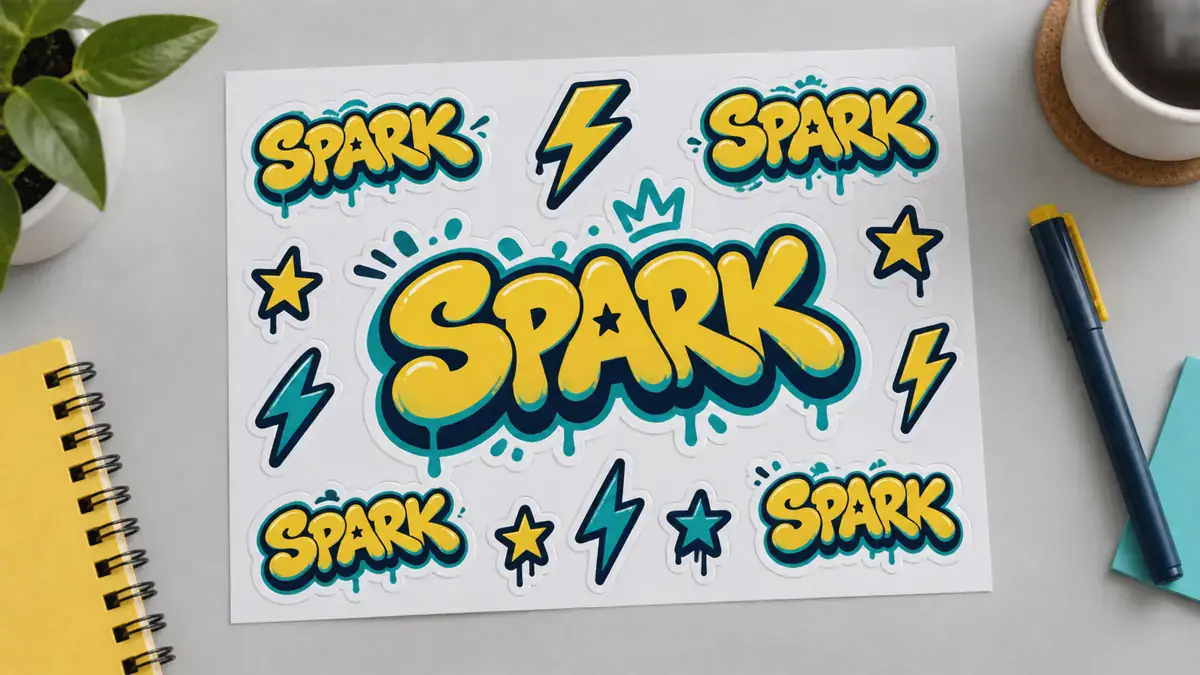
Stickers and Decals
Use short words, thick outlines, and a compact shape so the logo stays clear at smaller sticker sizes.
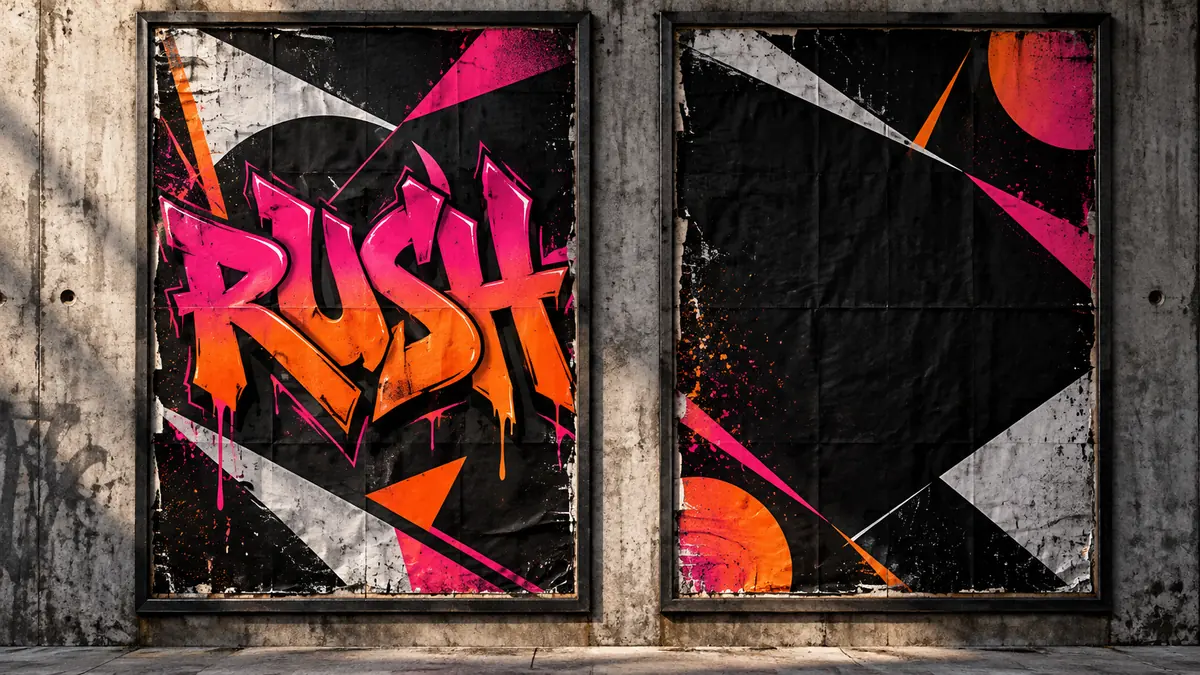
Music and Event Graphics
Create logo concepts for artists, DJs, and live events. Test them on album covers, posters, profile images, and promotional graphics.
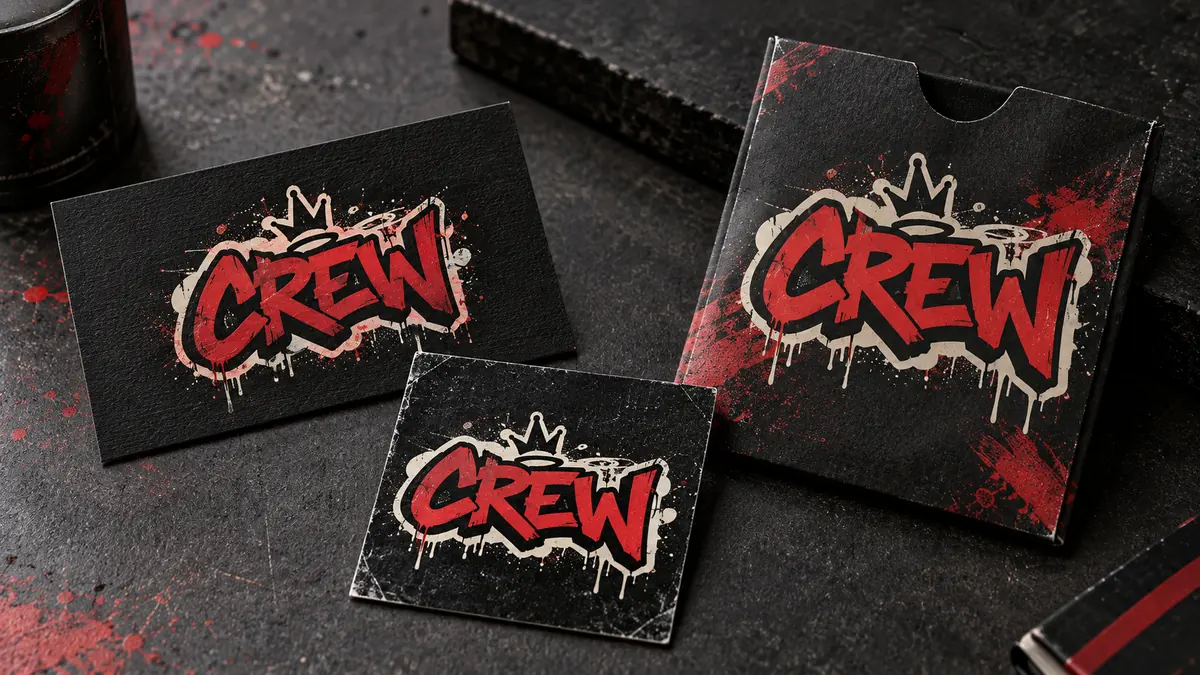
Crews and Creative Teams
Build a compact badge for crews, collectives, and creative teams. Compare it on cards, labels, and packaging before choosing a final shape.
Choose a use case, then create a logo concept for your project.
Create a Logo for Your ProjectGraffiti Logo Maker StylesChoose the Right Look
Start with Block, Bubble, or Stencil when the name must read clearly. Choose Handstyle, Badge, or Semi-Wildstyle for more personality. Add 3D or Neon for depth and atmosphere.
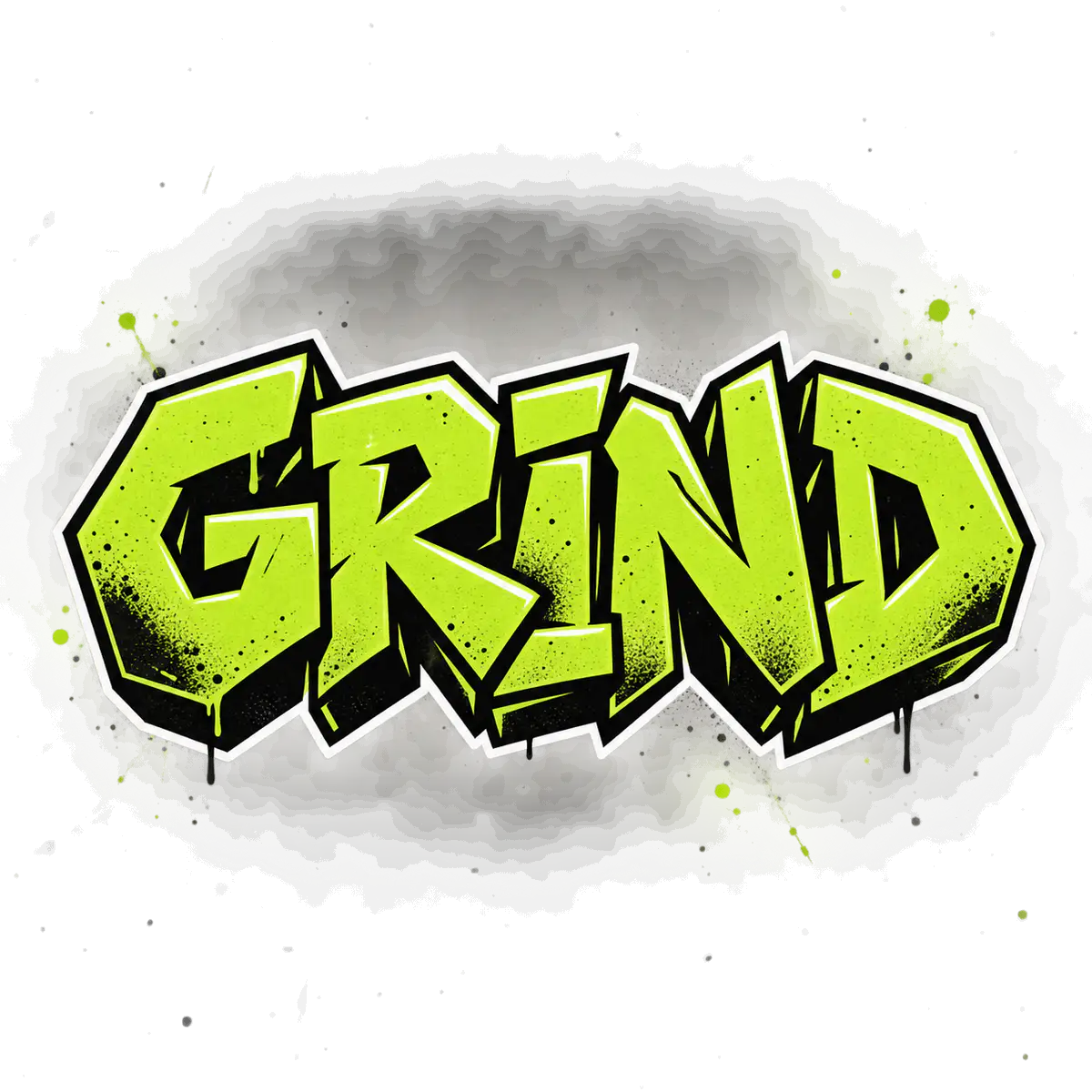
Block Graffiti Logo
Bold, simple letters keep a name clear on storefronts, clothing, labels, and profile images.
Readability: High
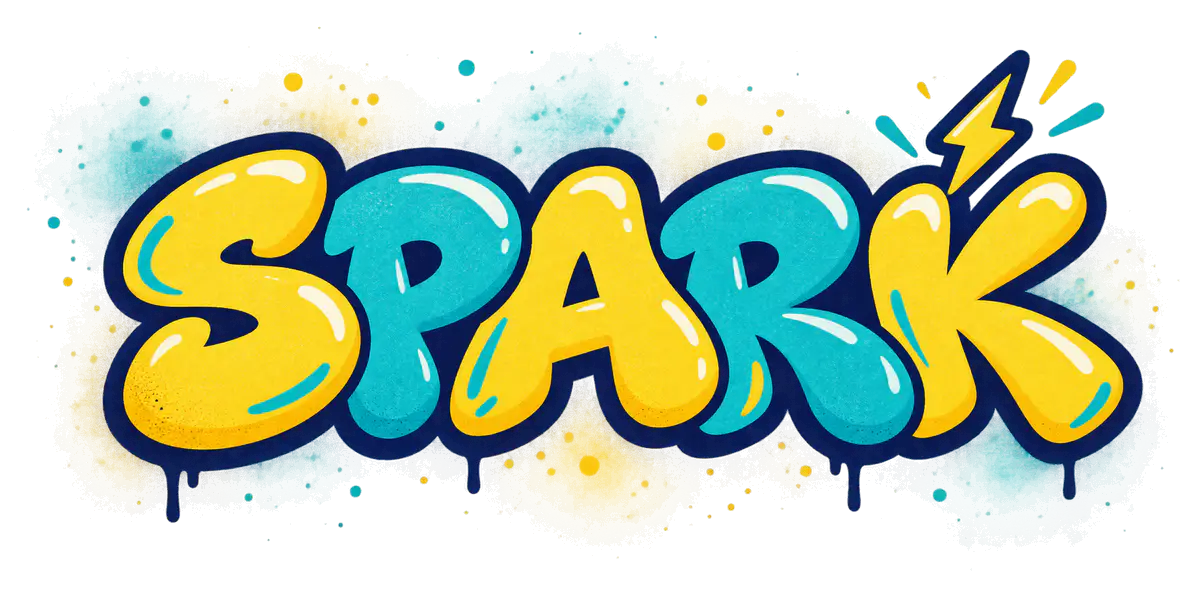
Bubble Graffiti Logo
Rounded letters and thick outlines give stickers, creator brands, and youth projects a friendly look.
Readability: High
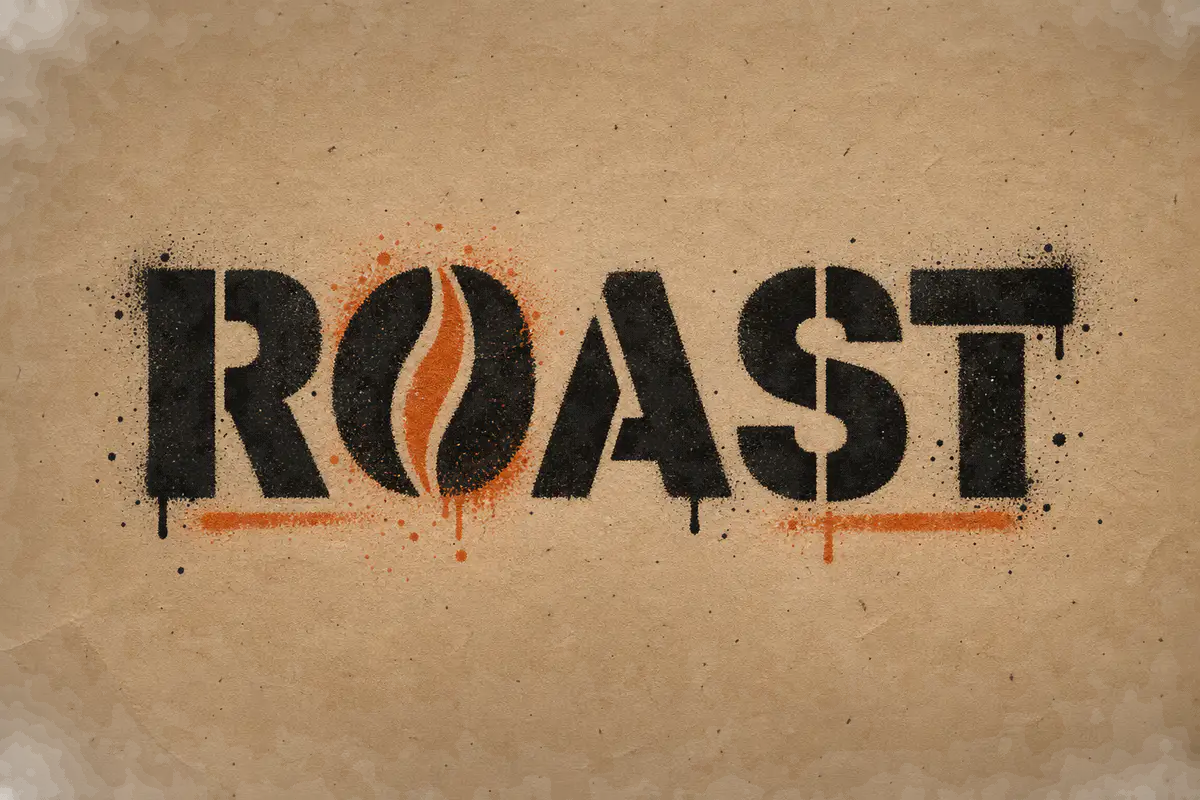
Stencil Graffiti Logo
Sharp cut-out shapes and strong contrast work well for shops, events, labels, and single-color printing.
Readability: High
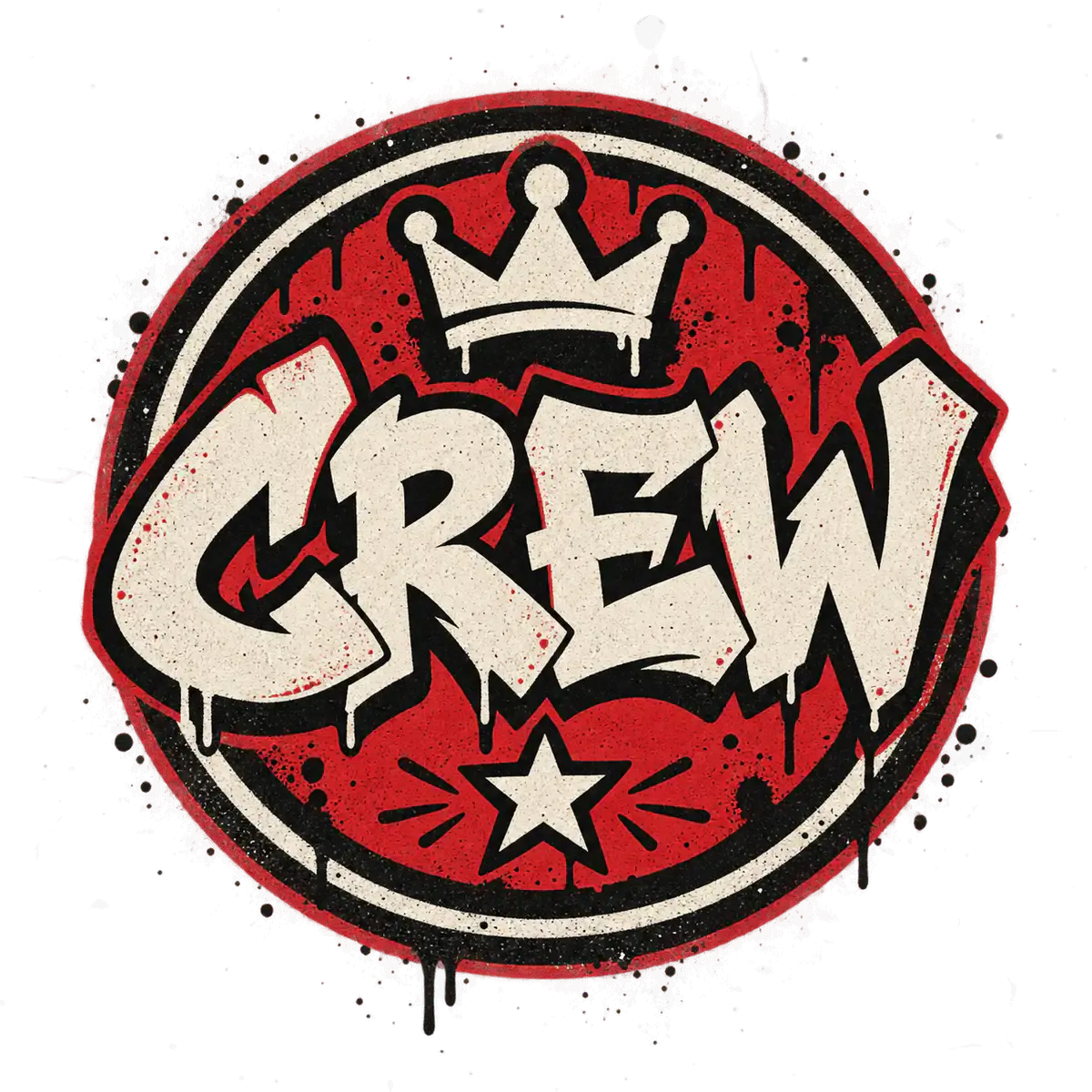
Graffiti Badge Logo
A compact emblem keeps short names together for crew marks, stickers, merch, and social profiles.
Readability: Medium to high
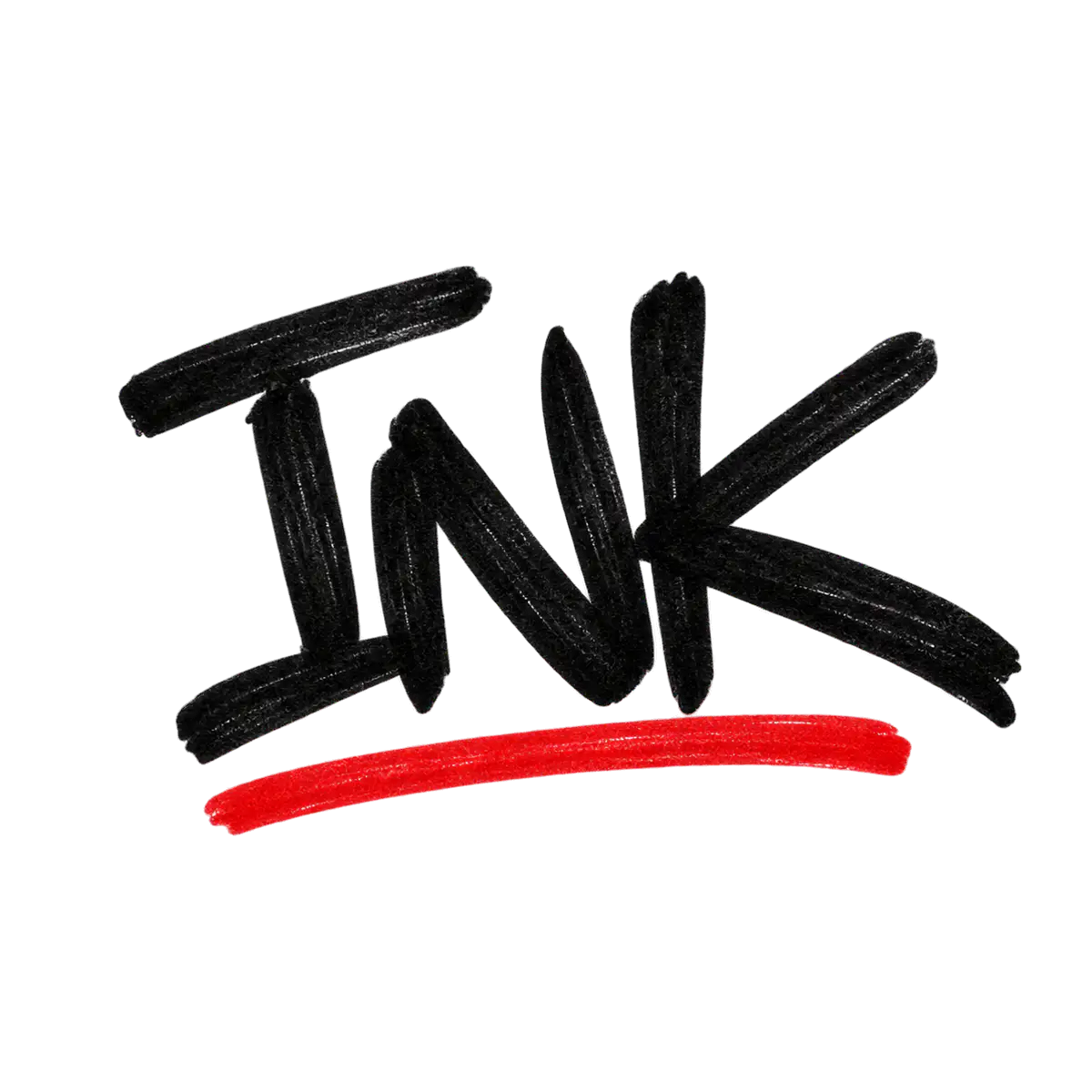
Handstyle Logo
Fast-flowing signature lettering suits artists, barbers, tattooers, musicians, and personal brands.
Readability: Medium
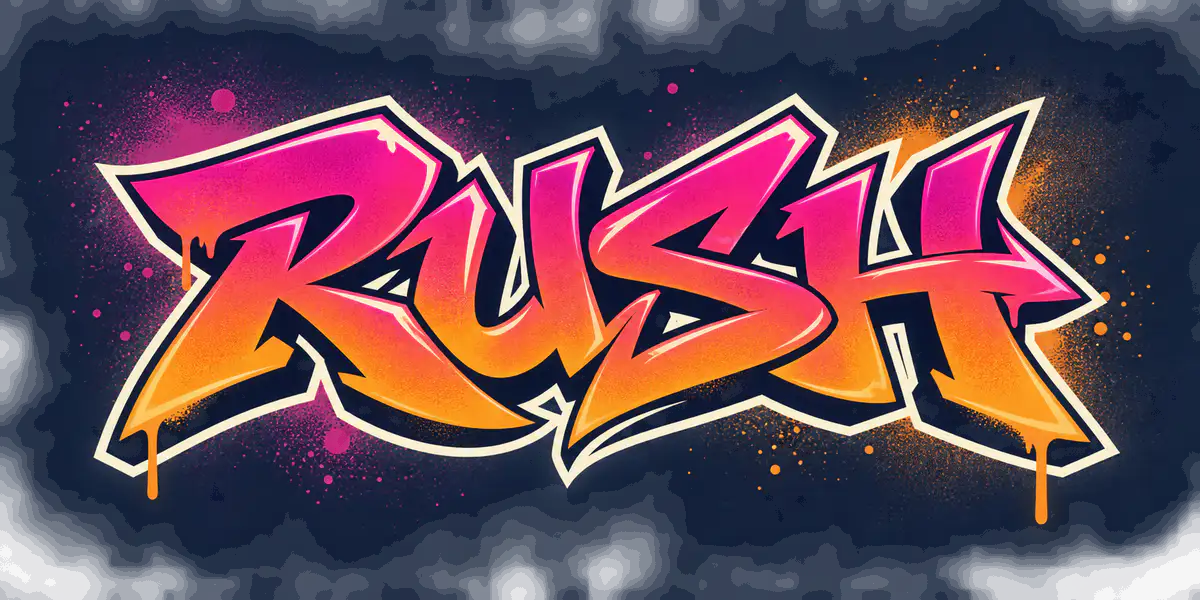
Semi-Wildstyle Logo
Overlaps and sharp angles add energy while keeping most of the name visible. Best for short names.
Readability: Medium
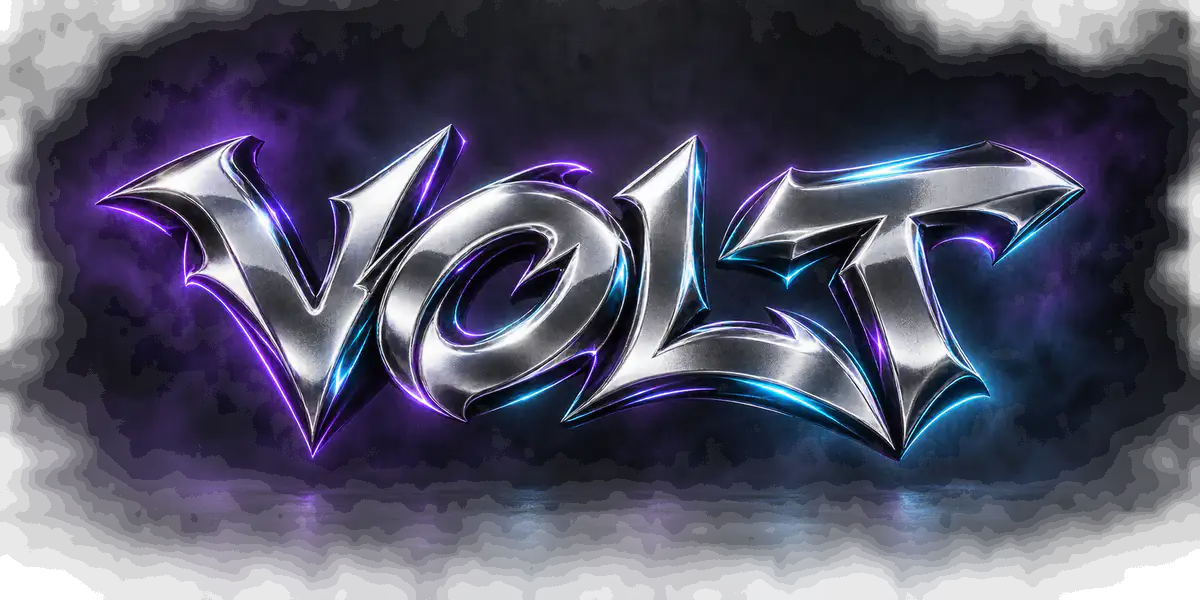
3D Chrome Logo
Depth, highlights, and metallic reflections create a bold look for music, gaming, and nightlife graphics.
Readability: Medium
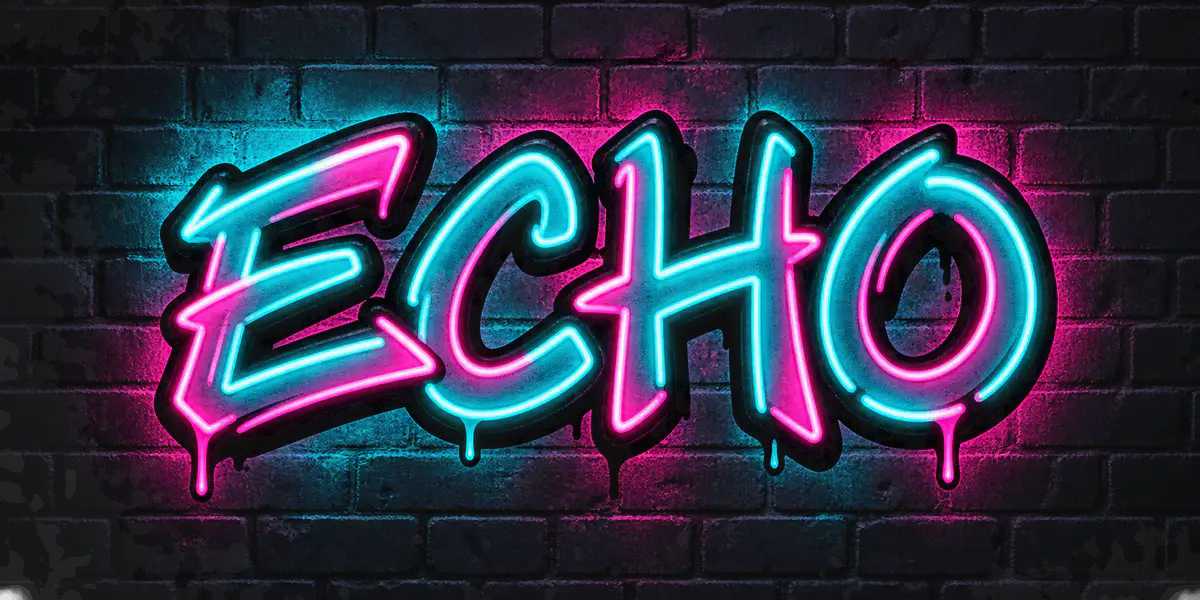
Neon Graffiti Effect
Bright glow and strong contrast suit streaming, gaming, music, and night-event graphics.
Readability: Medium
Graffiti Logo MakerPrompts to Try
Enter your name in the generator. Copy a prompt to guide the lettering, colors, effects, and layout. Use the style and readability shown on each card.
Simple Prompt Formula
Lettering style + letter shape + colors + outline or effect + background + layout
Readable Brand Wordmark
Block · ReadableBold block letters, lime-green fill, thick black outline, plain background, centered composition, no extra words
Friendly Sticker Logo
Bubble · ReadableRounded bubble letters, bright yellow and teal fill, thick sticker outline, compact centered shape, plain background, no extra text
Chrome Music Logo
3D Style · BalancedBeveled chrome letters, silver finish, purple and cyan rim light, centered composition, clean dark background, no extra text
Creator Signature
Handstyle · BalancedConfident black marker strokes, one red underline, compact signature shape, plain white background, no extra symbols
Urban Stencil Mark
Stencil Art · ReadableSharp stencil letters, black spray texture, burnt-orange accent, high contrast, limited two-color palette, simple background
Expressive Event Logo
Semi-Wildstyle · BalancedConnected angular letters, magenta and orange gradient, bold cream outline, clear main letter shapes, clean dark background
Generation Notes
Make a Graffiti Logo That Still Reads Like a Logo
Spray texture and drips do not make a useful identity on their own. The name still needs clear letter structure, a memorable silhouette, and enough contrast for the size where people will see it.
Start in Readable mode. Move to Balanced or Wild only when the added movement improves the mark without hiding the name.
Keep the main letter shapes visible. If two characters merge, try a shorter name or a simpler Block, Bubble, or Stencil direction.
Use one or two strong effects. A clear fill, outline, and controlled shadow often work better than stacking glow, chrome, drips, arrows, and splatter.
Zoom out before choosing a result. A detailed logo may work on a poster but lose important shapes in a profile image or mobile header.
Graffiti Logo, Graffiti Tag, or Graffiti Lettering?
Choose a logo for a repeatable brand identity or a tag for a personal alias. Choose lettering for posters, headlines, and larger artwork.
Best for brands
Graffiti Logo
A repeatable mark for a brand, artist, shop, team, or project. It works across profiles, signs, packaging, and merch.
Create a Graffiti LogoBest for aliases
Graffiti Tag
A personal signature built around a short alias. Choose it when rhythm, movement, and handstyle matter most.
Create a Graffiti TagBest for visual text
Graffiti Text & Lettering
Decorative text for a word, headline, or short phrase. Use it for posters, album covers, banners, and mural concepts.
Create Graffiti LetteringTurn a Sketch or Logo Intoa Graffiti Logo Concept
Upload a clear sketch, tag, wordmark, or existing logo. Choose how closely the AI should follow its shapes, colors, and layout.
Upload a Clear Source
Use a sharp JPG, PNG, or WebP with visible letters and strong contrast. Avoid blur, glare, and busy backgrounds.
Choose Image Strength
Low explores a new direction. Medium keeps the main composition. High stays closer to the original layout and shapes.
Tell the AI What to Keep
Name the letters, colors, underline, silhouette, or layout you want to preserve.
Compare and Review
Compare the spelling, letter shapes, color, and balance. Check your right to use the source image before publishing.
Image Strength guides the result; it does not guarantee an exact copy. Source-image generation requires sign-in and paid credits.
Download Your Graffiti Logoas PNG, JPG, or WebP
Choose the resolution before you generate. Check every letter and the background, then download your result.
Choose 1K, 2K, or 4K
Use 1K to test ideas, 2K for larger digital layouts, and 4K when you need more pixels. A 1K, 2K, or 4K image uses 10, 15, or 20 credits. Starter supports 2K; Standard and Premium support 4K.
Choose a File Format
Use PNG for sharp graphics, JPG for easy sharing, or WebP for websites. All are raster files. An AI-generated PNG does not guarantee a transparent background.
Understand Commercial Use
Paid-credit generations include commercial use. You are still responsible for names, trademarks, fonts, source images, and other inputs.
Commercial use is subject to our Terms. It does not provide trademark clearance or exclusive ownership.
Unlock More Graffiti Logo Ideas
Buy credits once to generate more directions, edit results, and create higher-resolution files for profiles, banners, merch concepts, events, and client presentations.
Starter
A low-risk pack for one small 1K or 2K project.
100 credits
+20 bonus if eligible · Sign in to confirm
About 10 images at 1K
No subscription, just credits
Credits never expire
AI pack includes
- Included: AI generation up to 2K
- Included: Reference-image generation
- Included: Commercial use for generated images
- Included: AI generation credits
- Included: Watermark-free AI downloads up to 2K
- Included: Reference-image generation
- Included: Commercial use for generated images
- Included: Credits never expire
- Included: Standard generation queue
- Not included: 4K generation
- Not included: Email support
Standard
Best value for regular projects and 4K generation.
350 credits
+50 bonus if eligible · Sign in to confirm
About 35 images at 1K
Best value, no monthly bill
Credits never expire
AI pack includes
- Included: AI generation up to 4K
- Included: Reference-image generation
- Included: Priority generation queue
- Included: AI generation credits
- Included: Watermark-free AI downloads up to 4K
- Included: Reference-image generation
- Included: Commercial use for generated images
- Included: Credits never expire
- Included: Priority generation queue
- Included: Email support
- Not included: Priority support
Compare pack prices
Standard: +$5.00 · +250 credits
Free for everyone
Text graffiti editor, all font styles, and PNG/JPG exports do not require an AI credit pack.
No subscription or recurring charge. Credit packs are one-time purchases, and included credits do not expire.
Graffiti Logo Maker FAQ
What is a graffiti logo maker?
A graffiti logo maker turns a brand name, artist name, crew name, or gamer tag into a graffiti-style logo image. This AI tool creates logo concepts with selectable styles, readability levels, color moods, layouts, and resolutions.
How do I make a graffiti logo online?
Enter a short name, choose a use case and graffiti style, then set the readability and output options. Add a prompt or source image when you want more control. Generate a few concepts, compare them, and download or edit your favorite.
Is this graffiti logo maker free?
AI logo generation uses paid credits. Credit packs are one-time purchases with no subscription, and the credits do not expire. For free, exact graffiti text, use the Online Graffiti Generator.
Can AI spell my logo text correctly every time?
No. AI can merge, repeat, or replace letters, especially in long names and complex styles. Three to six letters usually work best. Start with Readable mode and check every letter before publishing.
Should I use the AI logo maker or the free online generator?
Use the AI maker for richer logo concepts, mockups, variations, and source-image transformations. Use the free Online Graffiti Generator for exact spelling, manual controls, and transparent text. If every letter must be correct, start with the free generator.
Does it work on mobile, or do I need an app?
It works in a supported browser on phones, tablets, and computers. There is no app, APK, mod APK, or desktop program to install.
Which graffiti logo styles are easiest to read?
Block, Bubble, and Stencil usually give the clearest letters. Handstyle and Semi-Wildstyle add more movement but can be harder to read. Complex Wildstyle works best for short names.
Can I use specific brand colors?
You can choose a color mood or describe the colors you want in the prompt. AI may create a close visual direction, but it does not guarantee an exact HEX, RGB, CMYK, or Pantone match.
Can I upload an existing logo, tag, or sketch?
Yes. After signing in and choosing a paid credit pack, upload a JPG, PNG, or WebP source image. Use Image Strength to control how closely the result follows its shapes and layout. You can then create variations or edit part of the generated image.
What formats and resolutions can I download?
Download AI logo concepts as PNG, JPG, or WebP. A 1K, 2K, or 4K image uses 10, 15, or 20 credits. Starter supports up to 2K; Standard and Premium support 4K. SVG, AI, EPS, and layered vector files are not available.
Can I download a transparent graffiti logo?
The AI maker does not guarantee a transparent background. A PNG can still contain a solid or illustrated background. If transparency is essential, use the Online Graffiti Generator or remove the background separately.
Can I use my graffiti logo commercially or on merch?
Paid-credit generations include commercial use under our Terms, including merchandise and client work. You are still responsible for names, trademarks, fonts, and source images. Results are not guaranteed to be unique, trademark-safe, or exclusive.
Create Your Graffiti Logo Concept Online
Start with a short name or sketch. Choose a style and readability level, then generate graffiti logo ideas for your brand, merch, music, or profile.
Paid AI credits · No subscription · PNG, JPG, or WebP downloads
More Graffiti Tools
Need exact text, a personal tag, font-style lettering, or a full street-art image? Choose the tool that matches the job.
Online Graffiti Generator
Exact spelling, manual controls, transparent PNG, and fast readable text.
Open toolGraffiti Name Generator
Turn a nickname, creator name, or gamer tag into personal name art.
Open toolGraffiti Tag Generator
Create short handstyle tags and signature-style alias marks.
Open toolGraffiti Text Generator
Create word art for slogans, posters, headlines, and banners.
Open toolGraffiti Font Generator
Explore graffiti font-style lettering and wordmark directions.
Open toolGraffiti Art Generator
Build larger street-art scenes, posters, stickers, and mockups.
Open tool