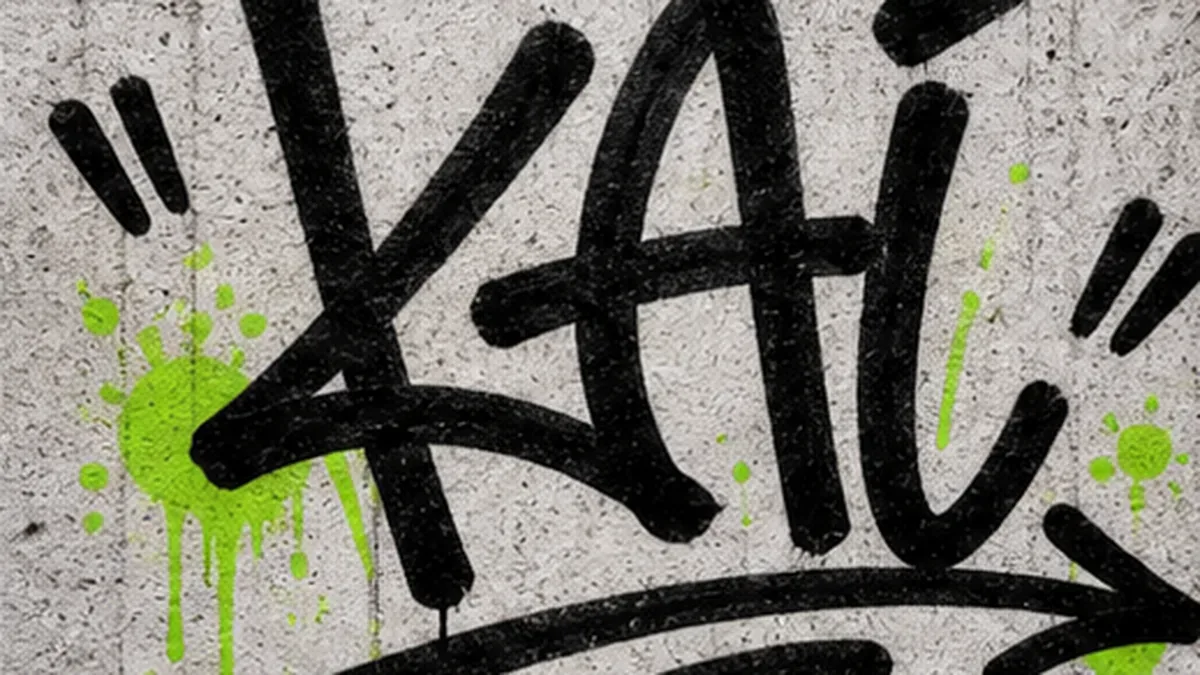
Graffiti Tag Generator OnlineCreate Tags for Names, Aliases, and Stickers
Turn a short name, nickname, or alias into handstyle tags, marker signatures, throw-up tags, sticker slaps, and profile graphics.
How the Graffiti Tag Generator Works
Start with a short name, nickname, alias, or source image. Choose a tag style and output settings, then generate a graffiti tag you can download or adjust.
Add a Short Tag
Type a name, nickname, initials, or alias. Short tags are easier for AI to keep readable and balanced.
Choose Tag Style
Pick Handstyle, Marker, Throw-up, Sticker, Drip, or Wild Alias, then choose the output size and result count.
Generate Graffiti Tag
Create tag ideas for signatures, sticker slaps, profile graphics, streetwear marks, or blackbook practice.
Download or Generate Again
Download your favorite version, compare results, or simplify the prompt if the tag needs cleaner letter shapes.
AI Graffiti Tag GeneratorvsOnline Graffiti Generator
Use the AI graffiti tag generator for handstyle ideas, marker energy, sticker-style tags, and visual variations. Use the online graffiti generator when you need exact spelling, manual controls, and a clean readable tag base.
Use AI Graffiti Tag Generator For
- Short alias tags with handstyle rhythm, marker strokes, spray texture, or sticker-slap energy.
- Image-to-graffiti tags: transform a sketch, logo idea, wordmark, or tag layout into a richer graffiti mark.
- Profile graphics, sticker concepts, streetwear marks, blackbook practice references, and poster accents.
- Style exploration when you want several tag directions before choosing one for stickers, profiles, or merch mockups.
Use Online Graffiti Generator For
- Exact spelling and predictable tag layout for names, aliases, initials, and short readable marks.
- Direct control over font, fill color, outline, shadow, background, pattern, and effects before download.
- Transparent PNG exports and clean tag bases you can upload into the AI tool.
- A first step when you want the AI result to follow a readable alias shape.
Graffiti Tag Ideas You Can Create
Browse graffiti tag ideas for short aliases, handstyle signatures, marker tags, throw-up letters, sticker slaps, profile graphics, and blackbook practice.

Handstyle Wall Tag
A short alias with quick marker rhythm and a classic wall-tag feel.

Marker Signature Tag
Flowing letters for a personal tag, creator alias, or blackbook idea.

Throw-up Tag Concept
Rounded throw-up letters that keep a short tag bold and readable.

Sticker Slap Tag
A tag built for sticker sheets, slap graphics, and quick street-style marks.

Neon Alias Tag
A darker tag direction for gaming names, profile art, and music visuals.

Drippy Spray Tag
A rough wall tag with overspray, drips, and a stronger street edge.

Blackbook Tag Sketch
A sketch-like tag reference before turning an alias into a final mark.

Profile Tag Graphic
A centered tag graphic for avatars, creator profiles, gamer tags, or social handles.

Clean Alias Tag
A cleaner alias tag for profile graphics, stickers, or small creator marks.
Graffiti Tag Use Cases
Use graffiti tag ideas for profile graphics, sticker slaps, streetwear marks, social headers, blackbook practice, and poster accents.
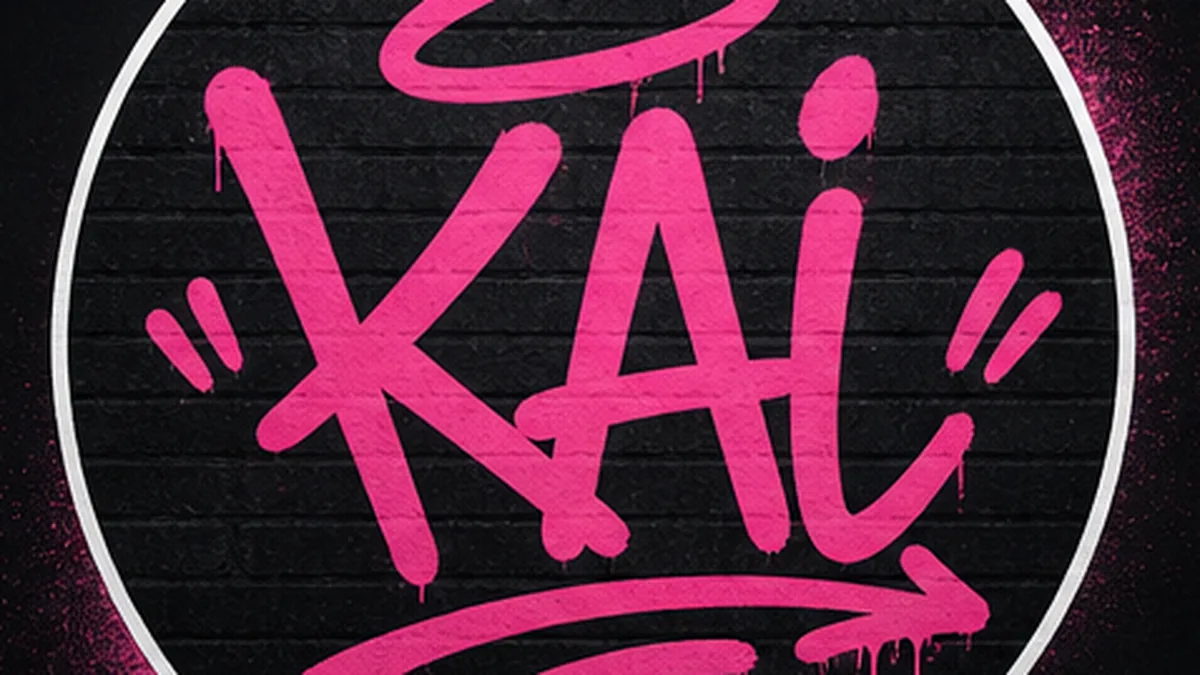
Profile Tag Graphics
Create a short alias graphic for avatars, creator profiles, gamer tags, or social handles.
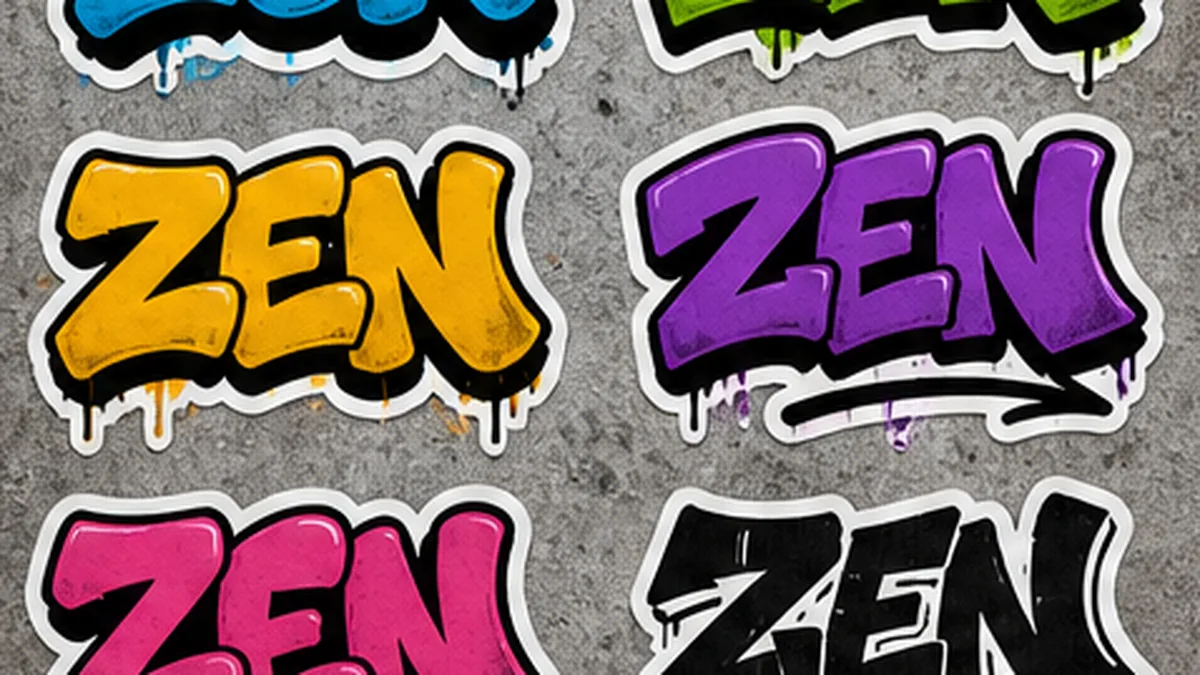
Sticker Slaps
Generate sticker-ready tag ideas with bold outlines, strong contrast, and simple shapes.
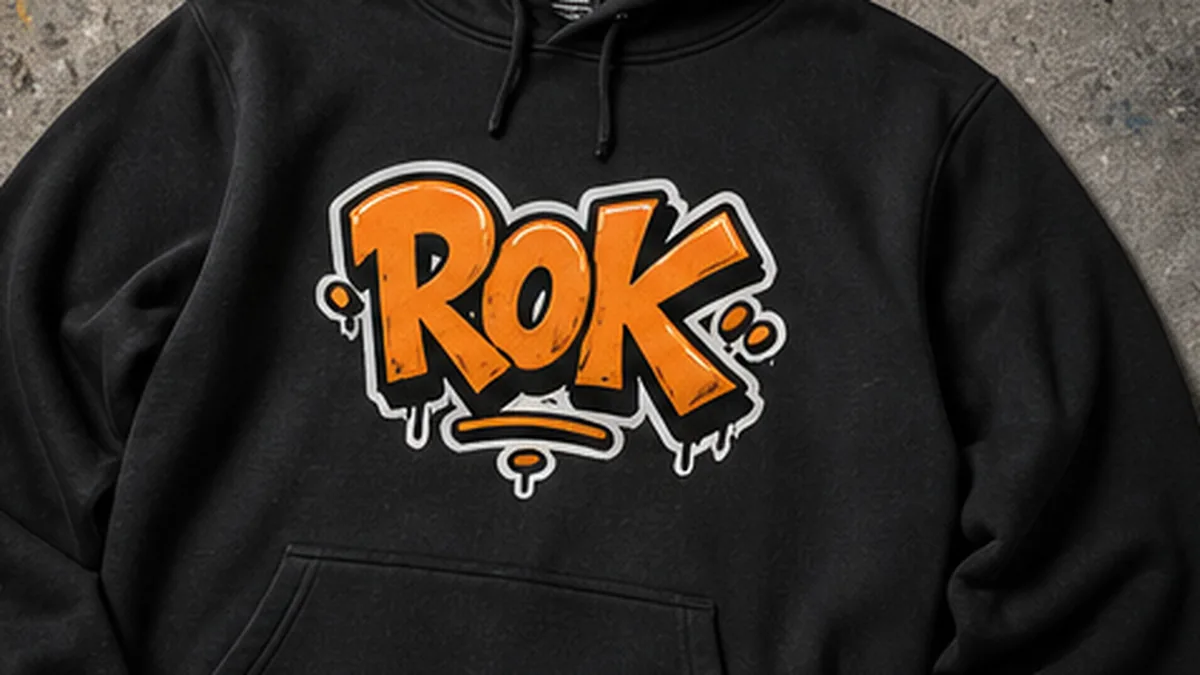
Streetwear Marks
Try compact tag graphics for hoodies, tees, caps, skate decks, and merch mockups.
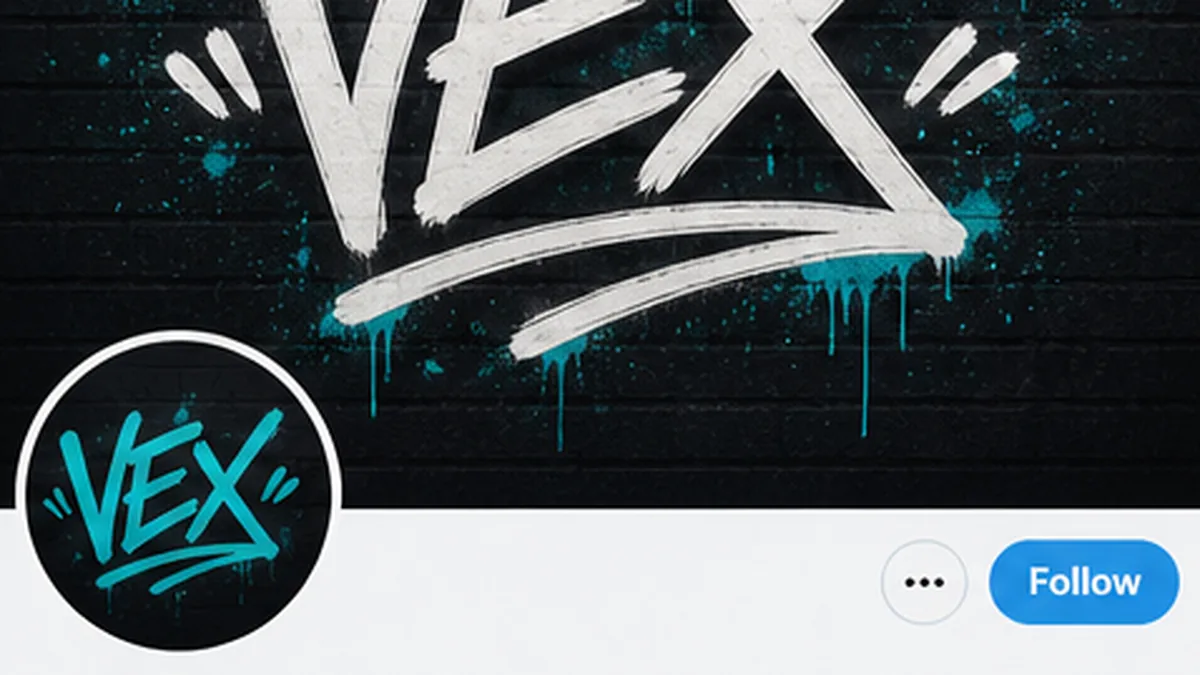
Social Headers
Make wide tag graphics for banners, thumbnails, stream screens, and promo posts.
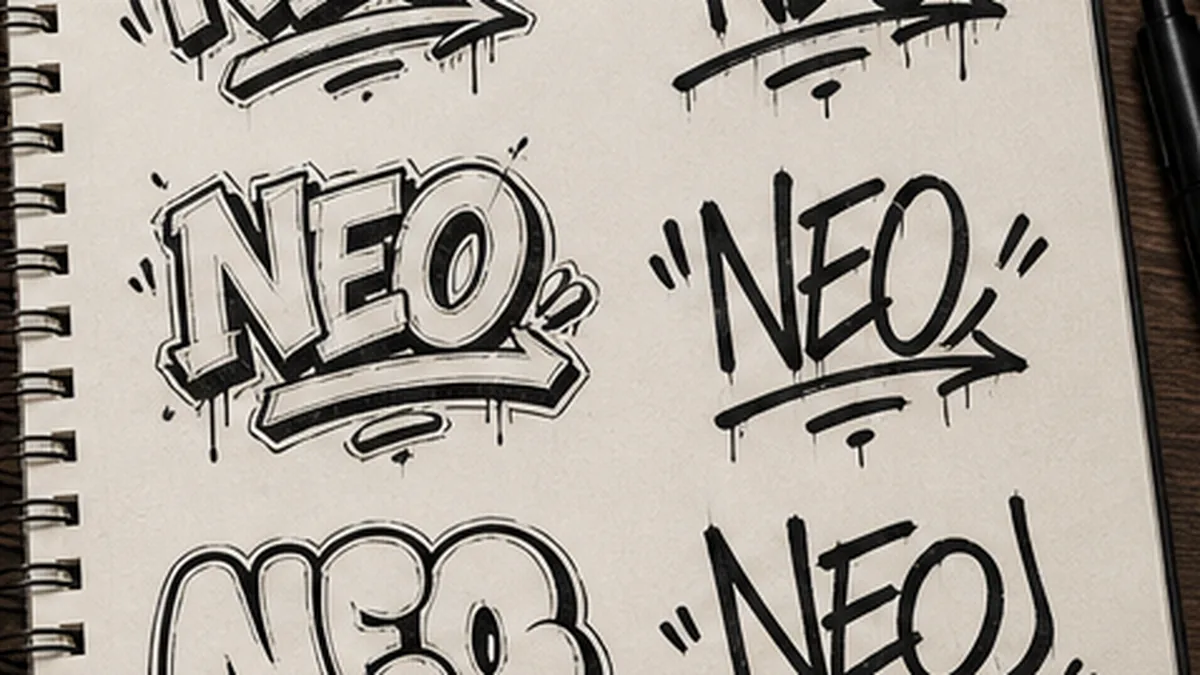
Blackbook Practice
Explore tag rhythm, letter flow, and marker-style structure before drawing your own.
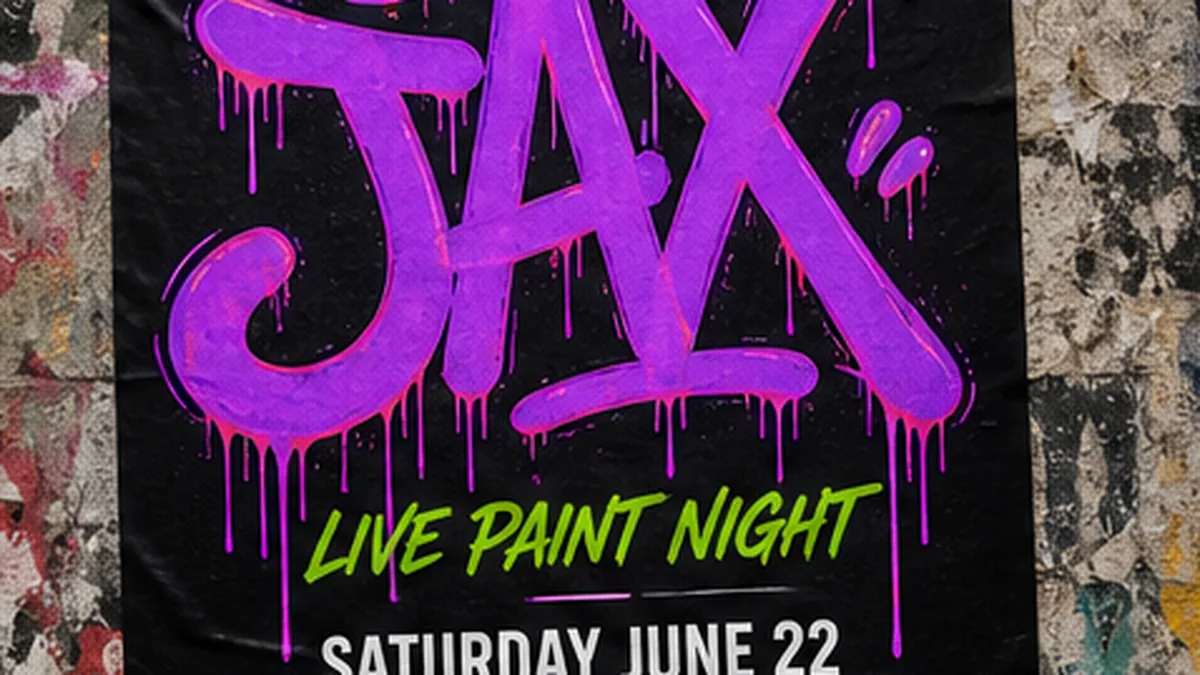
Poster Accents
Add a quick signature-style tag to event posters, album art, flyers, and street graphics.
Graffiti Tag Styles to Try
Choose the tag style you want first: handstyle, throw-up, marker, sticker, drip, or a wilder alias look with sharper shapes.
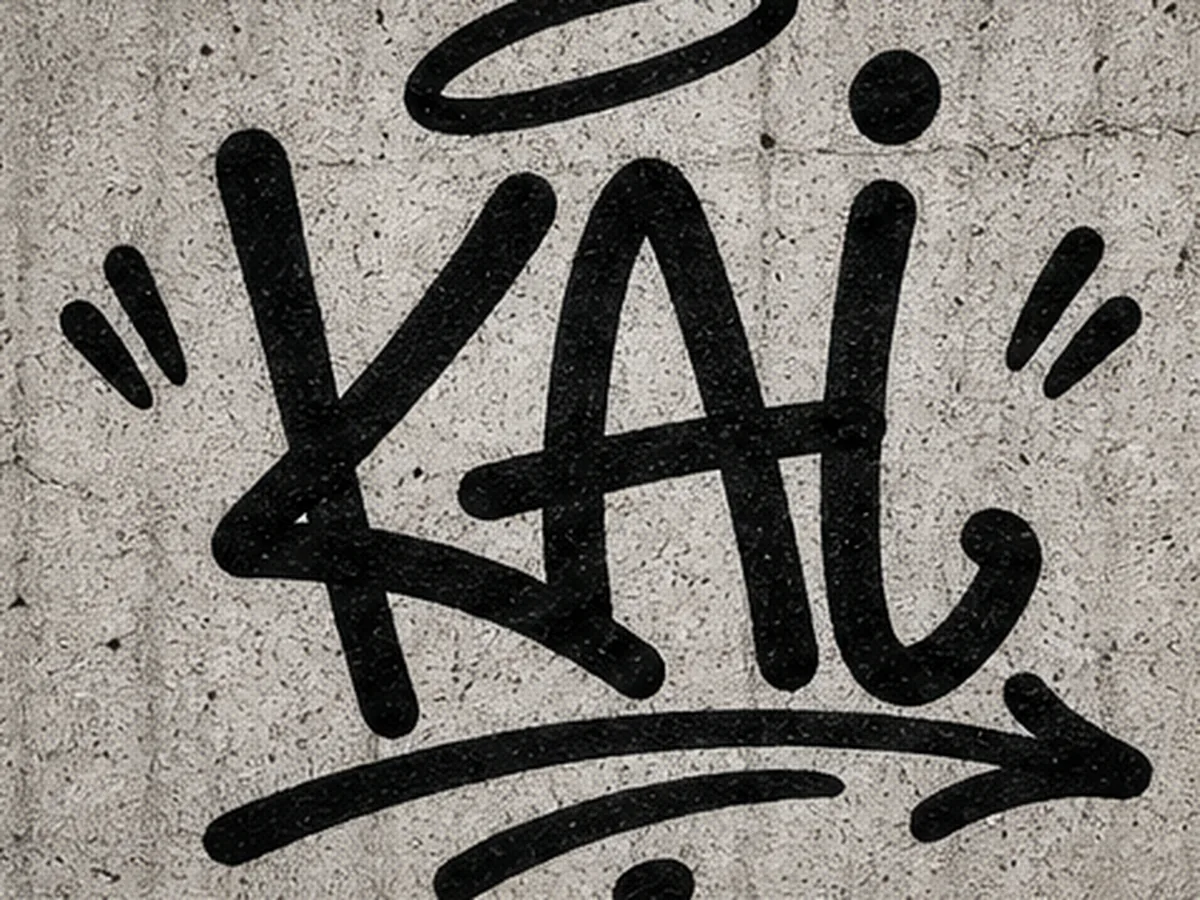
Handstyle
Flowing signature-style letters with rhythm and attitude. Best for personal aliases and classic graffiti tags.
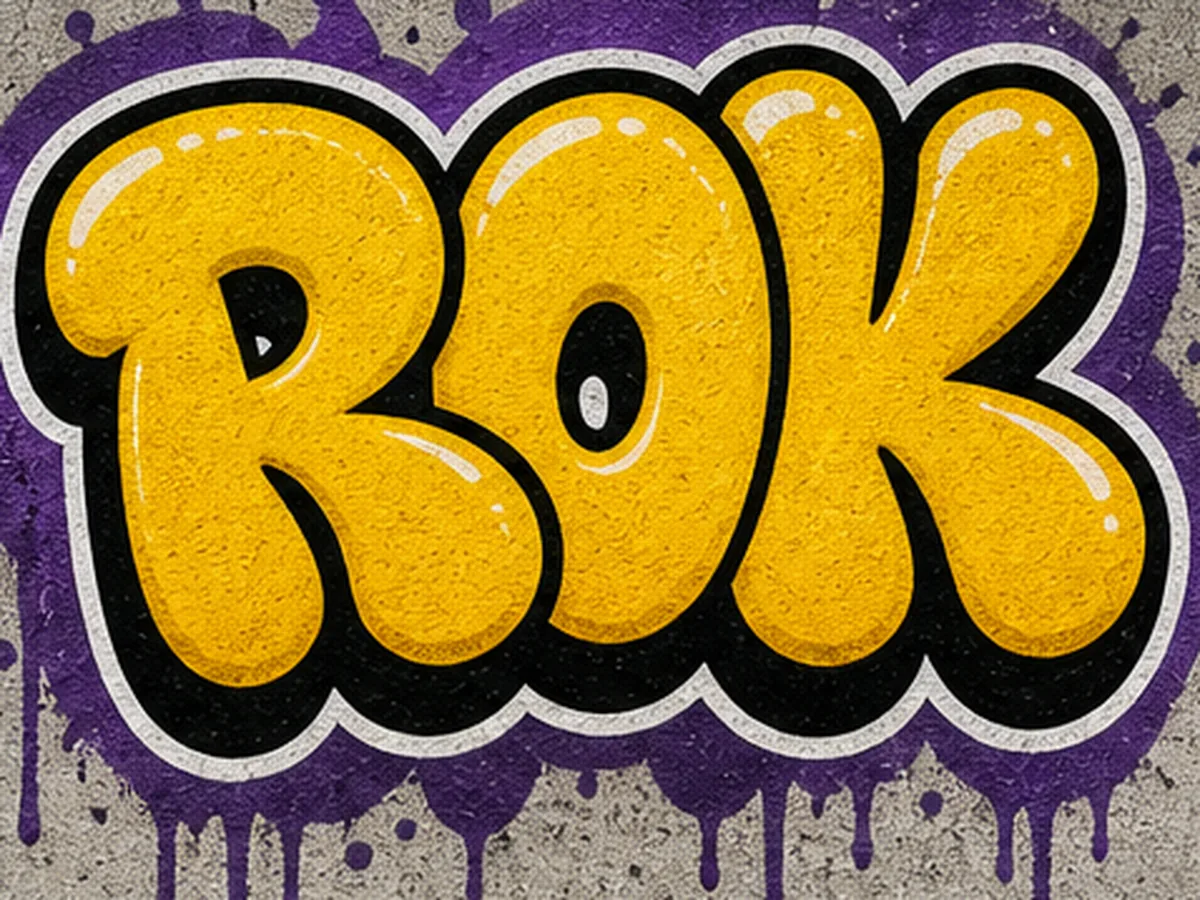
Throw-up Tag
Rounded bubble-style tag letters with simple fills and bold outlines. Good for short, readable aliases.
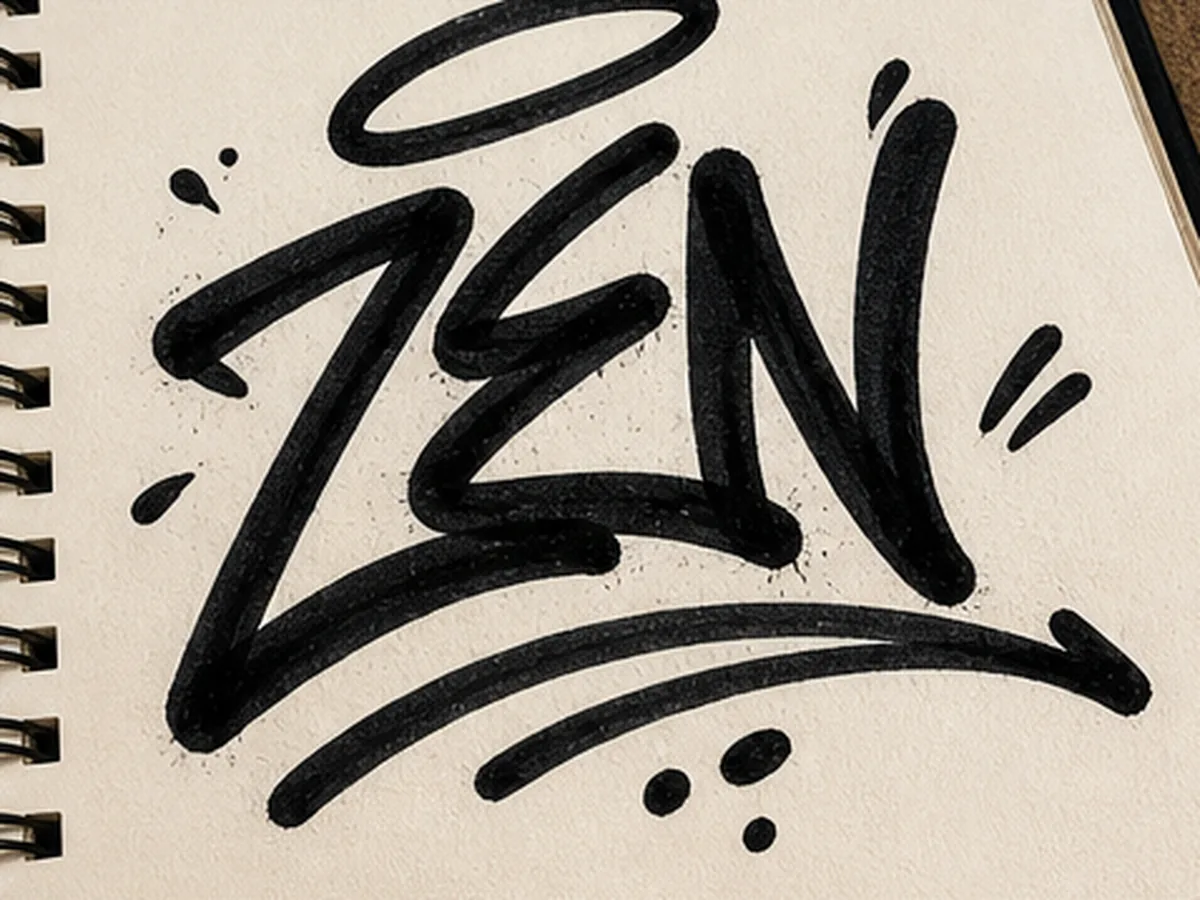
Marker Tag
Chisel-tip marker strokes, fast lines, and blackbook energy. Useful when you want a handwritten tag feel.
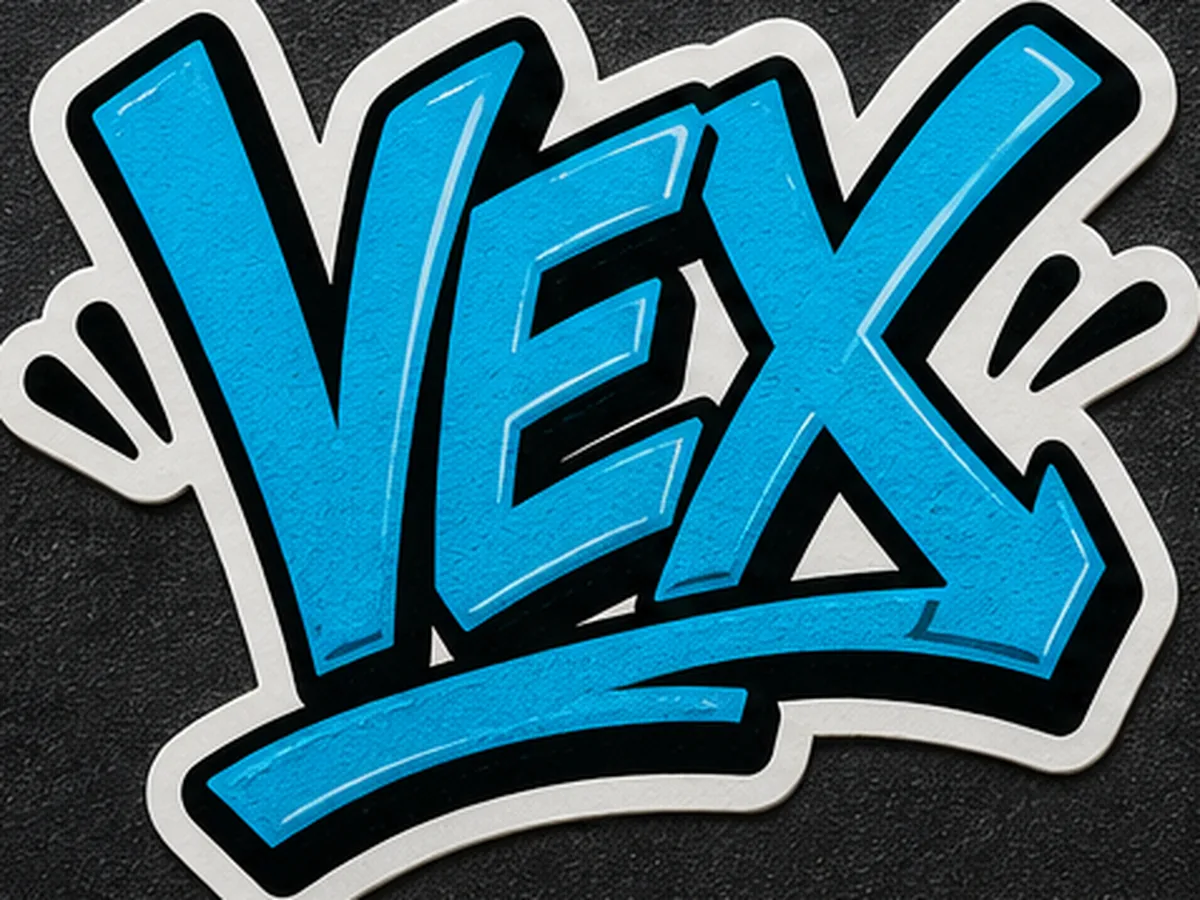
Sticker Tag
Compact tag graphics with a clean sticker outline. Good for slap sheets, profile graphics, and merch ideas.
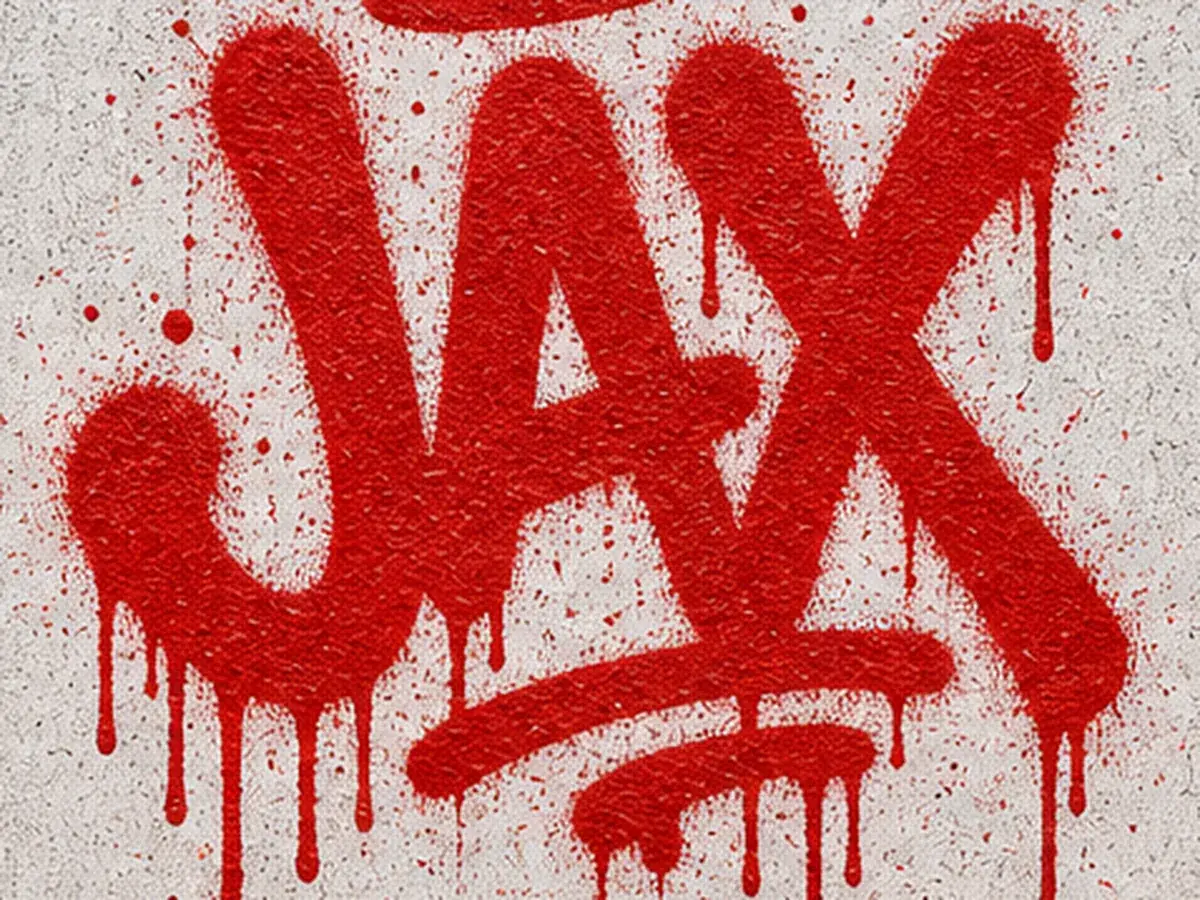
Drip Tag
Spray-paint tags with drips, overspray, and wall texture. Good for a raw street-style look.
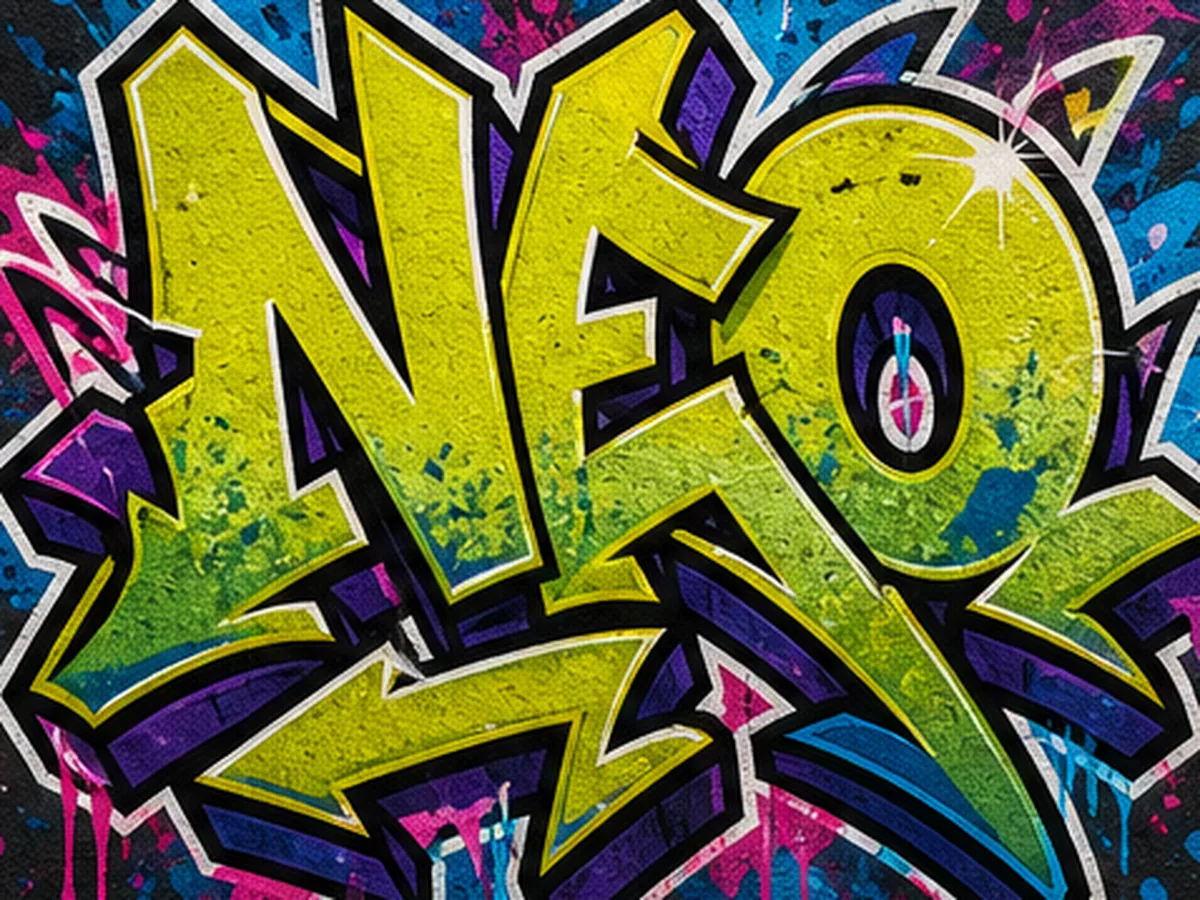
Wild Alias
A more expressive alias tag with sharper extensions and layered energy. Better for impact than perfect spelling.
Graffiti Tag Prompt IdeasBased on Styles
Pick a tag style above, then copy a prompt and replace the alias, colors, wall surface, source image, or use case.
Readable Handstyle Tag
Handstyle graffiti tag spelling "KAI", short alias, clear readable letters, fast marker strokes, bold black outline, green fill, wall texture
Throw-up Sticker Tag
Throw-up graffiti tag spelling "ROK", rounded bubble letters, simple fill, thick black outline, white sticker border, bright colors
Marker Signature
Marker-style graffiti signature spelling "ZEN", flowing chisel-tip strokes, short word, blackbook paper background, simple readable shape
Image-to-Tag Transform
Transform this source image into a graffiti tag while preserving the main alias shape, adding bold marker strokes, outline, paint texture, and street color
Generation Notes
Tag Generation Notes
A graffiti tag is closer to a quick signature than a full wordmark, so the strongest results usually come from short aliases with clear rhythm. Keep the prompt focused on the tag style, stroke feel, and how readable the alias needs to be.
Three to six characters is a practical range for handstyle, marker, throw-up, and sticker tag ideas.
Use words like short alias, marker strokes, clear readable letters, and simple flow when the tag must stay legible.
Handstyle and marker tags feel more like signatures, while throw-up tags make short aliases bolder and easier to read.
Wild alias styles add impact, but they can bend letters enough that exact spelling becomes less predictable.
Generate Graffiti Tags With Credits
Buy credits once to generate AI graffiti tags without a monthly subscription. Use them for more generations, sharper downloads, stickers, merch mockups, profiles, and client presentations.
Starter
A low-risk pack for one small 1K or 2K project.
100 credits
+20 bonus if eligible · Sign in to confirm
About 10 images at 1K
No subscription, just credits
Credits never expire
AI pack includes
- Included: AI generation up to 2K
- Included: Reference-image generation
- Included: Commercial use for generated images
- Included: AI generation credits
- Included: Watermark-free AI downloads up to 2K
- Included: Reference-image generation
- Included: Commercial use for generated images
- Included: Credits never expire
- Included: Standard generation queue
- Not included: 4K generation
- Not included: Email support
Standard
Best value for regular projects and 4K generation.
350 credits
+50 bonus if eligible · Sign in to confirm
About 35 images at 1K
Best value, no monthly bill
Credits never expire
AI pack includes
- Included: AI generation up to 4K
- Included: Reference-image generation
- Included: Priority generation queue
- Included: AI generation credits
- Included: Watermark-free AI downloads up to 4K
- Included: Reference-image generation
- Included: Commercial use for generated images
- Included: Credits never expire
- Included: Priority generation queue
- Included: Email support
- Not included: Priority support
Compare pack prices
Standard: +$5.00 · +250 credits
Free for everyone
Text graffiti editor, all font styles, and PNG/JPG exports do not require an AI credit pack.
No subscription or recurring charge. Credit packs are one-time purchases, and all included credits never expire.
Graffiti Tag Generator FAQ
What is the Graffiti Tag Generator?
The Graffiti Tag Generator creates tag-style graffiti images from short names, initials, aliases, or source sketches. It is built for handstyle signatures, marker tags, throw-up tags, sticker slaps, blackbook ideas, profile graphics, and quick alias concepts where flow and personality matter.
Should I use this or the Online Graffiti Generator?
Use this graffiti tag generator when you want AI-made handstyle, marker, throw-up, or sticker tag ideas from a short alias. Use the Online Graffiti Generator when exact spelling, manual controls, and transparent PNG export matter most.
What is a graffiti tag?
A graffiti tag is a quick signature or personal mark made with a distinctive handstyle. It is usually shorter and simpler than a full piece. A handstyle describes how the letters are formed, while a tag is the short signature itself.
How do I make a graffiti tag?
Start with a short name, nickname, or alias, then choose a handstyle, marker, or throw-up direction. Keep the letters balanced and easy to repeat. Short aliases of about 3 to 6 letters are usually easier to shape, and the generator can help you compare different flows and outlines.
Can the AI spell my tag perfectly every time?
Not every time. AI image models can distort letters, especially in complex graffiti styles. Short aliases work better. Add words like "clear readable letters", "short alias", and "simple marker strokes" when readability matters.
Which tag style should I choose?
Choose Handstyle or Marker for a signature feel, Throw-up for rounded bold letters, Sticker Tag for slap graphics, and Drip Tag for a rough spray-paint look. Wild Alias is better when impact matters more than exact spelling.
Can I use graffiti tags for stickers or merch?
AI images generated with paid credits may be used commercially, subject to our Terms. You remain responsible for the names, trademarks, reference images, and other content you provide.
Can I download high-resolution graffiti tags?
You can download generated results. Available resolution and download options depend on the selected settings and plan. Higher-resolution downloads are better for stickers, merch mockups, and print layouts.
Is this free to try?
AI graffiti tag generation requires a paid credit pack. The free Online Graffiti Generator remains available for editable tag lettering and standard exports.
What should I do if the tag looks too messy?
Make the prompt simpler. Use a shorter alias, name the style, and ask for clear readable letters. For example, try handstyle graffiti tag spelling "KAI" with simple marker strokes instead of only saying "cool tag".
More Graffiti Tools
Need exact controls, names, text, font-style lettering, or letter practice? Jump to a focused graffiti tool.
Online Graffiti Generator
Create precise graffiti text with manual controls and predictable spelling.
Open toolGraffiti Logo Maker
Create a repeatable brand mark instead of a personal handstyle signature.
Open toolGraffiti Name Generator
Turn a name, nickname, or gamer tag into a graffiti-style identity graphic.
Open toolGraffiti Text Generator
Generate readable graffiti lettering for words, slogans, and poster text.
Open toolGraffiti Font Generator
Explore graffiti font-style lettering for wordmarks and typography ideas.
Open toolGraffiti Letter Generator
Create single letters, initials, monograms, and alphabet practice references.
Open toolCreate Graffiti Tag Ideas Now
Type a short alias, pick a tag style, and generate handstyle, throw-up, marker, or sticker tag ideas for profiles, stickers, merch mockups, or blackbook practice.