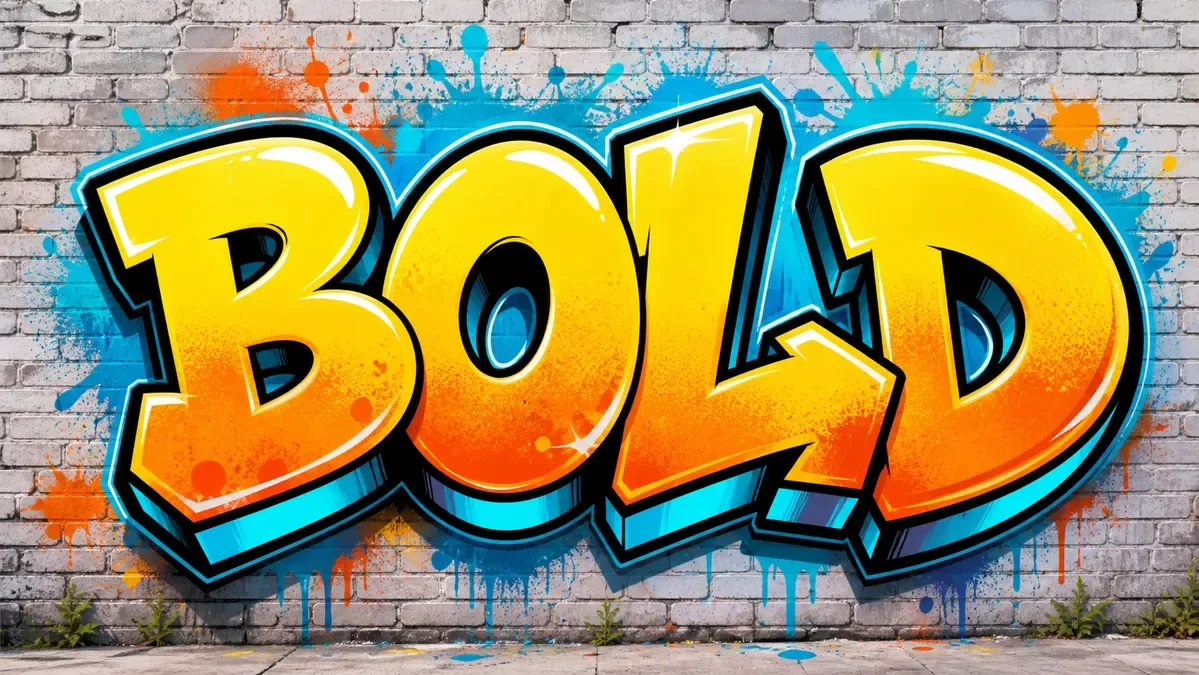
Graffiti Text Generator OnlineCreate Graffiti Lettering from Words
Turn words, slogans, and short phrases into readable graffiti lettering for posters, stickers, banners, logo ideas, and social graphics.
How the Graffiti Text Generator Works
Start with a short word or slogan, choose a readable graffiti style, then generate text artwork you can download or try again with a clearer prompt.
Enter a Short Word or Slogan
Type the word, phrase, or poster headline you want to turn into graffiti text. Short text is easier for AI to keep readable.
Choose Style and Settings
Pick a graffiti style, color mood, lighting, aspect ratio, resolution, and result count. Use Bubble, Block, Throw-up, Stencil, or 3D when readability matters.
Generate Graffiti Text
Create graffiti lettering for word art, poster headlines, sticker text, banners, logo ideas, or social graphics.
Download
Download the result, compare versions, or adjust the prompt with clear readable letters if the text needs to be cleaner.
AI Graffiti Text GeneratorvsOnline Graffiti Generator
Use the AI graffiti text generator when you want richer lettering ideas, mockups, or style exploration. Use the online graffiti generator when exact spelling, transparent exports, and manual control matter most.
Use AI Graffiti Text Generator For
- Text-to-graffiti ideas: turn a short word, slogan, or headline into bubble, block, 3D, stencil, or wildstyle lettering concepts.
- Image-to-graffiti text: transform a sketch, logo idea, or text layout into a richer graffiti lettering direction.
- Visual concept work for poster headlines, sticker text, social banners, logo ideas, and streetwear mockups.
- Style exploration when you care more about look, mood, and variation than perfect spelling.
Use Online Graffiti Generator For
- Exact spelling and predictable graffiti text layout for names, tags, logos, and wordmark-style designs.
- Direct control over font, fill color, outline, shadow, background, pattern, and effects before download.
- Transparent PNG exports and clean lettering references you can upload into the AI tool.
- A first step when you want the AI result to follow a readable word shape.
Graffiti Text Examples You Can Create
Explore graffiti text examples for names, short words, and slogans, including bubble letters, poster text, sticker graphics, social banners, and logo-style word art.

Readable Word Wall
A short word with clear graffiti letter shapes, bright fill, and a brick-wall finish.

Sharp Headline Text
Punchy graffiti lettering for bold titles, banners, and energetic word art.

Bold Bubble Text
Rounded bubble letters that stay easy to read at social and sticker sizes.

Neon Name Text
A darker neon look for gaming names, music covers, profile art, and creator graphics.

Zap Sticker Poster
Comic-style graffiti text that works well for stickers and punchy poster graphics.

Beat Social Banner
Wide, clean text treatment for social headers, music promos, and event graphics.

Clean Outline Wordmark
Outline-heavy graffiti text for logo-style words that need strong contrast.

Classic Brick Tag
Street-style word art with a short word, thick outline, and bright fill.

Themed Poster Text
A themed graffiti text result for sports, playlists, youth campaigns, or event graphics.
Graffiti Text Use Cases
Use graffiti text ideas for posters, stickers, social banners, streetwear mockups, music covers, and logo-style wordmarks.
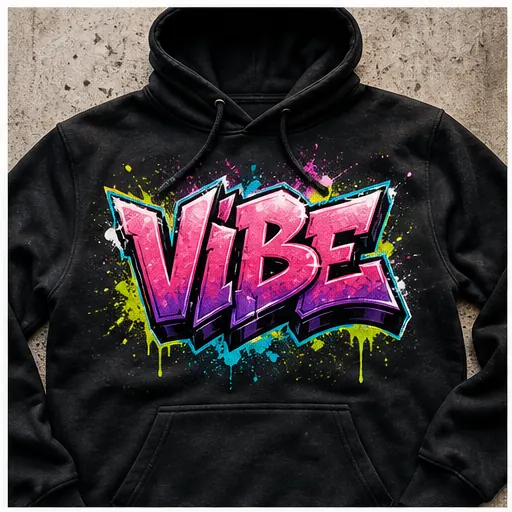
Hoodie and Tee Graphics
Create central graffiti text for hoodie prints, tee graphics, skate decks, and streetwear mockups.
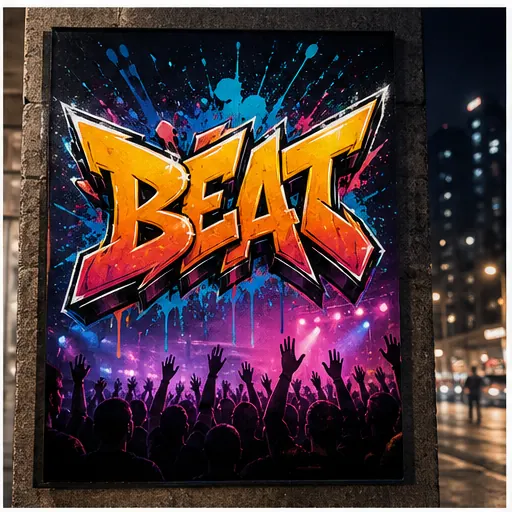
Event Poster Headlines
Make bold graffiti headlines for concerts, pop-ups, school shows, flyers, and local events.
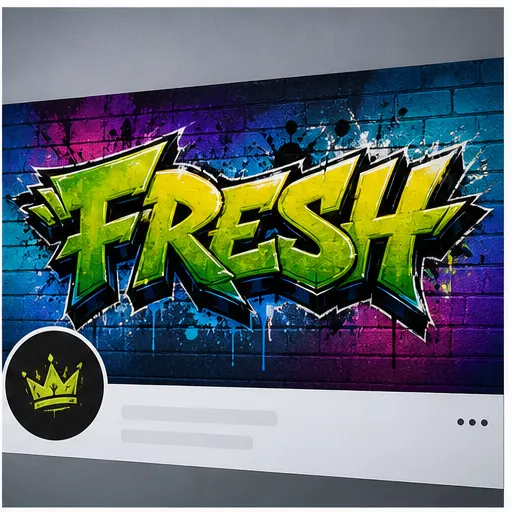
Social Banners
Generate wide graffiti text for profile headers, thumbnails, campaign banners, and promo posts.
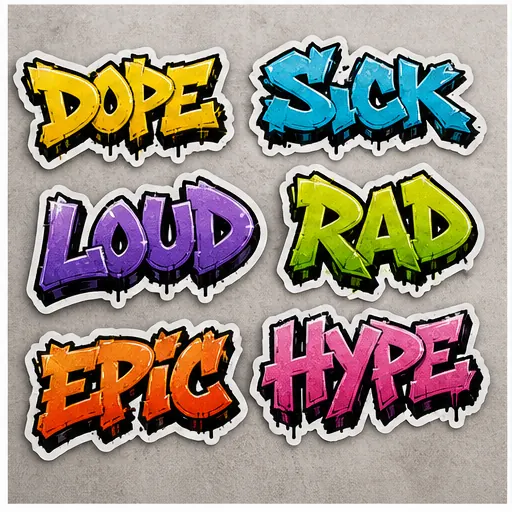
Sticker Text Sheets
Try short words in sticker-ready graffiti styles before choosing a final set.
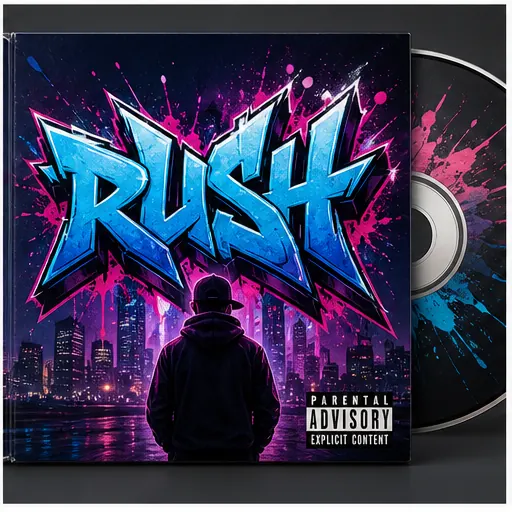
Album and Playlist Covers
Build bold title lettering for album concepts, playlist covers, singles, and music promo graphics.
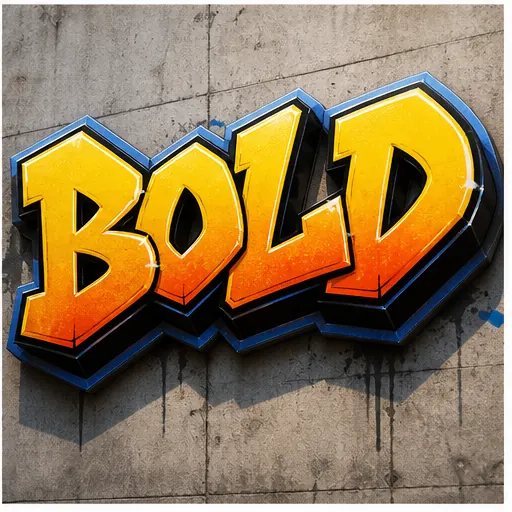
Logo-Style Wordmarks
Explore graffiti wordmark ideas for creator names, small brands, teams, or project titles.
Graffiti Text Styles to Try
Choose a readable style first: bubble letters, block letters, throw-up text, 3D chrome, stencil poster lettering, or wildstyle for a more complex look.
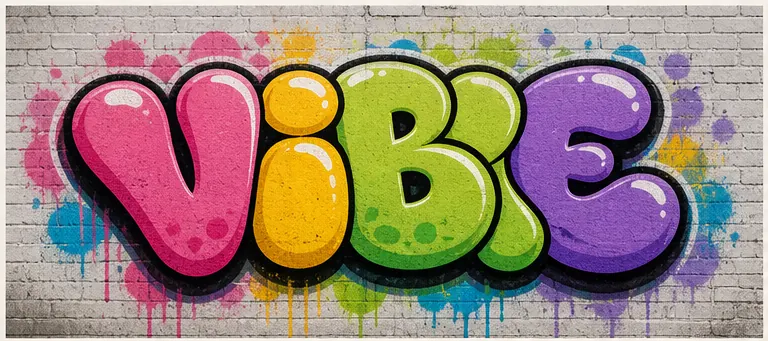
Bubble Letters
Rounded, playful graffiti text with thick outlines. Good for readable words, stickers, and friendly posters.
Explore Bubble Letters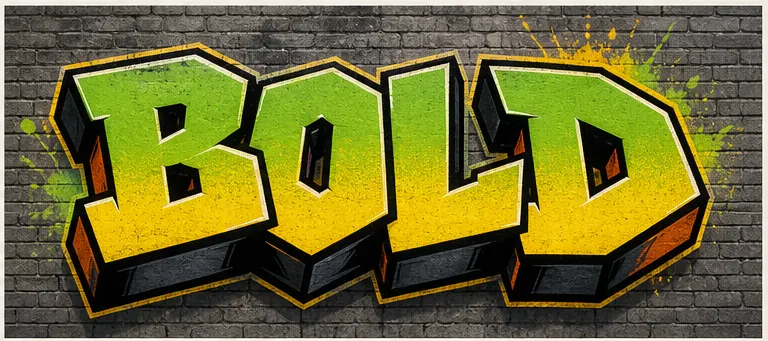
Block Letters
Bold, straight letterforms with strong edges. Best when the word needs to stay clear at a glance.
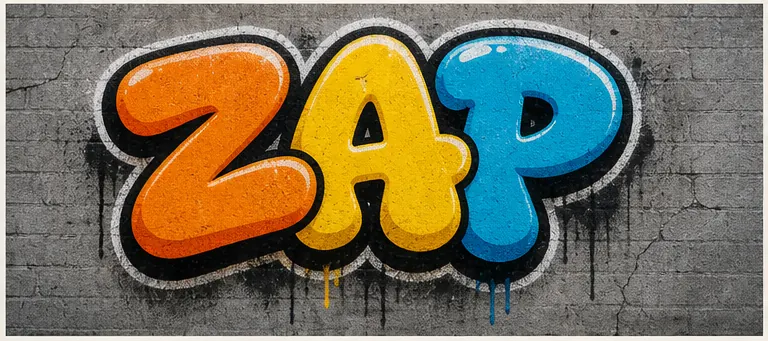
Throw-up Letters
Quick bubble-style graffiti text with simple fills and heavy outlines. Good for short words with a stronger street feel.
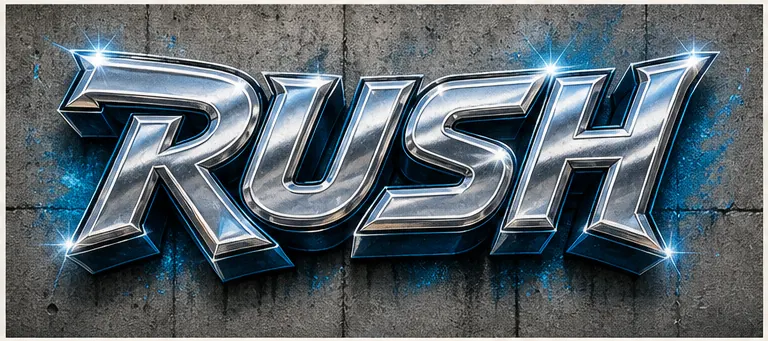
3D Chrome
Dimensional text with shine, highlights, and depth. Useful for gaming names, covers, and big headlines.
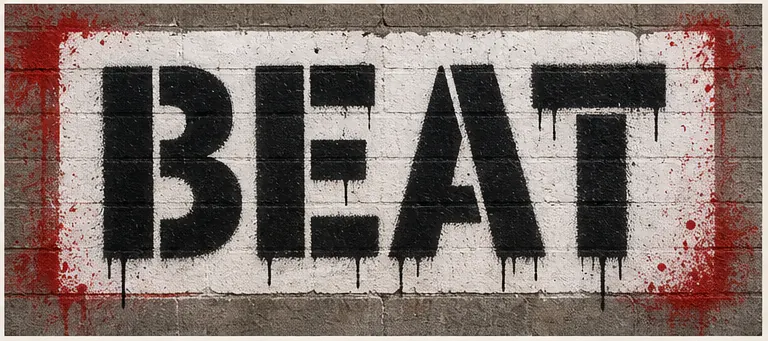
Stencil Poster
Spray-paint stencil text for posters, flyers, and rough wall graphics. Clean shapes help readability.
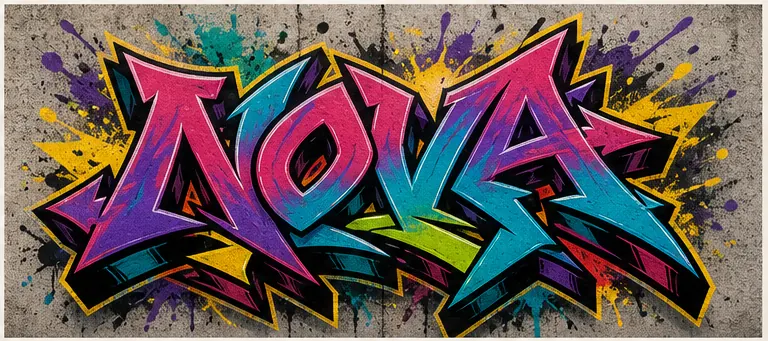
Wildstyle
Interlocking letters, sharp extensions, and high energy. Great for impact, but less predictable for exact spelling.
Explore WildstyleGraffiti Text Prompt IdeasBased on Styles
Pick a style above, then copy a template and replace the word, colors, background, or final use case like a sticker, poster, banner, or logo.
Readable Bubble Text
Readable bubble graffiti text spelling "VIBE", short word, simple letterforms, thick black outline, bright green and pink fill, brick wall background
Block Headline
Bold block graffiti headline spelling "RUSH", simple letterforms, yellow fill, blue 3D shadow, clean concrete wall background
Throw-up Sticker Text
Sticker-style graffiti text spelling "ZAP", rounded throw-up letters, white sticker outline, high contrast colors, sticker sheet mockup
Source Image Text
Transform this source image into readable graffiti text while preserving the main word shape, adding bold outlines, paint texture, and street-art color
Generation Notes
Tips for More Readable Graffiti Text
AI graffiti models can create expressive lettering, but exact text is easier when the input stays short and the visual direction is clear. Treat the prompt like a lettering brief: say what the word is, how readable it should be, and which style should guide the shapes.
Short words under about 8 characters are usually easier to keep readable than long phrases or full sentences.
Put the target word in quotes and use phrases such as clear readable letters, bold outline, and simple letterforms.
Bubble, block, stencil, throw-up, and 3D styles usually preserve letters better than complex wildstyle.
When exact spelling matters, create clean text in the Online Graffiti Generator first, then use that image as the source.
Generate Graffiti Text With Credits
Buy credits once to generate AI graffiti text without a monthly subscription. Use them for more generations, higher-resolution downloads, posters, merch, campaigns, and client mockups.
Starter
A low-risk pack for one small 1K or 2K project.
100 credits
+20 bonus if eligible · Sign in to confirm
About 10 images at 1K
No subscription, just credits
Credits never expire
AI pack includes
- Included: AI generation up to 2K
- Included: Reference-image generation
- Included: Commercial use for generated images
- Included: AI generation credits
- Included: Watermark-free AI downloads up to 2K
- Included: Reference-image generation
- Included: Commercial use for generated images
- Included: Credits never expire
- Included: Standard generation queue
- Not included: 4K generation
- Not included: Email support
Standard
Best value for regular projects and 4K generation.
350 credits
+50 bonus if eligible · Sign in to confirm
About 35 images at 1K
Best value, no monthly bill
Credits never expire
AI pack includes
- Included: AI generation up to 4K
- Included: Reference-image generation
- Included: Priority generation queue
- Included: AI generation credits
- Included: Watermark-free AI downloads up to 4K
- Included: Reference-image generation
- Included: Commercial use for generated images
- Included: Credits never expire
- Included: Priority generation queue
- Included: Email support
- Not included: Priority support
Compare pack prices
Standard: +$5.00 · +250 credits
Free for everyone
Text graffiti editor, all font styles, and PNG/JPG exports do not require an AI credit pack.
No subscription or recurring charge. Credit packs are one-time purchases, and all included credits never expire.
Graffiti Text Generator FAQ
What is the Graffiti Text Generator?
The Graffiti Text Generator turns short words, slogans, and phrases into graffiti-style lettering images. It is useful for posters, stickers, banners, logo ideas, social graphics, and visual drafts when you want readable street-art text without designing every letter by hand.
Should I use this or the Online Graffiti Generator?
Use this graffiti text generator when you want richer text artwork from a word, slogan, or short phrase. Use the Online Graffiti Generator when exact spelling, transparent PNG export, and manual font controls matter most.
How do I make the graffiti text more readable?
Use short words or simple phrases. Add prompt details such as "clear readable letters", "simple letterforms", and "bold outline". Bubble, Block, Throw-up, Stencil, and 3D styles are usually easier to read than complex Wildstyle.
Can it spell my graffiti text perfectly every time?
No AI image model can guarantee perfect spelling every time. Short words work best. If the spelling must be exact, create the text first in the Online Graffiti Generator, then use that result as a clean source image when helpful.
Can I upload an image to transform into graffiti text?
Yes. Upload a source image such as a sketch, wordmark, logo idea, or text layout you want to transform. Clear images with one main word usually work better than dark, crowded images with tiny text.
Which graffiti text style should I choose?
Choose Bubble or Throw-up for rounded readable words, Block for clean headlines, 3D for depth, and Stencil for poster-style text. Choose Wildstyle when you want a more complex look and readability is less important.
Can I download high-resolution graffiti text?
You can download generated results. Available resolution and download options depend on the selected settings and plan. Higher-resolution downloads are better for posters, merch mockups, and client presentations.
Can I use graffiti text for posters, merch, or client work?
AI images generated with paid credits may be used commercially, subject to our Terms. You remain responsible for the words, trademarks, reference images, and other content you provide.
Is this free to try?
AI graffiti text generation requires a paid credit pack. The free Online Graffiti Generator remains available for editable text designs and standard exports.
What should I do if the result looks too abstract?
Make the prompt more direct. Name the exact word, style, colors, and background. For example, ask for readable bubble graffiti text spelling "VIBE" on a brick wall instead of only saying "cool graffiti text".
More Graffiti Tools
Need exact controls, names, tags, font-style lettering, or letter practice? Jump to a focused graffiti tool.
Online Graffiti Generator
Create precise graffiti text with manual controls and predictable spelling.
Open toolGraffiti Art Generator
Create full street-art scenes, murals, posters, and mockups from prompts.
Open toolGraffiti Name Generator
Turn a name, nickname, or gamer tag into a graffiti-style identity graphic.
Open toolGraffiti Font Generator
Explore graffiti font-style lettering for wordmarks and typography ideas.
Open toolGraffiti Tag Generator
Generate short handstyle tags, aliases, and sticker-style tag concepts.
Open toolGraffiti Logo Maker
Turn a short word into a focused logo concept for a brand, badge, profile, or merch.
Open toolCreate Graffiti Text Now
Type a short word or slogan, pick a style, and generate graffiti text for a poster, sticker, banner, logo idea, or merch mockup.