

Free Online Graffiti Generator:Create Street Art Now
Use our free online graffiti generator to turn plain text into authentic street art.Create a clean text preview in your browser, then export PNG or JPG. No design skills needed.
Presets
How to Use Online Graffiti Generator
Start with a short name, word, tag, or headline. The preview updates as you edit, so you can test a readable text design before downloading it.
Type your text
Enter a name, tag, short phrase, or headline. One to three words usually keeps the lettering readable.
Pick a preset
Choose an available font or lettering preset that fits the job: clean name art, a quick tag, a bold header, or a simple poster word.
Customize
Tune size, fill color, outline, shadow, background, and other available controls. Locked fonts, patterns, animation, and high-resolution options are upgrade items.
Export or upgrade
Download PNG or JPG from the free editor. Use AI Upgrade when you want the text preview turned into a mural-style scene.
Standard text-design exports stay in the browser preview. AI generation, image references, animated GIF export, and higher-resolution output use the upgrade workflow.
Online Graffiti Generator Styles to Try
Use the free editor to shape the word first. When you need a more specific look, these directions help you decide whether to use AI Studio, a focused generator, premium fonts, effects, or high-resolution export.
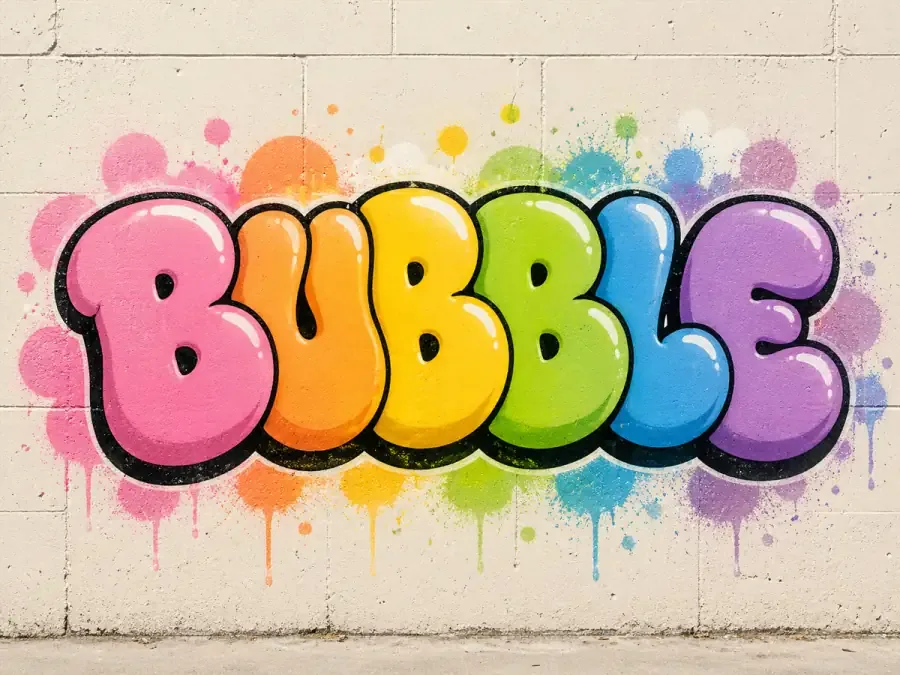
Bubble Letters
Good for names, stickers, classroom projects, and beginner word art. Keep the text short, use a thick outline, and upgrade when you want fuller inflated shapes.
Explore Bubble Letters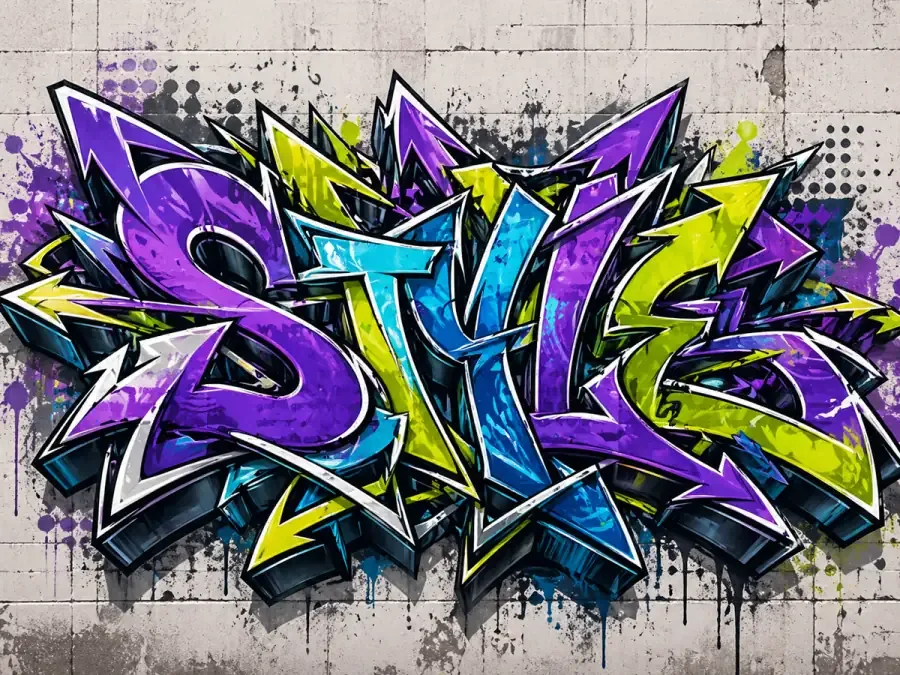
Wildstyle
Best for advanced AI artwork. Wildstyle needs interwoven letters, arrows, extensions, and composition choices that go beyond a quick text preview.
Explore Wildstyle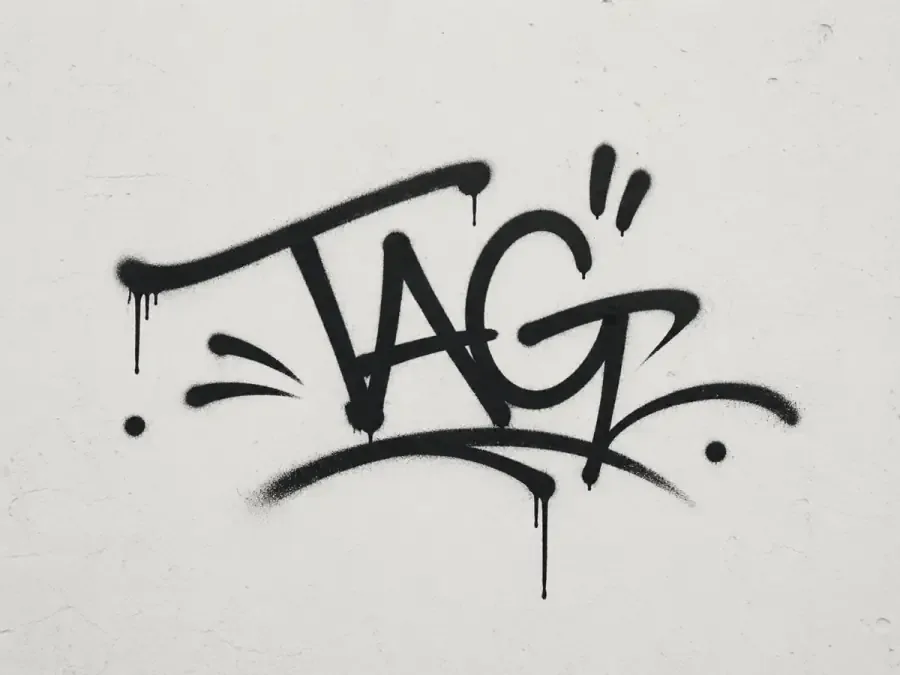
Handstyle Tags
Useful for aliases, signatures, stickers, and profile marks. Start with a readable wordmark, then use the tag workflow for faster handstyle energy.
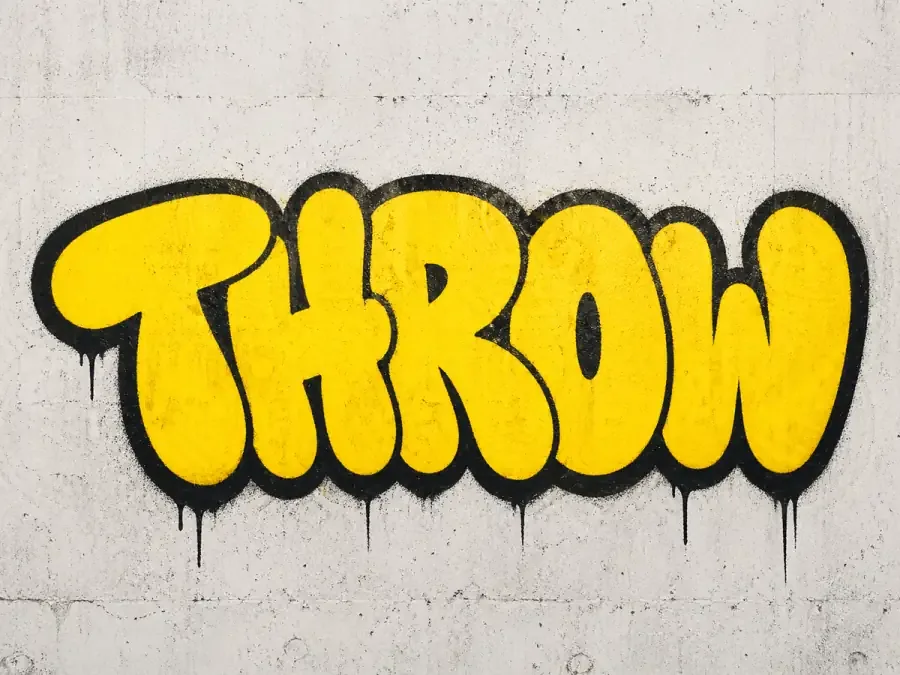
Throw-Ups
Works best with one or two short words. Use it when you want bold rounded fills, heavy outlines, and a quick street-lettering feel.
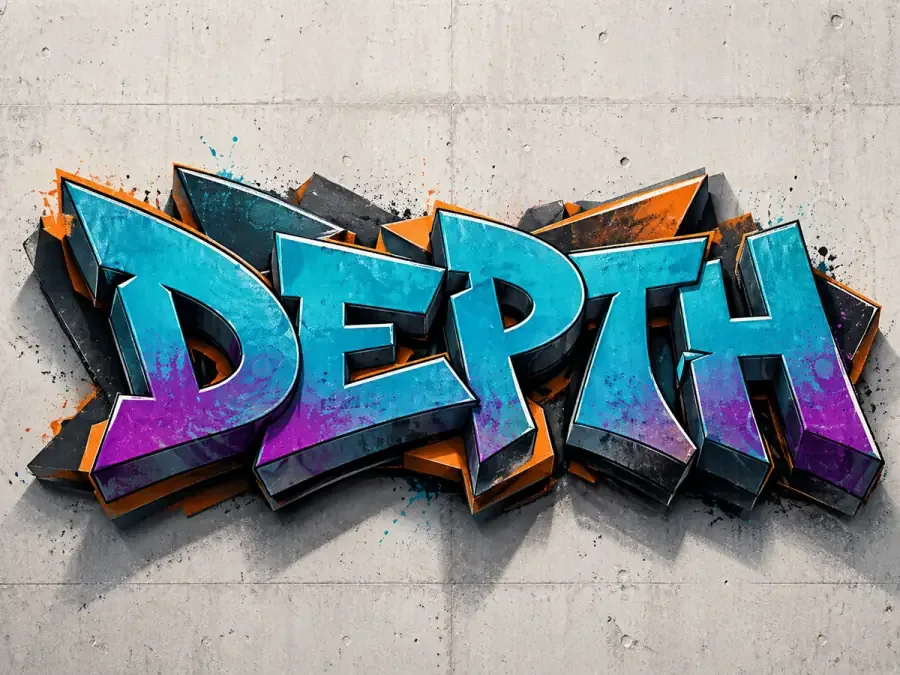
3D Effects
Helpful for posters, headers, and logo concepts that need depth. Use premium effects or AI when you need stronger extrusion, lighting, and shadows.
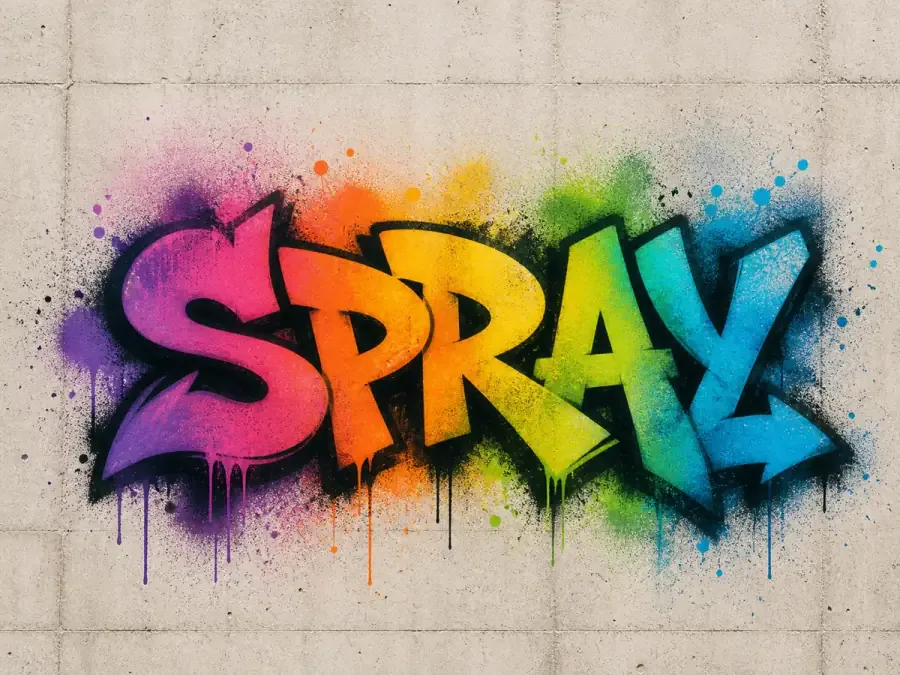
Spray Paint
Choose this direction when the final image needs wall texture, overspray, drips, and a real mural atmosphere. AI Studio handles this best.
Free Online Graffiti Generator: Editor and AI Upgrade
The best path is simple: make readable graffiti text in the online graffiti generator first, then move to AI when you want a finished wall scene instead of a flat text graphic.
Free Editor
Use the browser editor when you need a clean graffiti text graphic for a name, tag, header, sticker, or social post.
- Type one to three words and preview the result instantly
- Adjust available fonts, colors, outlines, shadows, and backgrounds
- Export PNG or JPG from the free plan
- Best for readable text graphics and quick downloads
AI Graffiti Generator
Move to AI Studio when you want the text idea turned into a finished scene with wall texture, lighting, spray paint, and more depth.
- Start from a text preview, prompt, or reference image
- Generate realistic wall scenes and mural-style artwork
- Use credits for AI output and higher-resolution options
- Best for posters, campaign visuals, covers, and polished street-art images
Graffiti Generator Ideas: What You Can Make
Use the editor for short, readable graffiti text designs. Start with one word, a name, a tag, or a headline, then export it as a PNG or JPG.
Graffiti Names
Turn a name, nickname, artist name, or gamer handle into a bold graffiti-style text image.
Graffiti Tags
Create short tag-style words for aliases, stickers, profiles, and quick street-art concepts.
Graffiti Wordmarks
Test simple wordmark ideas for music projects, small brands, merch mockups, or creator names.
Profile Images
Make a high-contrast graffiti word or initials graphic for Discord, Twitch, TikTok, Steam, or YouTube.
Poster Headlines
Design a bold headline for flyers, event graphics, school projects, thumbnails, or social posts.
Sticker Text
Create short readable text for stickers, labels, decals, notebook covers, and printable graphics.
More Ways to Use This Free Online Graffiti Generator
Stay here for quick text previews and PNG/JPG export. Try a focused generator when you want stronger mural artwork, font exploration, name designs, tag signatures, single letters, or prompt-based text art.
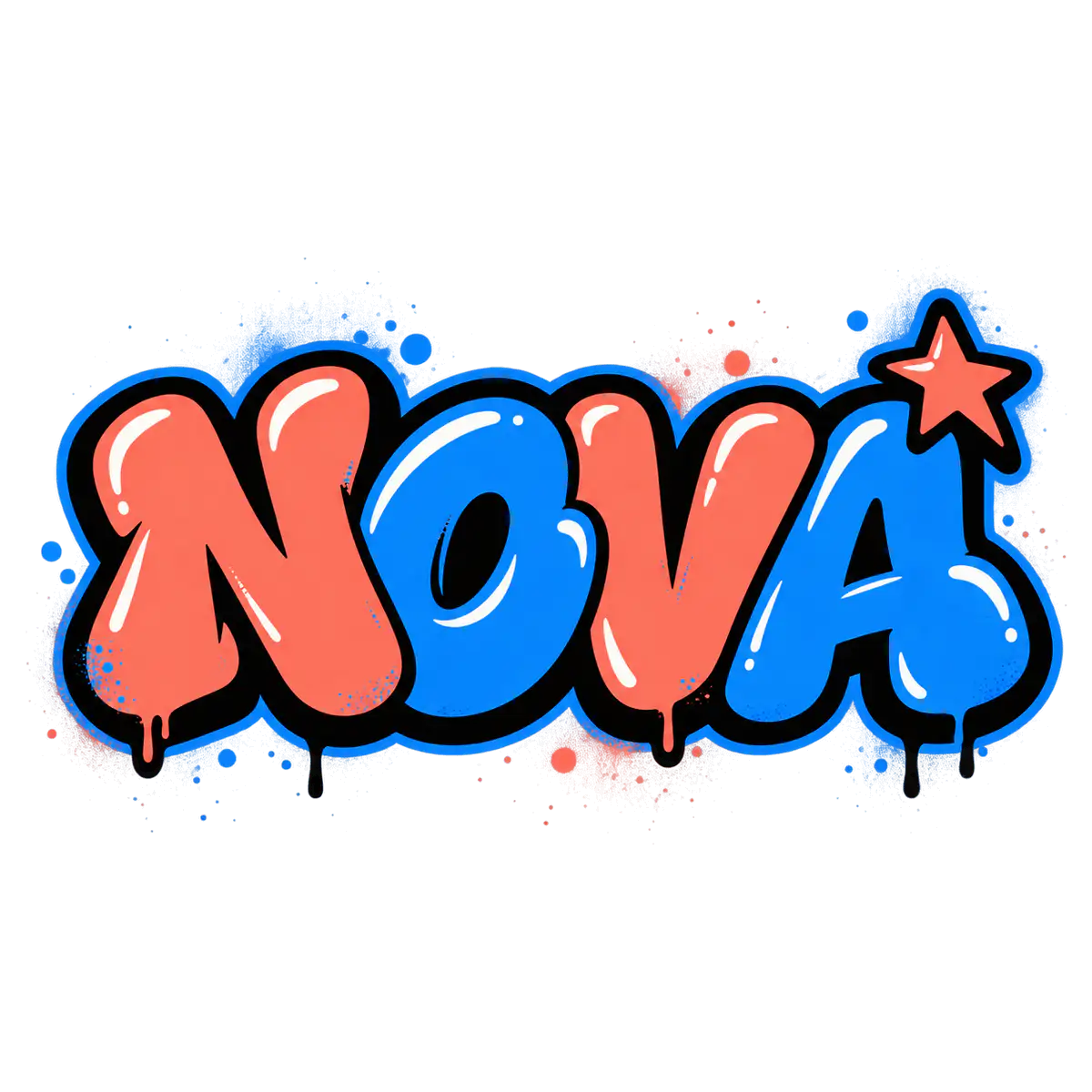
AI Graffiti Logo Maker
Turn exact graffiti text into richer logo concepts for brands, badges, merch, music, and profiles.
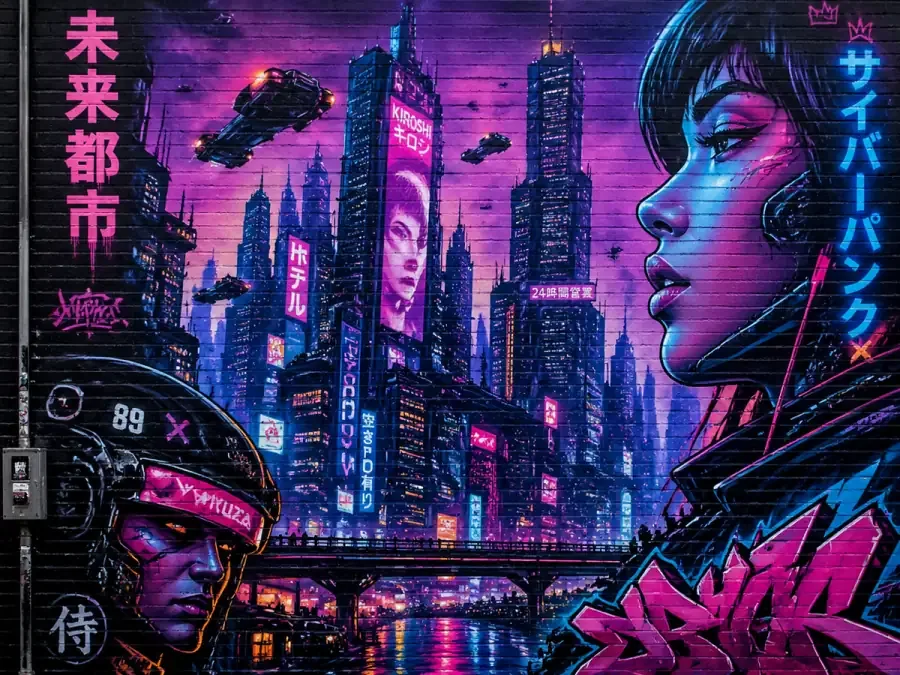
AI Graffiti Name Generator
Create name-based graffiti concepts for nicknames, gamer tags, artist names, and personal logos, then use AI when you need a more polished wall scene.
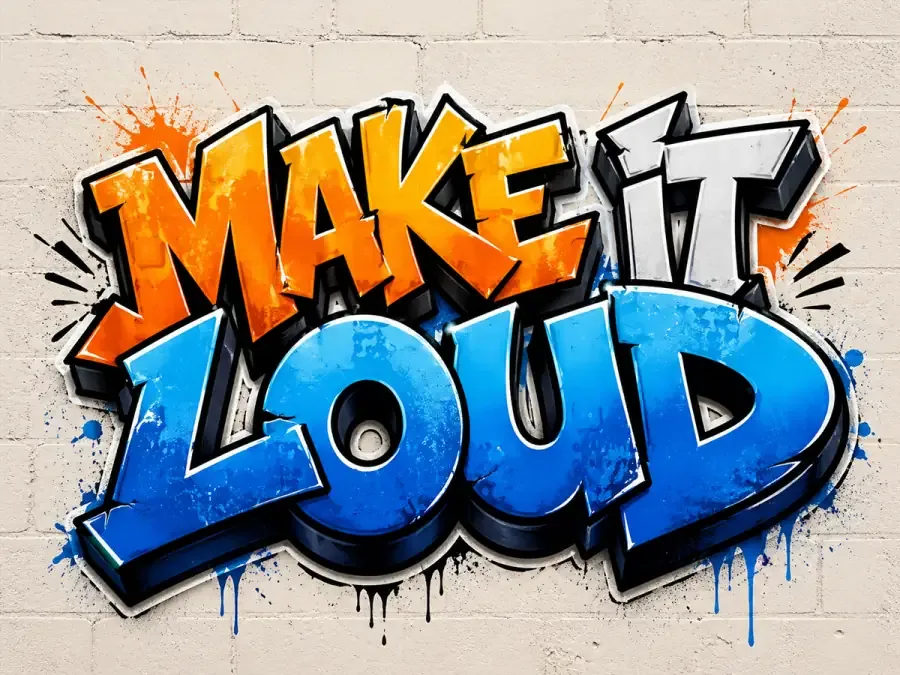
AI Graffiti Text Generator
Shape slogans, headlines, quotes, and campaign words into strong lettering ideas before sending the best direction into an AI art workflow.
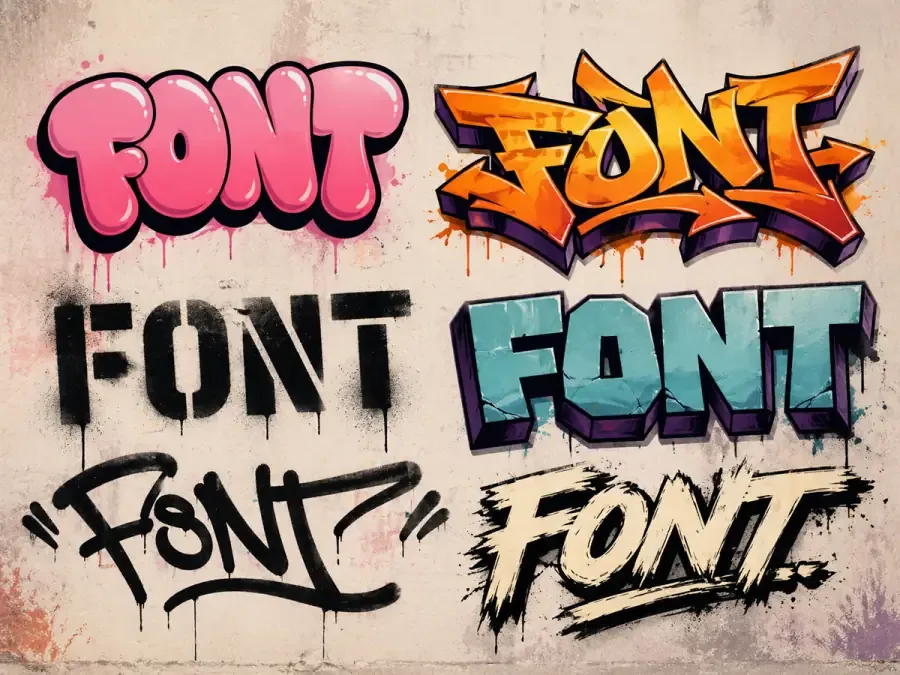
AI Graffiti Font Generator
Explore graffiti font directions for bubble, block, throw-up, and wildstyle lettering, then upgrade the strongest type treatment into AI artwork.
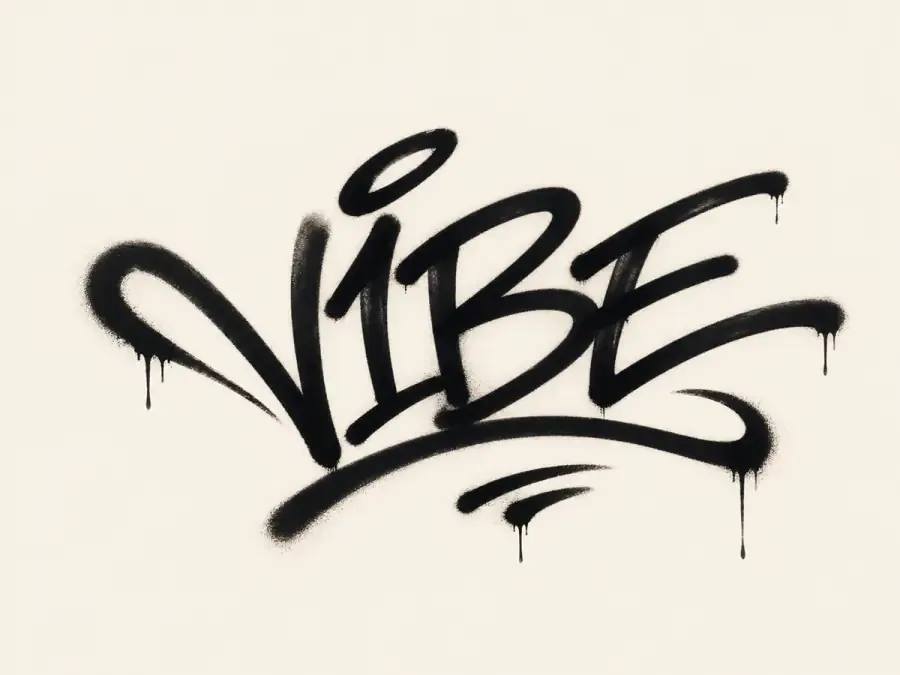
AI Graffiti Tag Generator
Design fast handstyle tags for aliases, stickers, profile marks, and signatures, with a direct path toward AI spray-paint scenes.
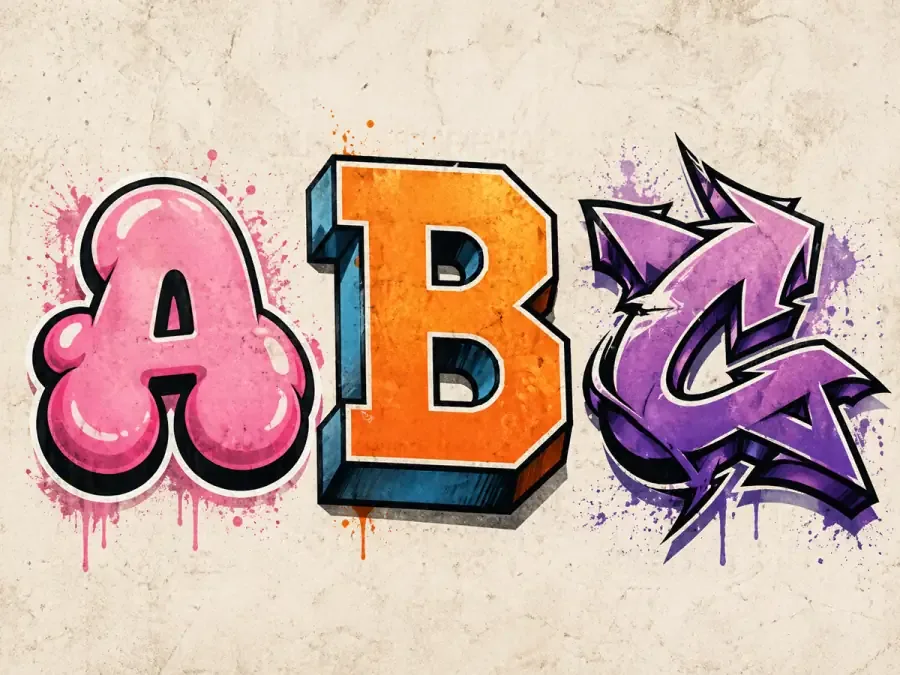
AI Graffiti Letter Generator
Work on single-letter graffiti concepts, alphabet styles, initials, and monogram directions before expanding them into AI-generated street art.
Generation Notes
Clean Text Base Notes
Use the online editor when spelling, layout, color, and export control matter more than AI scene generation. A clean graffiti text base can stand on its own, or it can become a stronger source image for AI mural, poster, and sticker concepts.
Short words with high contrast fills, outlines, and shadows are easier to reuse as clear source images.
Use this editor first when you need predictable spelling, transparent-style text exports, or manual color control.
PNG or JPG exports work well as references before turning the design into a wall scene or street-art mockup.
If you plan to upgrade into AI art, keep the base lettering simple enough for the model to follow.
Online Graffiti Generator FAQ
What is the Online Graffiti Generator?
The Online Graffiti Generator is a browser-based tool for creating custom graffiti text, names, tags, and lettering without design software. You can type a word, choose a graffiti style, adjust colors and effects, preview the result, and export it as an image for posters, stickers, profiles, or quick design mockups.
Is this online graffiti generator free?
Yes. You can create graffiti text previews in the browser and download PNG or JPG files on the free plan. GIF export, premium assets, higher resolution, and larger AI credit bundles are paid upgrades.
Can I keep my exact spelling?
Yes. The Online Graffiti Generator is the best choice when exact spelling matters because you enter and edit the text directly before exporting. Use the AI Graffiti Art Generator afterward if you want to place the lettering into a larger mural or poster scene, but always check AI-generated words before downloading.
What can I customize in the free editor?
You can type your text, choose from available font presets, adjust size, color, outline, shadow, background, and export format. Some fonts, backgrounds, patterns, animation, and higher-resolution options require an upgrade.
How do I make graffiti text online?
Type a short word, name, tag, or headline, choose a font or preset, adjust the look, pick a background, then save the design when the preview feels right.
What file formats can I export?
Free users can export PNG and JPG text designs. Paid plans unlock animated GIF export, premium assets, and higher-resolution output.
What happens when I click AI Upgrade?
AI Upgrade sends your current text preview to the AI graffiti art generator as a reference. From there, you can create a mural-style image with wall texture, spray paint, lighting, and scene depth.
Can I use the designs for logos or commercial projects?
The tool works well for early logo concepts, wordmarks, merch ideas, social graphics, and personal projects. For final trademark or brand use, review and refine the result like any other brand asset.
When are images uploaded or processed?
Normal text editing stays in the browser preview. Images are uploaded only when you use AI image-to-image generation or send a reference design to the AI art workflow.
Does this online graffiti generator work on mobile?
Yes. The layout works on desktop, tablet, iPhone, Android, iPad, and modern mobile browsers with touch-friendly editing controls.
Ready to Use the Free Online Graffiti Generator?
Start with the free browser editor when you need a clean graffiti word, name, or tag. When the preview feels right, download it as PNG/JPG or send the idea to AI Studio for a more finished wall-art scene.