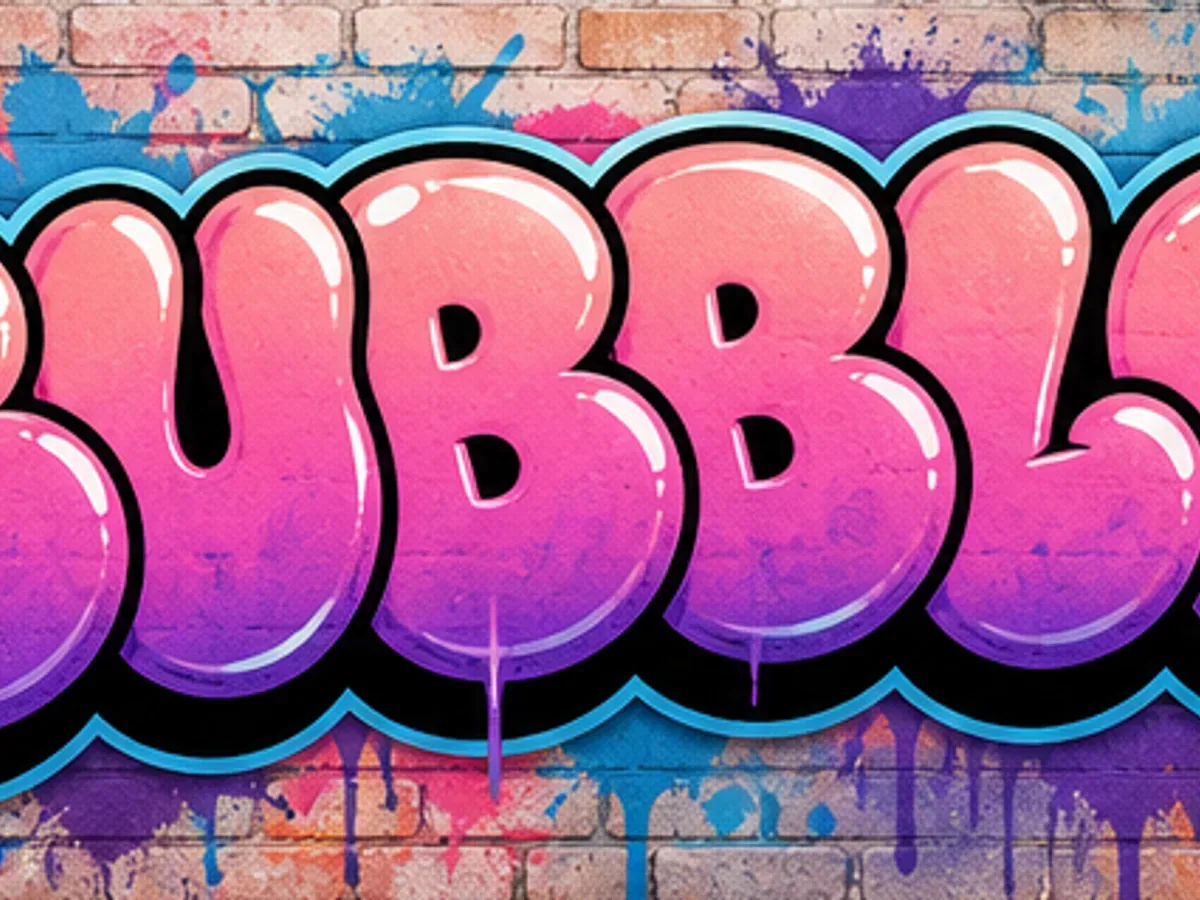
Bubble
Rounded, inflated letterforms that create friendly, readable names, stickers, and short display words.
Read the Bubble GuideTypical readability: Typically high
Works well for: Names, stickers, friendly display text
Learn how popular graffiti styles differ in shape, complexity, readability, and use. Then choose the right style and generator for a name, tag, logo, sticker, poster, or mural.
Compare popular styles by readability and choose the right look for names, tags, logos, stickers, posters, or murals.
This guide brings together common graffiti lettering forms, visual treatments, and street-art techniques so you can compare the look and choose the right creative tool.
Rounded, inflated letterforms that create friendly, readable names, stickers, and short display words.
Read the Bubble GuideTypical readability: Typically high
Works well for: Names, stickers, friendly display text
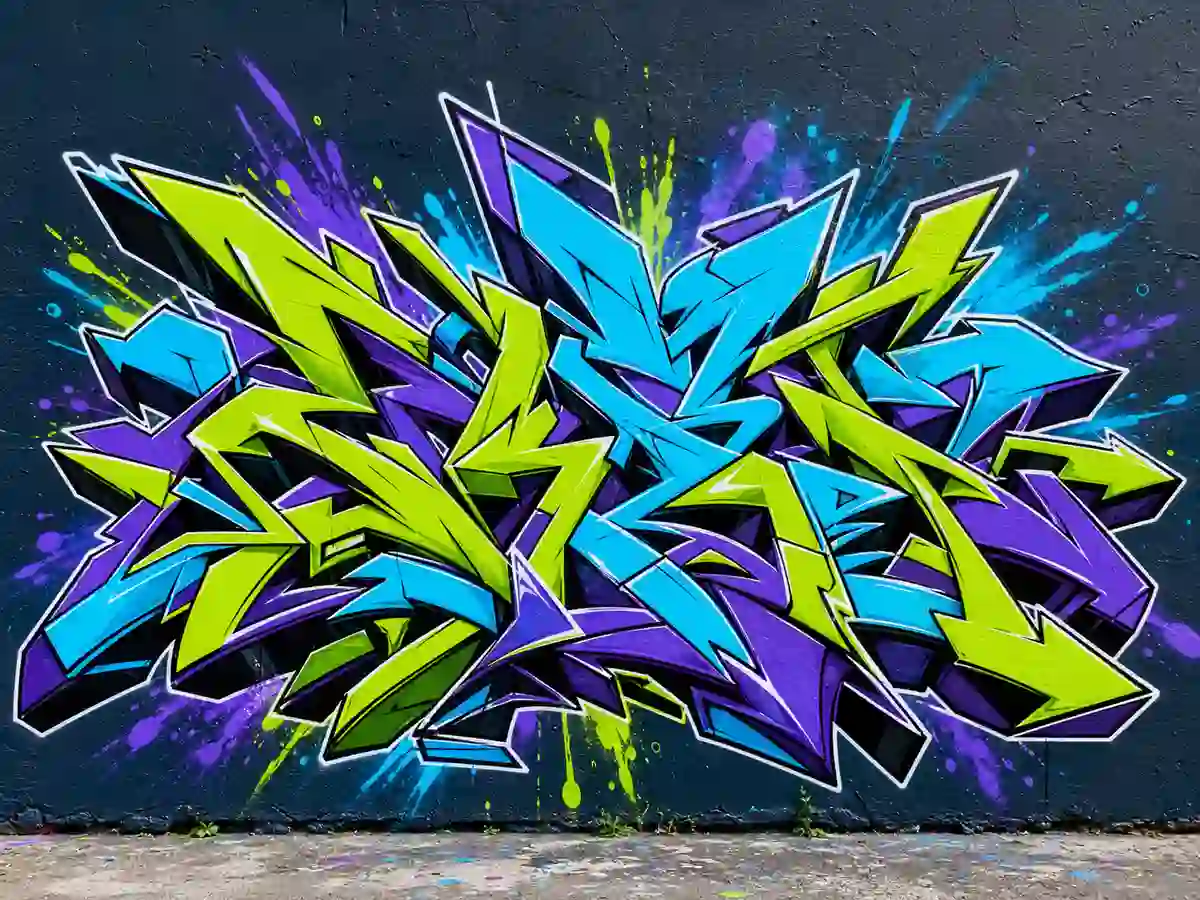
Interlocking letters, arrows, and connections create expressive pieces with strong visual energy but lower readability.
Read the Wildstyle GuideTypical readability: Typically low–medium
Works well for: Murals, advanced lettering, visual impact
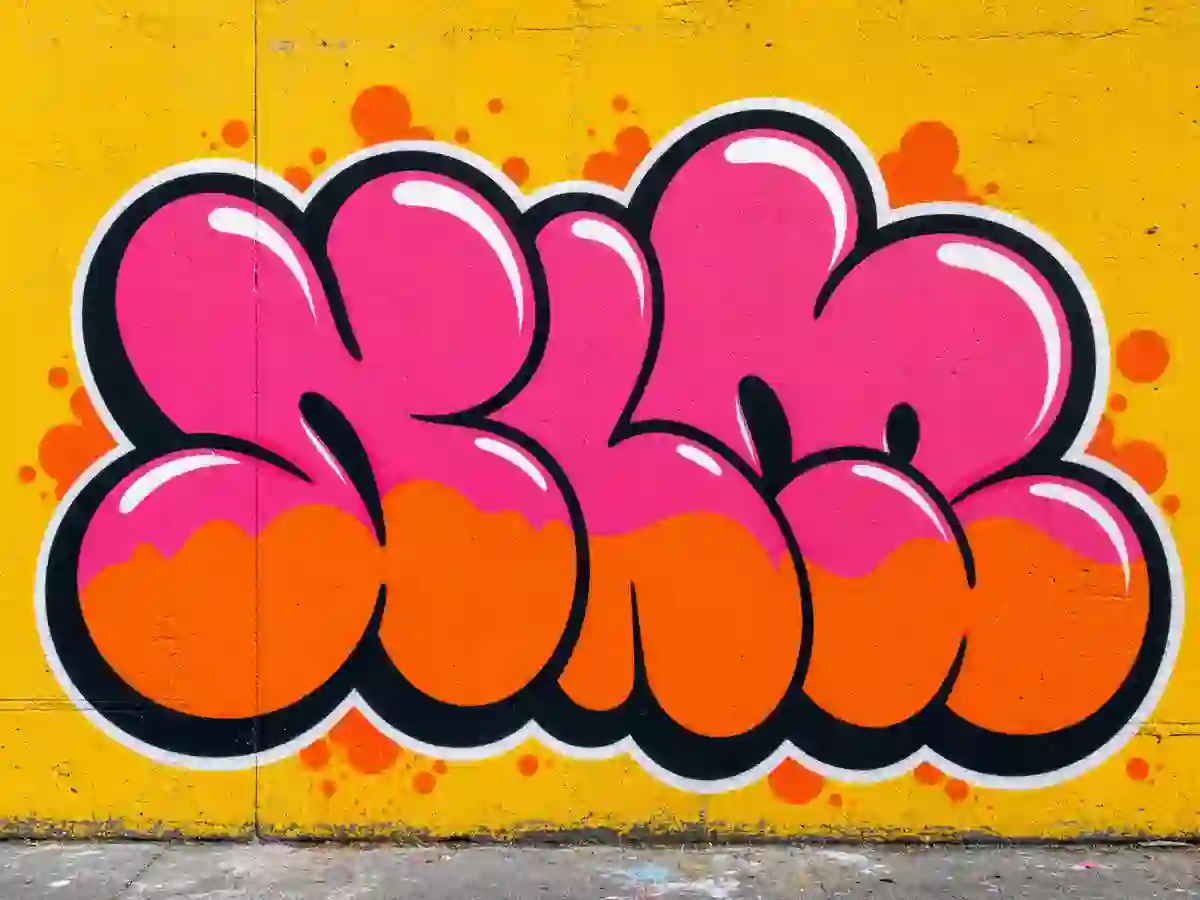
A fast, simplified piece—often bubble-based—with limited colors, bold outlines, and quick execution.
Typical readability: Typically medium
Works well for: Quick pieces, short names, stickers
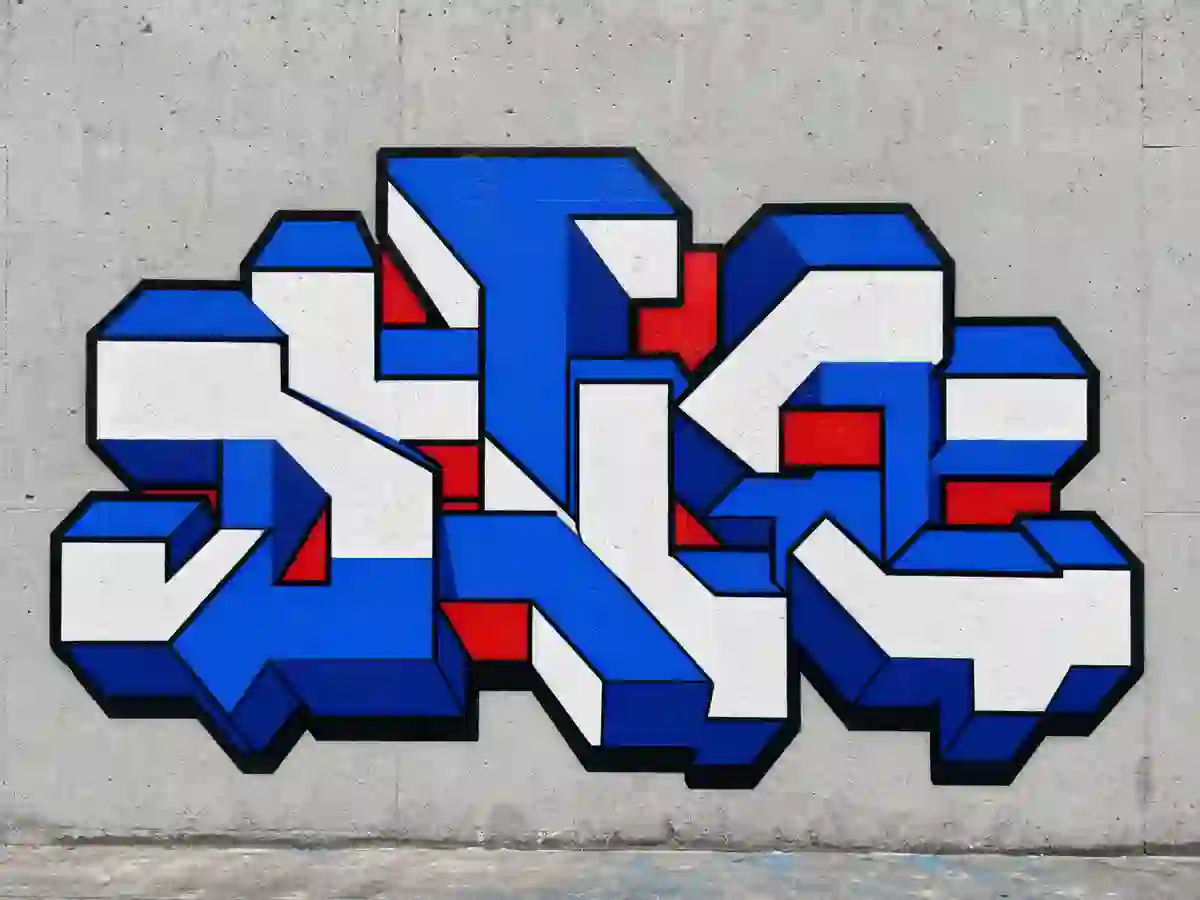
Straight, geometric letter shapes that prioritize structure, spacing, and readability for clear lettering.
Typical readability: Typically high
Works well for: Alphabet practice, logos, large lettering
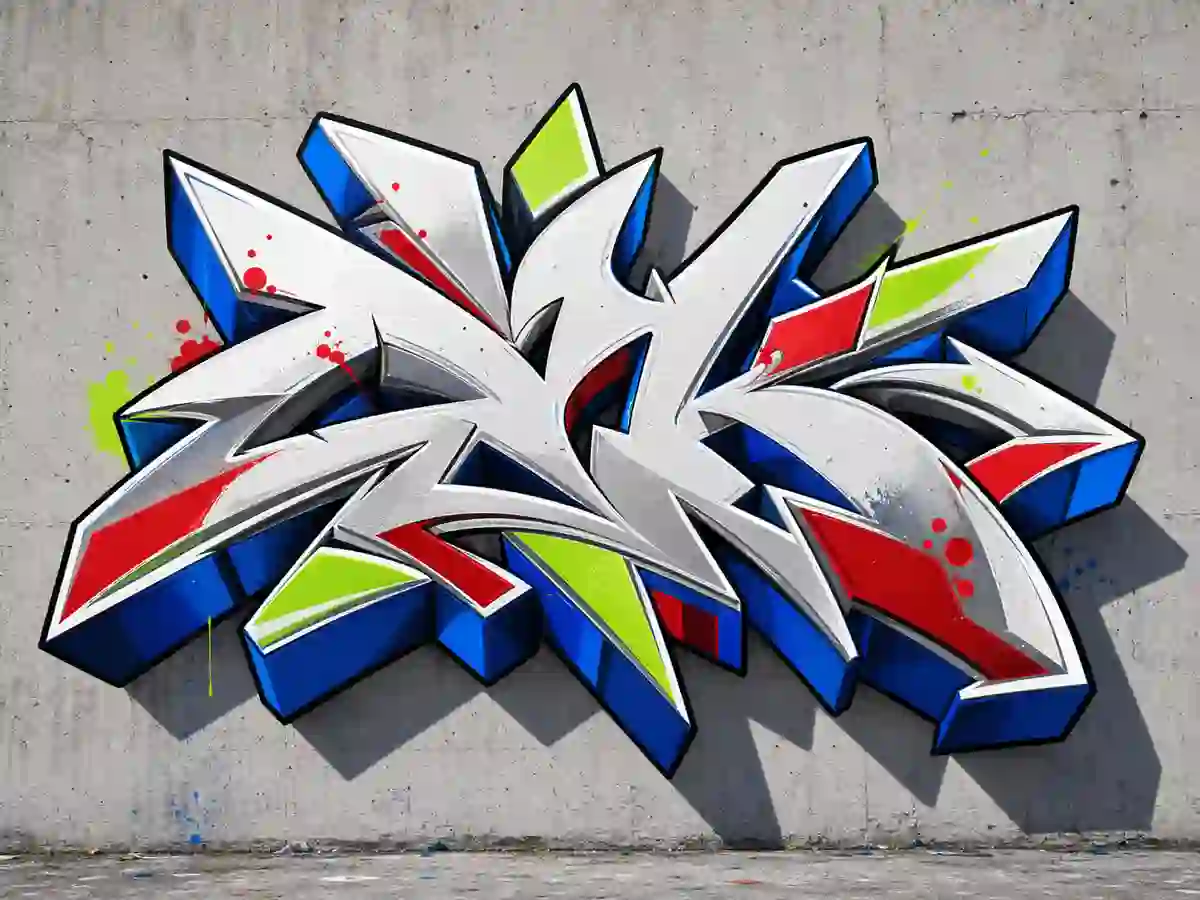
Graffiti lettering enhanced with shadows, extrusion, or perspective to create depth in posters, logos, and names.
Typical readability: Typically medium–high
Works well for: Posters, logos, dimensional lettering
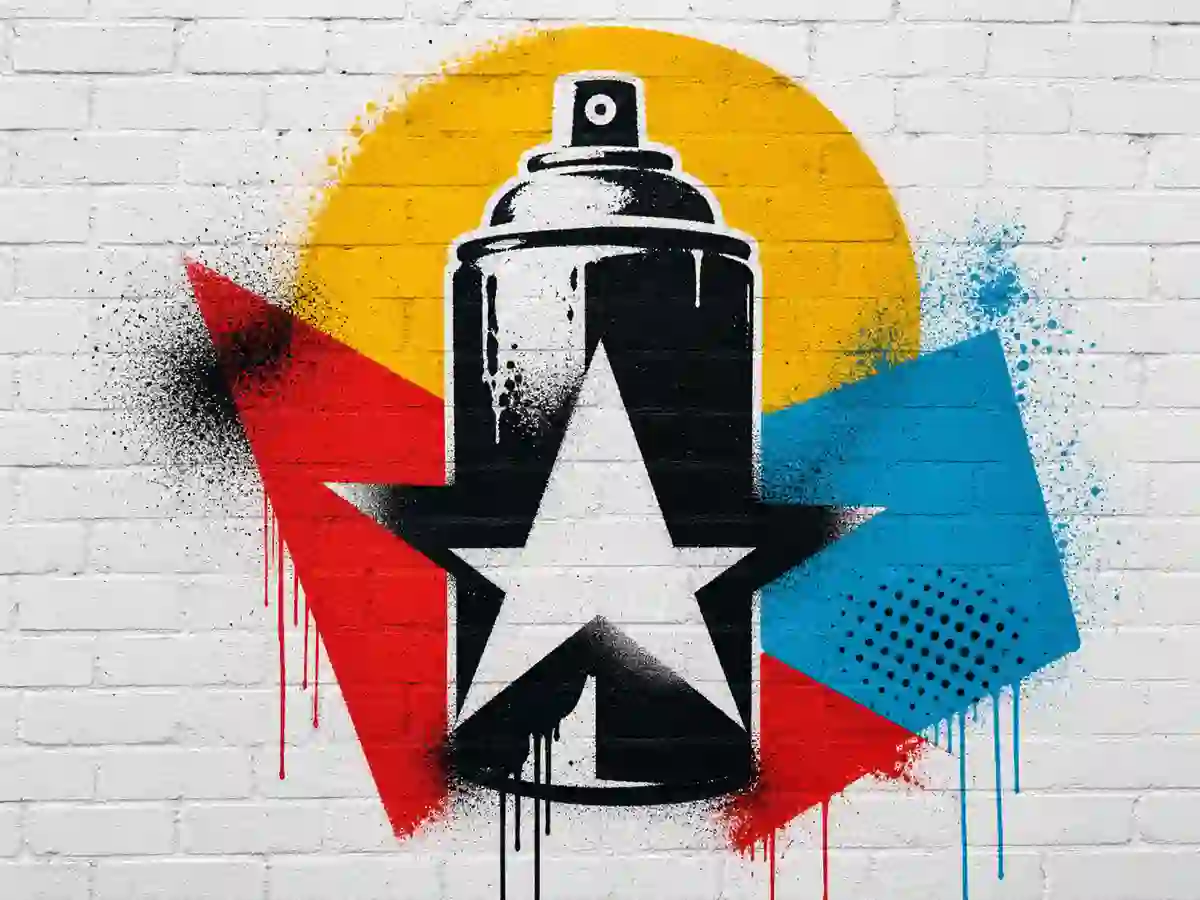
Cutout-based lettering or imagery made with a reusable stencil for posters, symbols, portraits, and graphic street art.
Typical readability: Typically high
Works well for: Posters, symbols, portraits
Graffiti styles can overlap. Readability changes with letter structure, spacing, contrast, and the amount of decoration.
Use a text-focused editor when spelling and export matter. Use the art generator when the goal is a broader scene or poster concept.
Accurate text editing and PNG/JPG export for quick lettering designs.
Explore lettering ideas for words, names, logos, and short headlines.
Practice individual letters and alphabet shapes one character at a time.
Turn names and aliases into a graffiti-style visual starting point.
Create quick tag and signature concepts for short words and aliases.
Test readable graffiti styles on logo concepts for brands, merch, and profiles.
There is no single universal list. Common writing forms include tags written in a personal handstyle, throw-ups, straight or block letters, and wildstyle. Bubble letters describe a rounded letter shape, while 3D is a dimensional effect and stencil is a cutout-based technique.
Simple bubble or block letters are good starting points because they make spacing, outlines, and letter structure easier to practice. Start with a short word, keep the letters readable, and add shadows or extra details only after the basic shapes work.
Choose bubble or block letters when readability matters, throw-up lettering for quick and bold short names, wildstyle for complex mural energy, 3D for depth and poster impact, and stencil for sharp graphic shapes. Bubble, block, and 3D lettering also work well for names, while tags and handstyles feel more like personal signatures. If the spelling must stay exact, start with a text-focused generator.
Bubble letters describe rounded, inflated letter shapes. A throw-up is a fast, simplified graffiti piece that often uses bubble letters, limited colors, and a strong outline, so the two ideas can overlap.
Wildstyle can be harder to read because its extensions, overlaps, arrows, and connections prioritize complexity and expression. If exact spelling matters, create the word in a text-focused generator first, then use AI art generation for a more complex mural composition.
Text-focused editors are the safest choice when exact spelling matters because you can enter the word directly and adjust the lettering before exporting. Start with the Online Graffiti Generator when spelling must stay accurate, then use the AI Graffiti Art Generator if you want to place the lettering into a larger mural or poster scene. AI-generated effects can alter or obscure individual letters, so check important words before downloading.
Yes. The text-focused Online Graffiti Generator lets you customize readable lettering and export the result as a PNG or JPG. It is a good choice for names, tags, logos, stickers, and posters when you want a ready-to-download text design.
The free Online Graffiti Generator is for readable text, names, tags, and direct PNG or JPG exports. The AI Graffiti Art Generator is for broader mural, poster, sticker, and street-art scenes from prompts or images. Start with the editor when spelling and layout matter; use AI when composition, atmosphere, and scene details matter. AI generations and advanced output follow the current credit and upgrade options.
Turn your chosen style into a name, tag, letter, poster, or street-art concept.