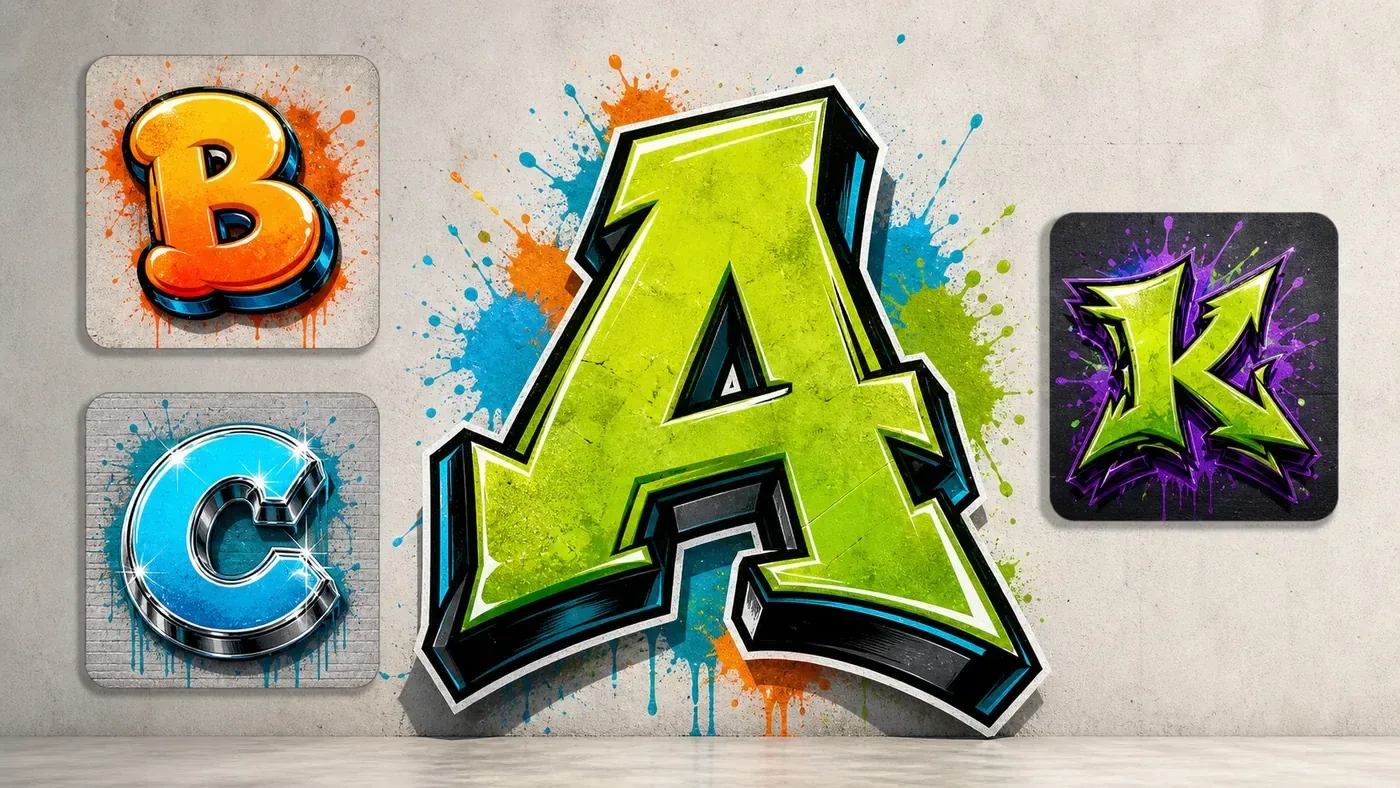
Graffiti Letter Generator OnlineCreate Custom Graffiti Letters and Initials
Type one letter or two initials, choose a style, and generate a graffiti-style letter image for practice sheets, profile icons, stickers, monograms, or tattoo-style references. Upload a sketch when you want the AI to follow your letter shape.
How the Graffiti Letter Generator Works
Start with one letter, two initials, or a source sketch. Choose a readable graffiti style, then generate a single-letter image you can use as a practice reference, profile icon, sticker idea, monogram, or tattoo-style concept.
Enter One Letter
Type one letter, two initials, or a short monogram idea. Single letters are easier for AI to keep readable than full words or long phrases.
Choose a Letter Style
Pick bubble or block for clear structure, 3D for shadows and depth, stencil for sharp initials, handstyle for motion, or wildstyle for a more complex look.
Generate Letter Ideas
Create graffiti letter concepts with outlines, fills, highlights, drop shadows, practice-sheet structure, initial badges, or monogram layouts.
Download or Refine
Download the result, try another style, or refine the prompt with phrases like single letter only, clear readable shape, bold outline, and no extra words.
AI Graffiti Letter GeneratorvsOnline Graffiti Generator
Use the AI graffiti letter generator for richer single-letter art, initials, monograms, and style exploration. Use the online graffiti generator when you need exact letter layout, manual colors, outlines, backgrounds, and predictable exports.
Use AI Graffiti Letter Generator For
- Single-letter art, initials, monograms, and profile badge concepts
- Bubble, block, 3D, stencil, handstyle, and wildstyle letter ideas
- Practice-sheet references, sticker initials, tattoo-style references, and logo roughs
- Transforming a sketch or rough initial into a graffiti-style letter image
Use Online Graffiti Generator For
- Exact single letters, initials, short words, or alphabet layouts
- Manual font, fill color, outline, shadow, background, and export controls
- Fast PNG-style lettering exports for clean references
- A controlled source image you can upload into the AI tool when structure matters
Graffiti Letter Generator Ideas You Can Create
Use these examples to choose a direction before you generate your own letter. Bubble and block styles are best for readable practice letters; 3D, stencil, handstyle, and wildstyle work better for initials, badges, sticker ideas, and expressive style studies.
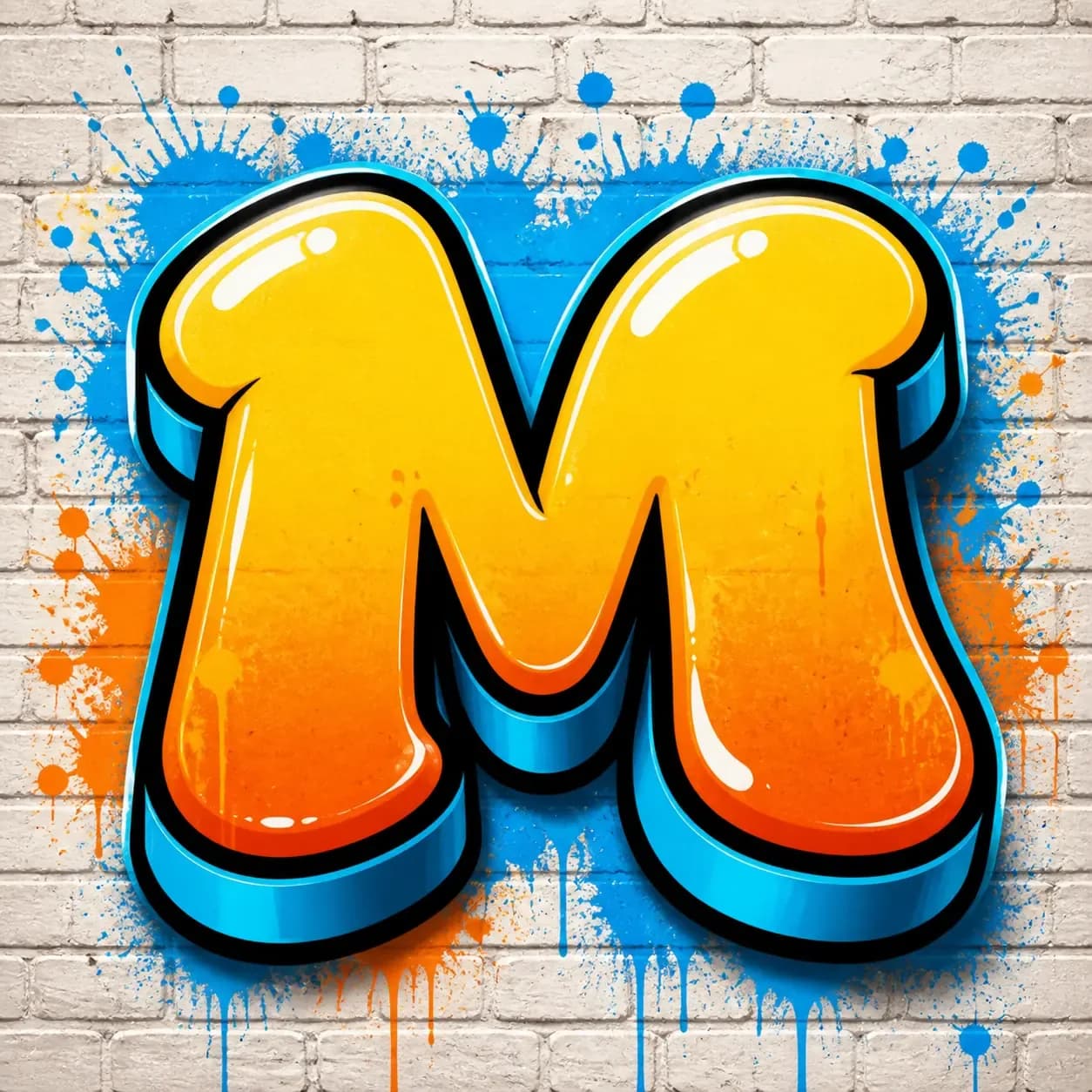
Bubble Letter M
A rounded single-letter direction for beginners, profile marks, and friendly initial art.
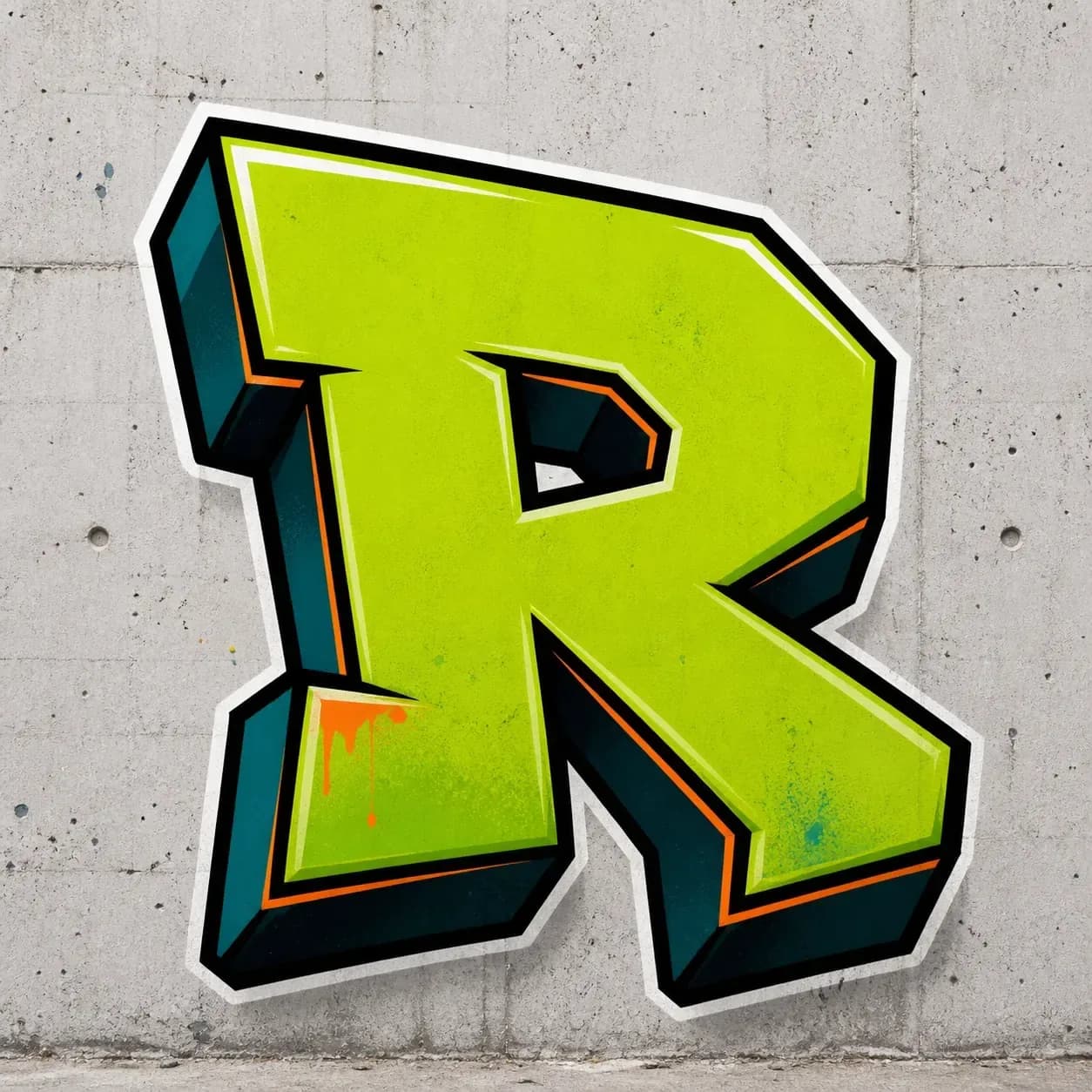
Block Letter R
A strong readable initial with simple structure for logos, practice, and quick letter studies.
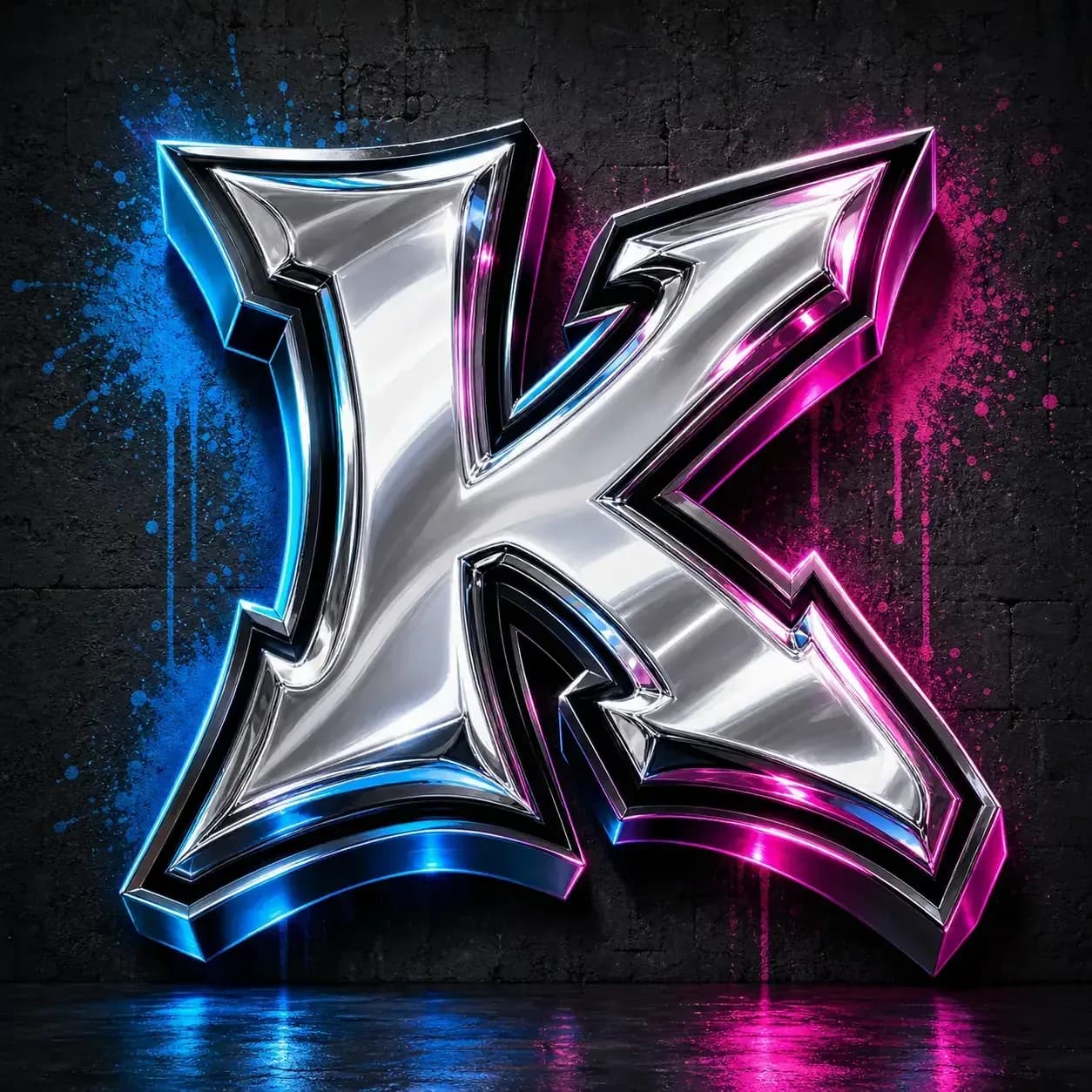
Chrome 3D Letter K
Dimensional highlights and shadows help show how a single letter can gain depth.
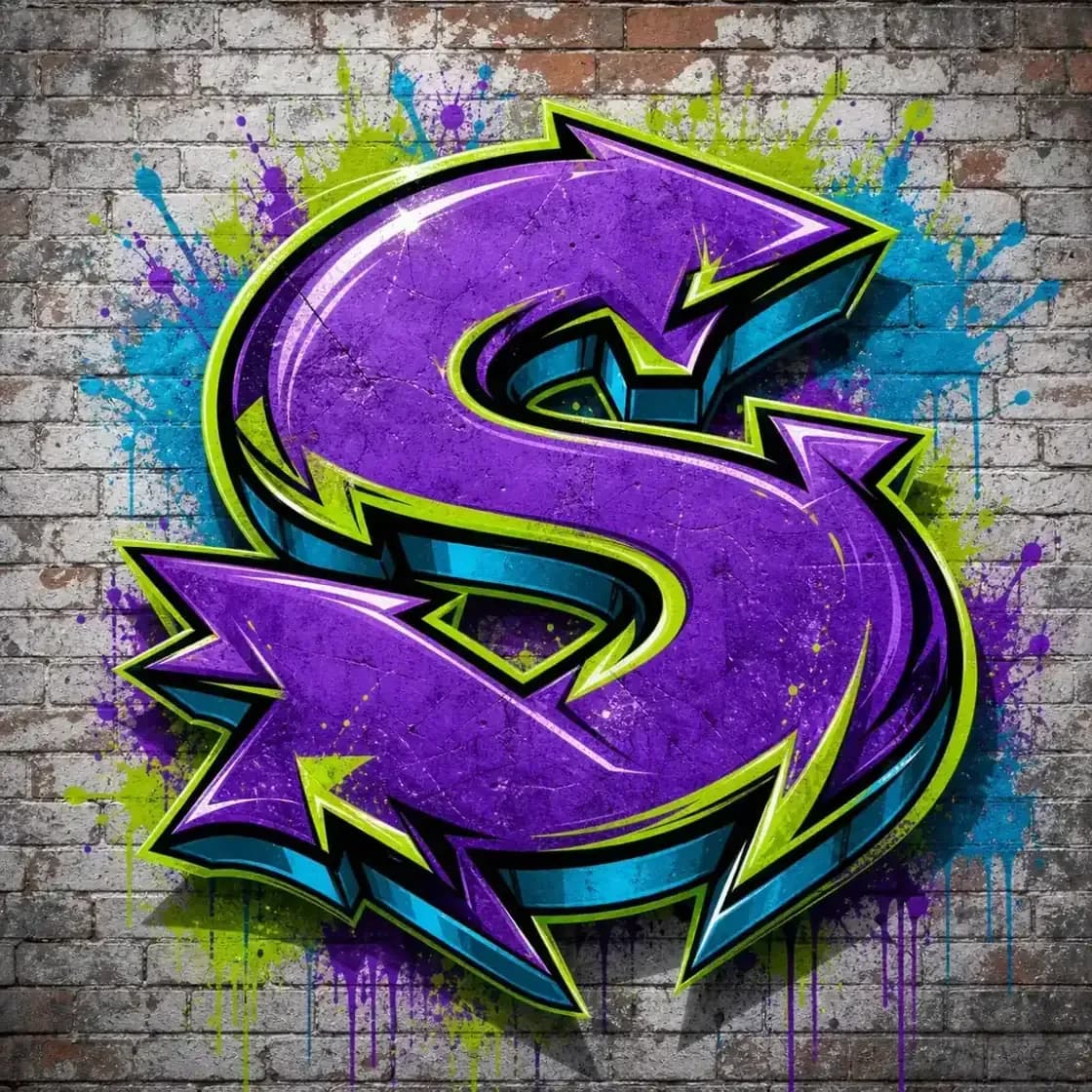
Wildstyle Letter S
A more expressive single-letter idea with arrows and extensions while keeping the S readable.
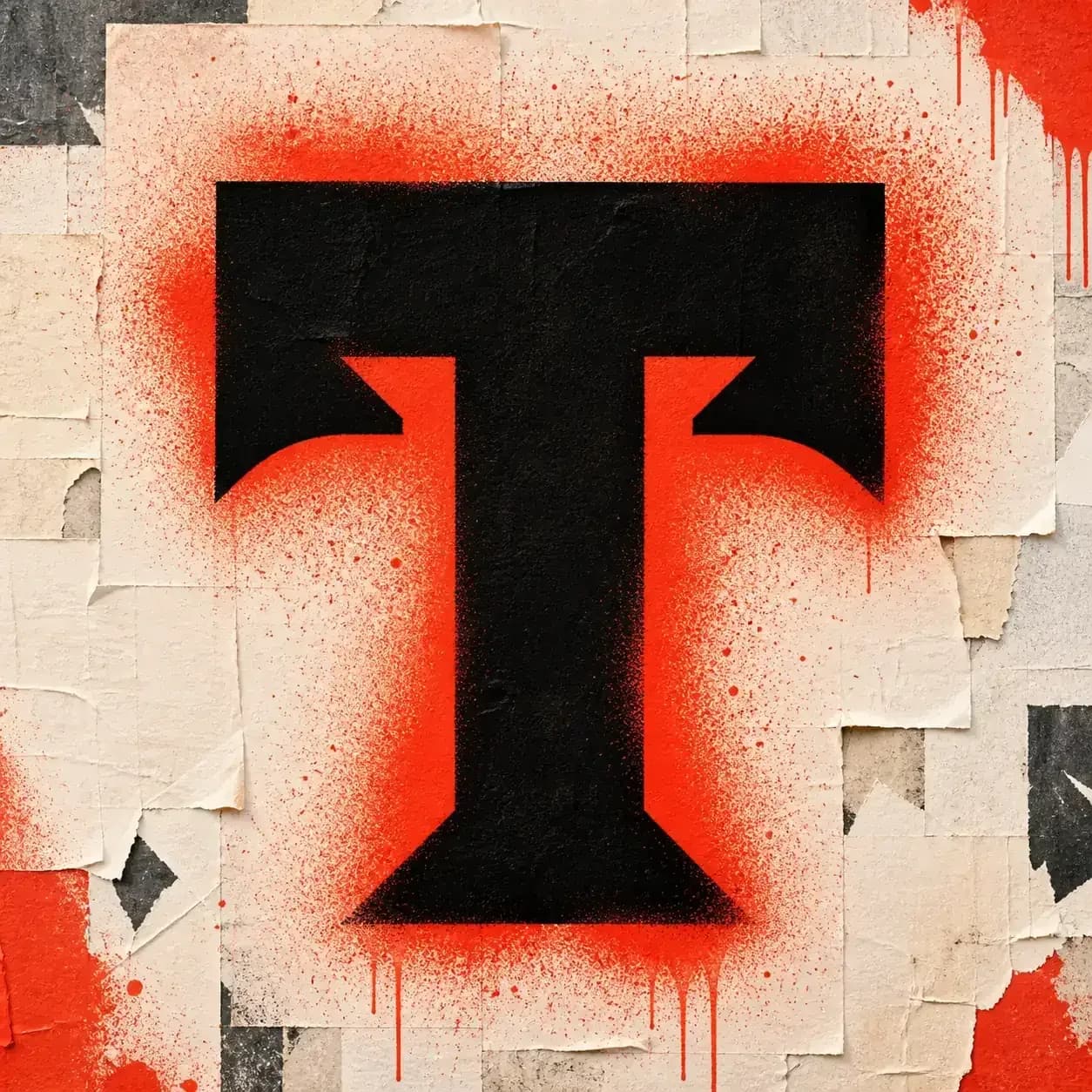
Stencil Letter T
A sharp cutout initial for posters, monogram references, and tattoo-style studies.
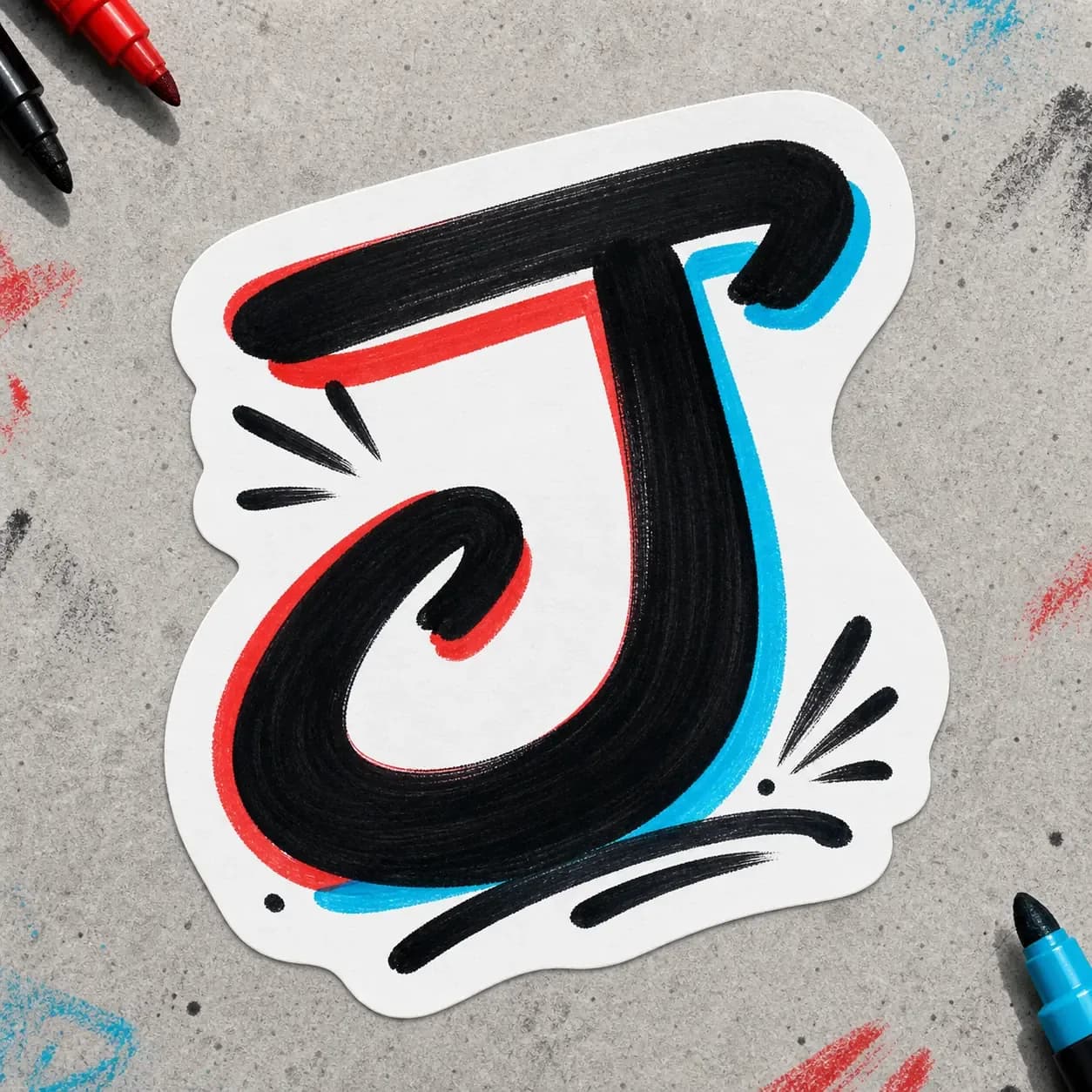
Handstyle Letter J
A marker-style initial with rhythm and motion for signature-inspired letter ideas.
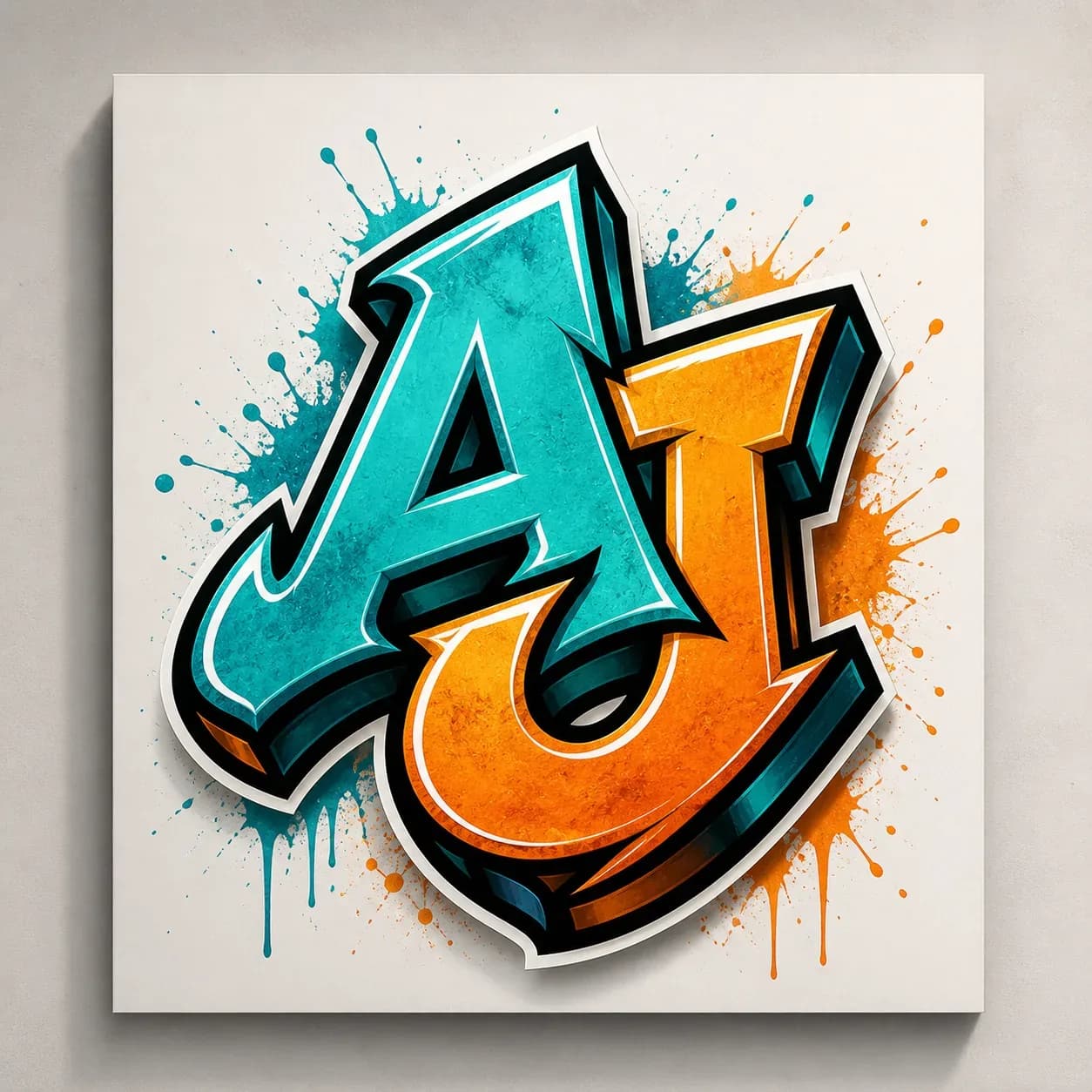
AJ Monogram Concept
Two initials combined into a logo-like graffiti mark for creator or team identity ideas.
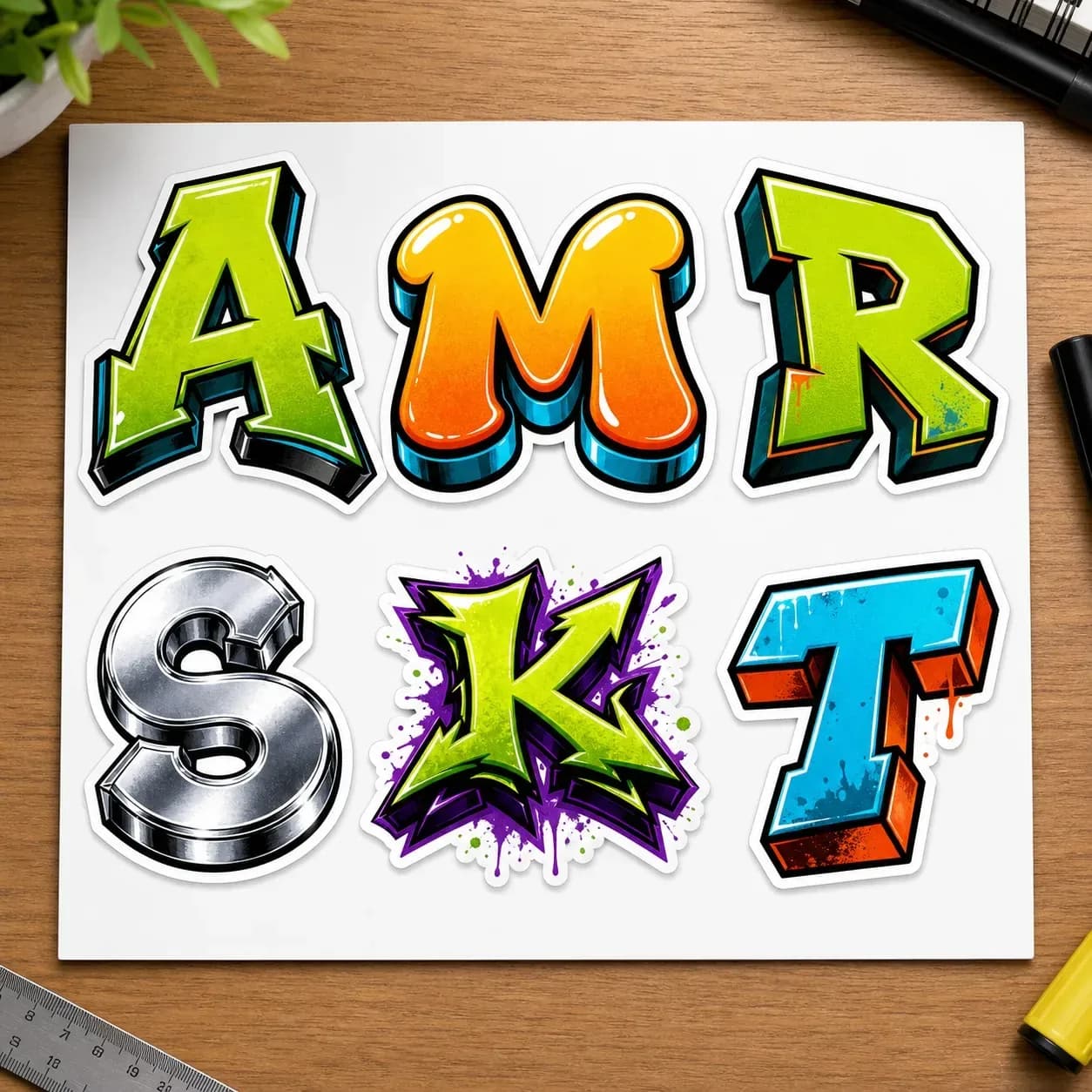
Initial Sticker Sheet
A set of single-letter sticker concepts for comparing different graffiti letter directions.
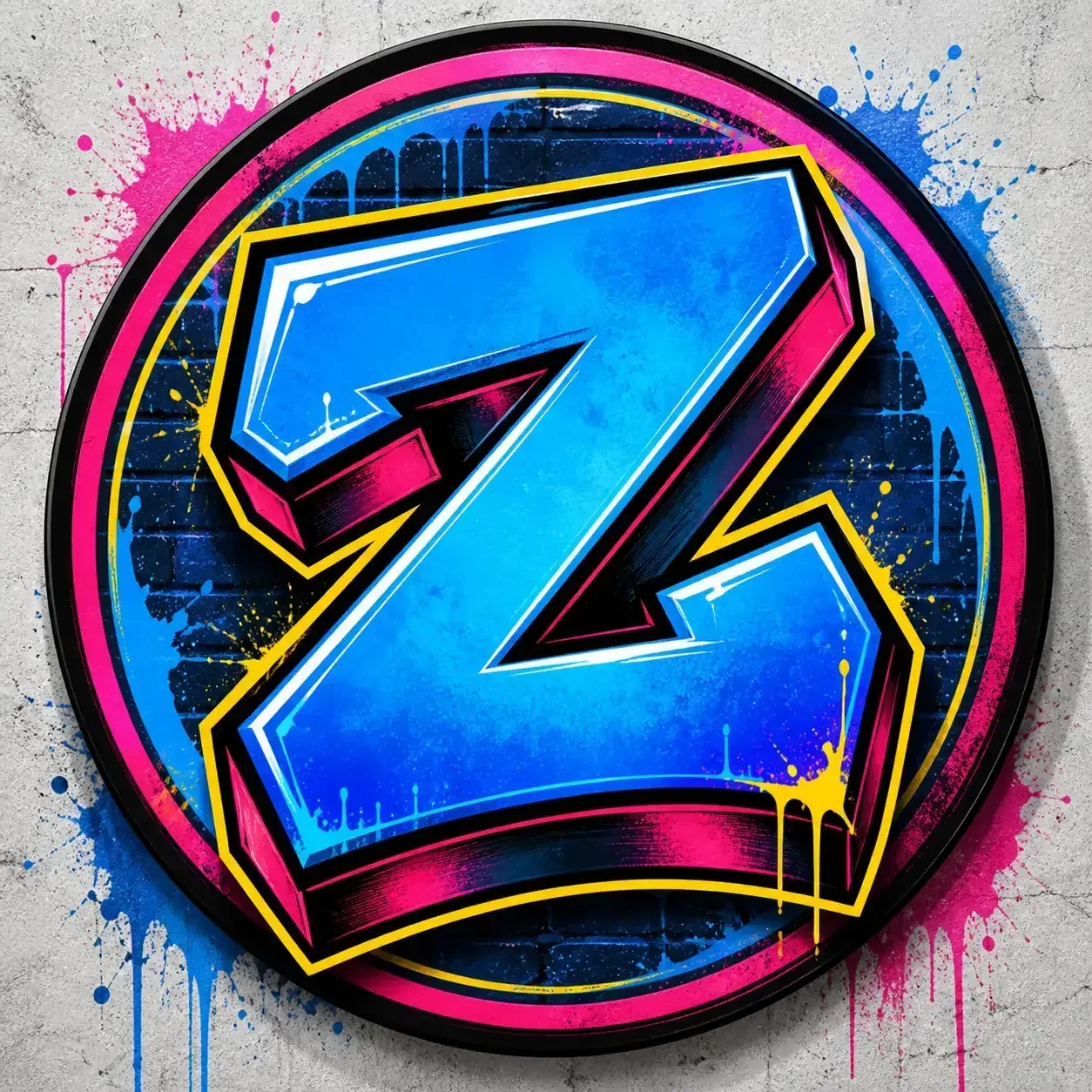
Profile Letter Z
A bold single-letter badge for avatar, channel icon, or social profile concept work.
Graffiti Letter Generator Use Cases
Use AI graffiti letters as concept references for practice sheets, initials, monograms, stickers, tattoo conversations, profile icons, and style studies before you redraw or refine the final design.
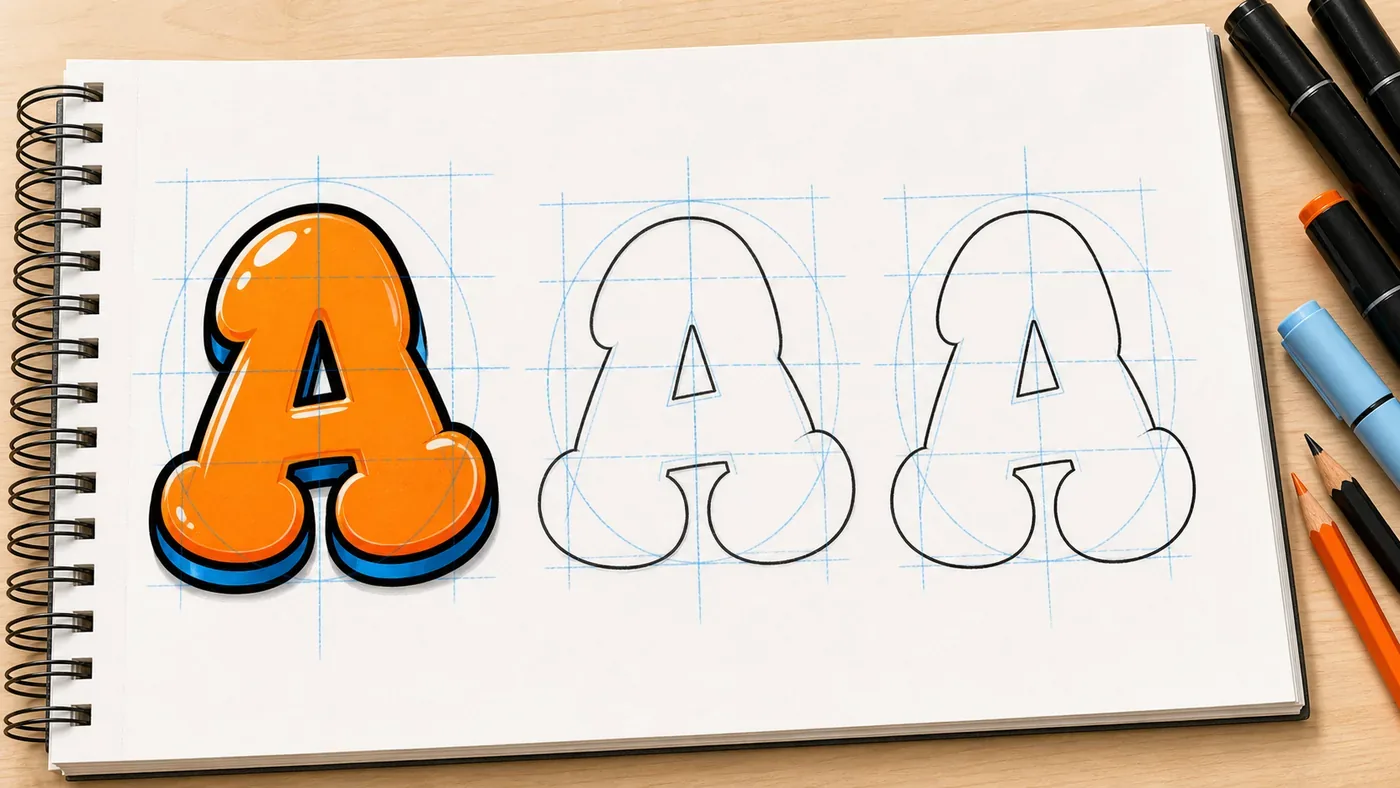
Letter Practice Sheets
Create a single-letter reference with simple construction lines before drawing the shape in a blackbook or worksheet.
Initial Logos
Explore initials, creator marks, team letters, and small logo directions before redrawing the final version cleanly.
Sticker Initials
Compare bold outlines, cutlines, and compact silhouettes for decals, laptop stickers, notebooks, and profile badges.
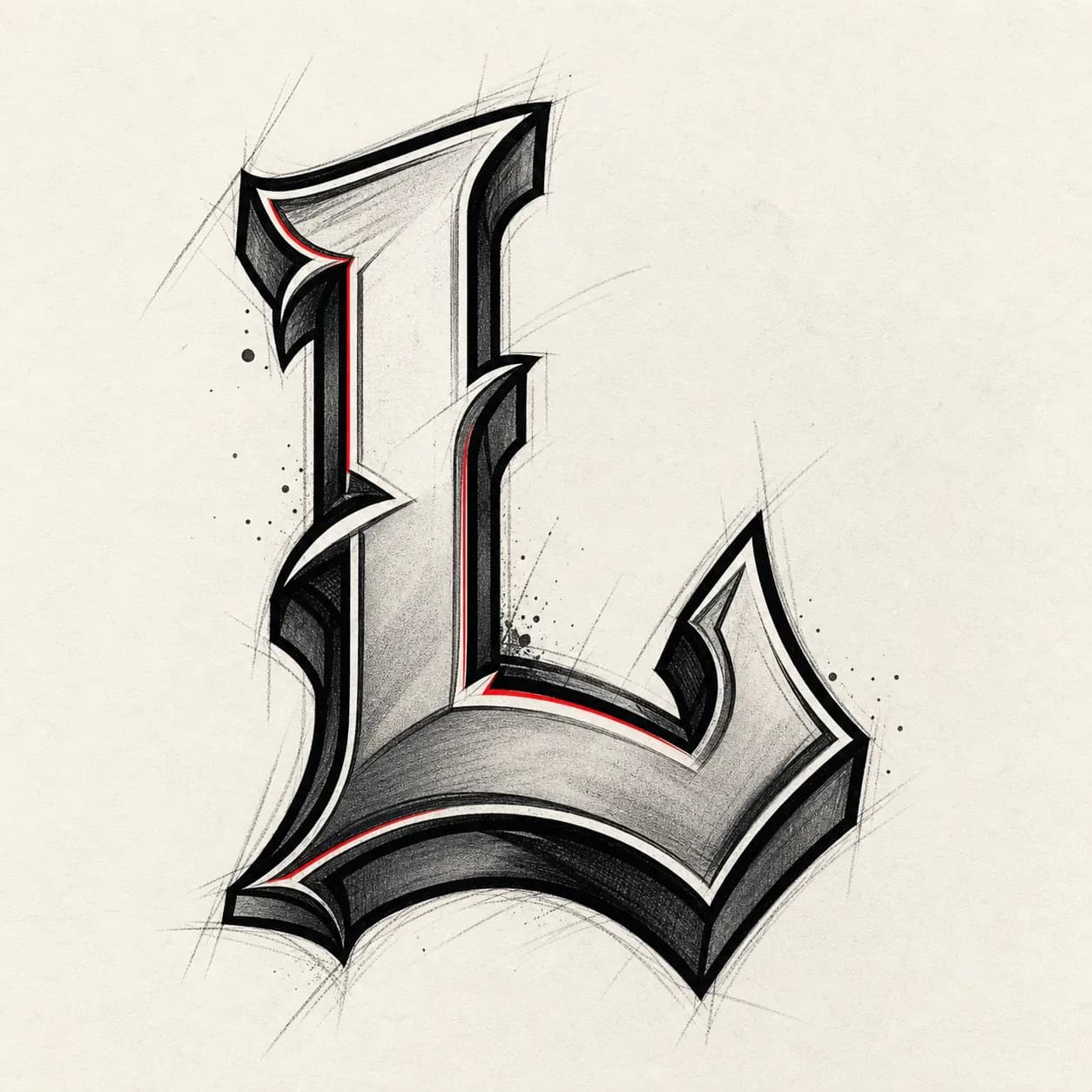
Tattoo References
Generate single-letter monogram references for tattoo conversations, lettering studies, or personal initial concepts.
Profile Icons
Make a bold initial badge for Discord, TikTok, YouTube, gaming profiles, creator avatars, or channel art.
Style Studies
Test bubble, block, 3D, stencil, handstyle, and wildstyle directions on one letter before building a full word.
Graffiti Letter Generator Styles to Try
Choose a graffiti letter style based on readability and purpose. Bubble and block styles are easiest for practice; 3D and stencil add structure; handstyle and wildstyle work best when you want motion or a more expressive initial.
Bubble Letter
Rounded forms with thick outlines. A strong first style for beginners, worksheets, and readable single-letter art.
Explore Bubble LetterBlock Letter
Heavy simple shapes for initials, logos, and practice references where the letter needs to stay clear.
3D Letter
Dimensional shadows and highlights make the letter feel built up. Useful for studying depth, perspective, and bold initial badges.
Stencil Letter
Sharp cutout shapes with strong contrast. Useful for posters, clean initial marks, and tattoo-style reference conversations.
Handstyle Initial
Marker-like stroke rhythm for quick personal initials, signature-inspired marks, and sticker concepts. Keep the form simple if the letter must stay clear.
Wildstyle Letter
Arrows, extensions, and layered shapes add energy. Best for expressive style studies, but keep the center shape simple when readability matters.
Explore Wildstyle LetterGraffiti Letter Generator Prompt Ideas
Use these templates as a starting point. Replace [LETTER] with one character in quotes, then keep phrases like single letter only, clear readable shape, and no extra words when accuracy matters.
Readable Bubble Letter
Create a graffiti letter "[LETTER]", single letter only, bubble style, clear readable shape, thick black outline, bright fill, simple wall background, no extra words
Block Initial Logo
Create a graffiti initial "[LETTER]", single letter only, bold block style, centered logo composition, sharp edges, high contrast colors, no extra text
Chrome 3D Letter
Create a chrome 3D graffiti letter "[LETTER]", single letter only, metallic highlights, deep shadow, readable structure, dark concrete wall
Wildstyle Single Letter
Create a semi-wildstyle graffiti letter "[LETTER]", single letter only, arrows and extensions, readable center letter, fewer overlaps, energetic colors
Monogram Initials
Create a graffiti monogram using only initials "[A]" and "[B]", readable intertwined letters, bold outline, centered mark, clean presentation background, no extra letters
Source Sketch Transform
Transform this source image into a graffiti letter reference, preserve the main letter shape, keep one clear readable letter, add bold outlines, color fills, highlights, and light street texture
Generation Notes
Single Letter Generation Notes
Single letters give the model more room to focus on shape, outline, fill, and style. Use this page when you want a clear initial, monogram, practice reference, sticker mark, or tattoo-style idea before drawing a cleaner final version.
One letter is the most stable input. Two-letter monograms can work well, but they usually need several variations.
Use phrases such as single letter only, clear readable shape, centered initial, and no extra words.
Bubble, block, stencil, and clean 3D styles keep the letter structure easier to recognize.
For wildstyle letters, ask for a readable center letter so arrows and extensions do not hide the main shape.
Unlock More Graffiti Letter Ideas
Buy credits once to generate AI graffiti letters without a monthly subscription. Use them for more variations, higher-resolution downloads, practice sheets, stickers, monograms, and profile icons.
Starter
A low-risk pack for one small 1K or 2K project.
100 credits
+20 bonus if eligible · Sign in to confirm
About 10 images at 1K
No subscription, just credits
Credits never expire
AI pack includes
- Included: AI generation up to 2K
- Included: Reference-image generation
- Included: Commercial use for generated images
- Included: AI generation credits
- Included: Watermark-free AI downloads up to 2K
- Included: Reference-image generation
- Included: Commercial use for generated images
- Included: Credits never expire
- Included: Standard generation queue
- Not included: 4K generation
- Not included: Email support
Standard
Best value for regular projects and 4K generation.
350 credits
+50 bonus if eligible · Sign in to confirm
About 35 images at 1K
Best value, no monthly bill
Credits never expire
AI pack includes
- Included: AI generation up to 4K
- Included: Reference-image generation
- Included: Priority generation queue
- Included: AI generation credits
- Included: Watermark-free AI downloads up to 4K
- Included: Reference-image generation
- Included: Commercial use for generated images
- Included: Credits never expire
- Included: Priority generation queue
- Included: Email support
- Not included: Priority support
Compare pack prices
Standard: +$5.00 · +250 credits
Free for everyone
Text graffiti editor, all font styles, and PNG/JPG exports do not require an AI credit pack.
No subscription or recurring charge. Credit packs are one-time purchases, and all included credits never expire.
Graffiti Letter Generator FAQ
What is the Graffiti Letter Generator?
The Graffiti Letter Generator creates single-letter, initial, and monogram-style graffiti images from one letter, two initials, or a source sketch. Use it for alphabet practice, profile icons, stickers, tattoo-style references, letter studies, or visual ideas before drawing a cleaner final version.
What can I make with this graffiti letter generator?
You can create single graffiti letters, initials, monograms, profile icons, sticker initials, tattoo-style references, and practice-sheet ideas. It is best for focused letter studies, not long words.
Is this different from the graffiti letters A-Z pages?
Yes. The A-Z pages are educational references for specific letters. This AI graffiti letter generator creates custom single-letter images, initials, monograms, and source-image transformations.
Can AI create the exact letter I type?
Usually it works better with one letter than with long words, but AI can still distort shapes. Put the letter in quotes and add phrases like "single letter only", "clear readable shape", and "no extra words". If exact layout matters, create a clean source image with the Online Graffiti Generator first, then upload it here.
Which styles are best for readable graffiti letters?
Bubble, block, stencil, and clean 3D styles are usually easiest to read. Wildstyle and handstyle can look more expressive, but the letter may become more abstract.
Can I make a monogram with two initials?
Yes. Use a prompt such as "graffiti monogram using initials A and J" and ask for readable intertwined letters. For exact letter placement, generate a few variations and pick the clearest one.
Can I make a full graffiti alphabet?
You can generate and compare letters one at a time, which works well for style studies. For a precise A-Z layout or exact alphabet spacing, use the Online Graffiti Generator or the graffiti letters A-Z reference pages as a cleaner starting point.
Should I use this page or the Online Graffiti Generator?
Use this AI page for richer single-letter art, initials, monograms, and style exploration. Use the Online Graffiti Generator when you need exact text layout, manual controls, and predictable PNG-style exports.
Can I upload a source image?
Yes. Upload a sketch, letter drawing, logo rough, or monogram idea you want to transform. Image strength controls how closely the AI follows the source image.
Can I download the generated letter?
Generated results can be opened and downloaded as image files. Higher-resolution downloads depend on your plan and available credits.
Can I use the result for stickers, tattoos, or client work?
Generated images are useful for concepts, mockups, and references. For commercial publishing, merch, tattoo work, or client delivery, check your plan and the current site terms first.
Is this free to try?
AI graffiti letter generation requires a paid credit pack. The free Online Graffiti Generator remains available for editable lettering and standard exports.
More Graffiti Tools
Need exact text, names, tags, art scenes, or font-style lettering? Jump to a focused tool.
Online Graffiti Generator
Use manual controls for exact readable graffiti text and exports.
Open toolGraffiti Art Generator
Create mural-style scenes, posters, stickers, and mockups from prompts or images.
Open toolGraffiti Text Generator
Turn words, slogans, and headings into graffiti text images.
Open toolGraffiti Name Generator
Create graffiti-style names, gamer tags, and creator marks.
Open toolGraffiti Font Generator
Explore graffiti font-style lettering and wordmark ideas.
Open toolGraffiti Tag Generator
Generate short handstyle tags and signature-style marks.
Open toolCreate Graffiti Letter Ideas Now
Type one letter or two initials, pick a style, and generate a graffiti letter idea for a practice sheet, sticker, profile icon, monogram, or tattoo reference.